

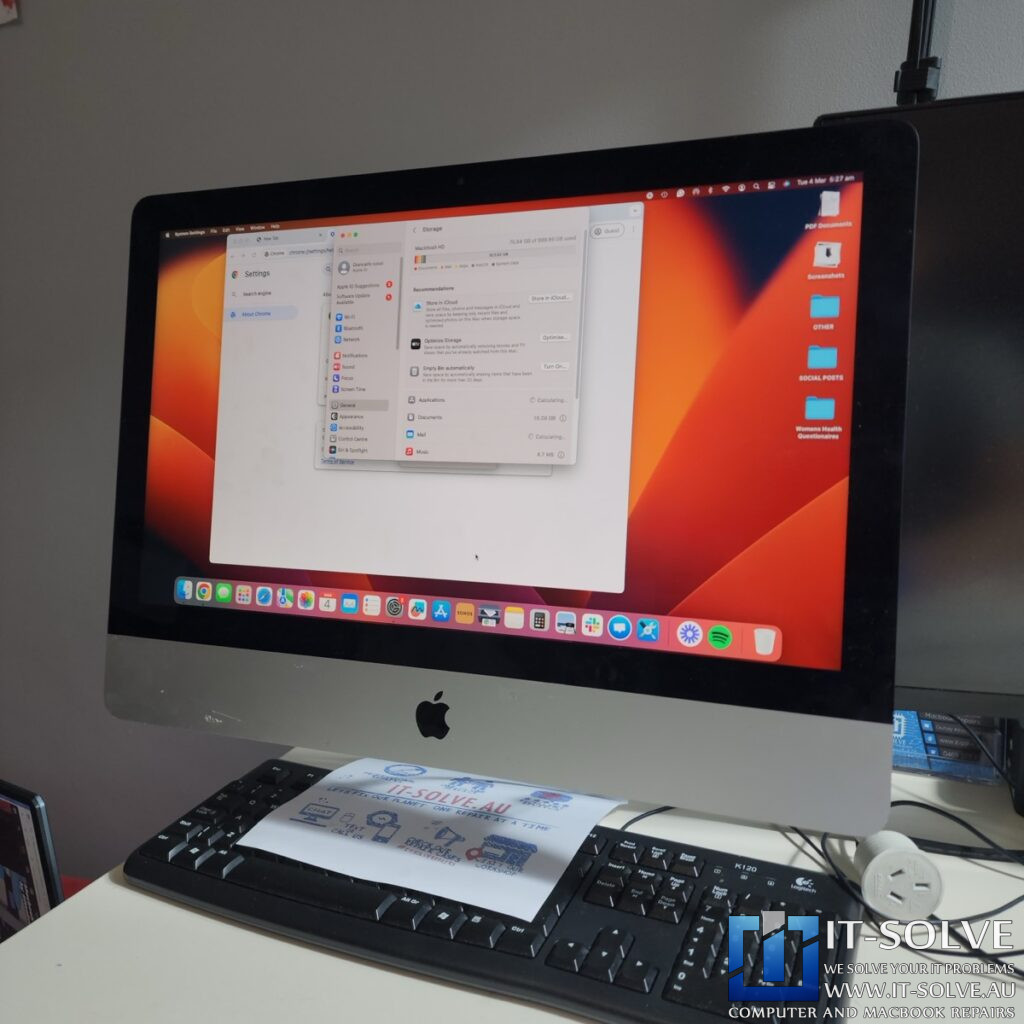
Diagnosing a Sluggish 2017 21.5-inch iMac
We received a 2017 21.5-inch iMac for repair under RepairID #2411. This machine arrived at our workshop exhibiting very bizarre and inconsistent performance issues. Despite having 16GB of memory and a previously installed 1TB Crucial SSD, the system became extremely laggy when running multiple browser tabs.
Although a SMART check showed no immediate signs of hardware failure, the machine’s slow responsiveness suggested an internal drive struggle.
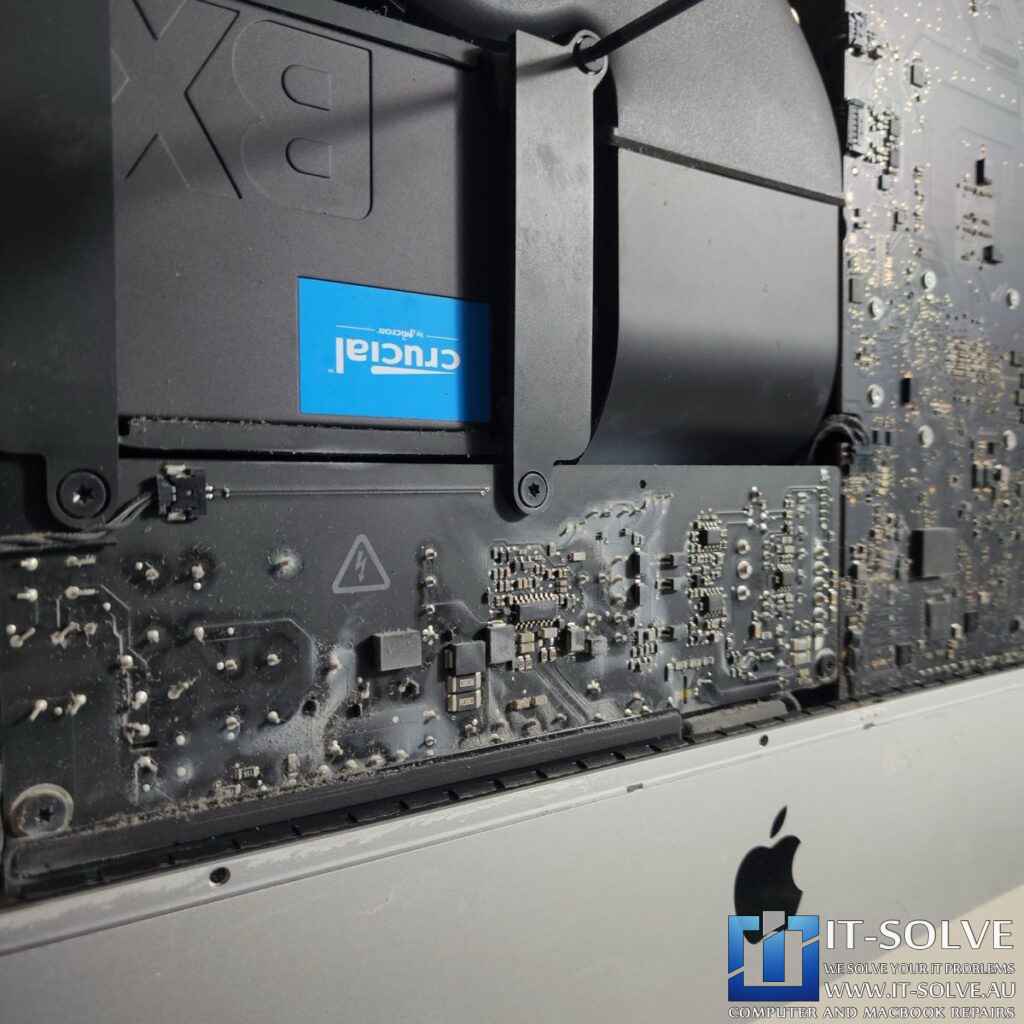
Upon opening the iMac, we discovered it was heavily congested with dust, which is common for machines used in high-traffic areas like a physiotherapy reception.
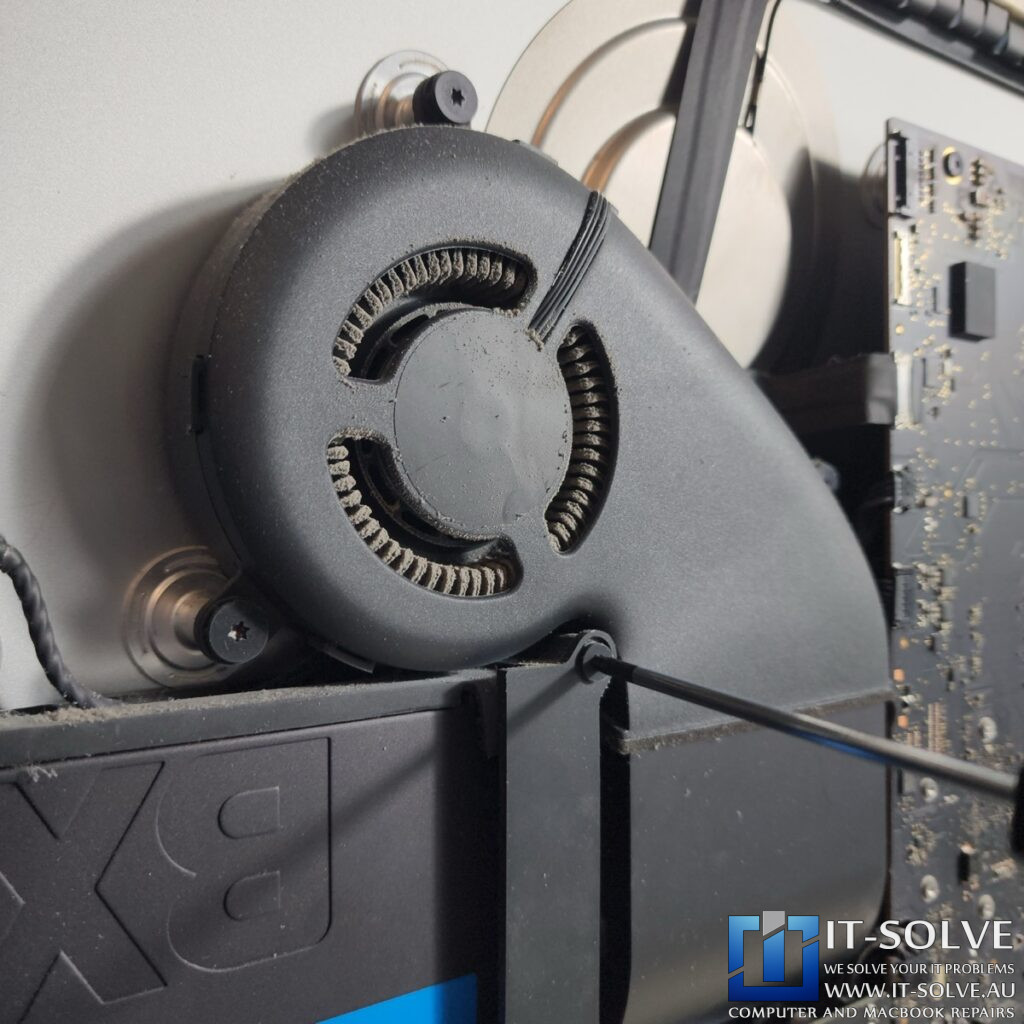
This lack of servicing had led to serious overheating, evidenced by black discoloration on the bottom edge of the screen and a strange white residue on the power supply capacitors. Consequently, we suspected that the constant high temperatures caused the Crucial SSD to fail prematurely after only a couple of years.
iMac SSD Replacement and System Servicing
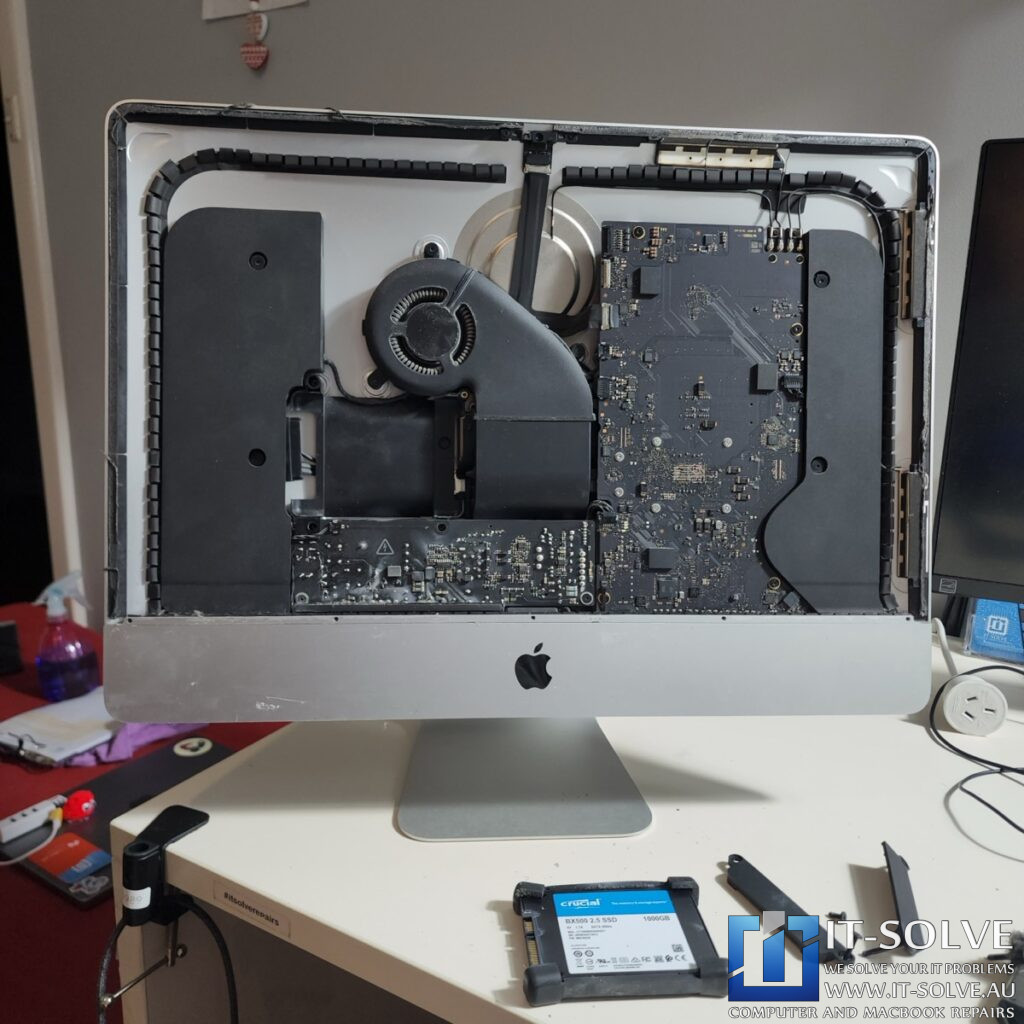
During this specialized repair, we performed a deep internal service to clear the cooling fins and neutralize the residue on the power supply.
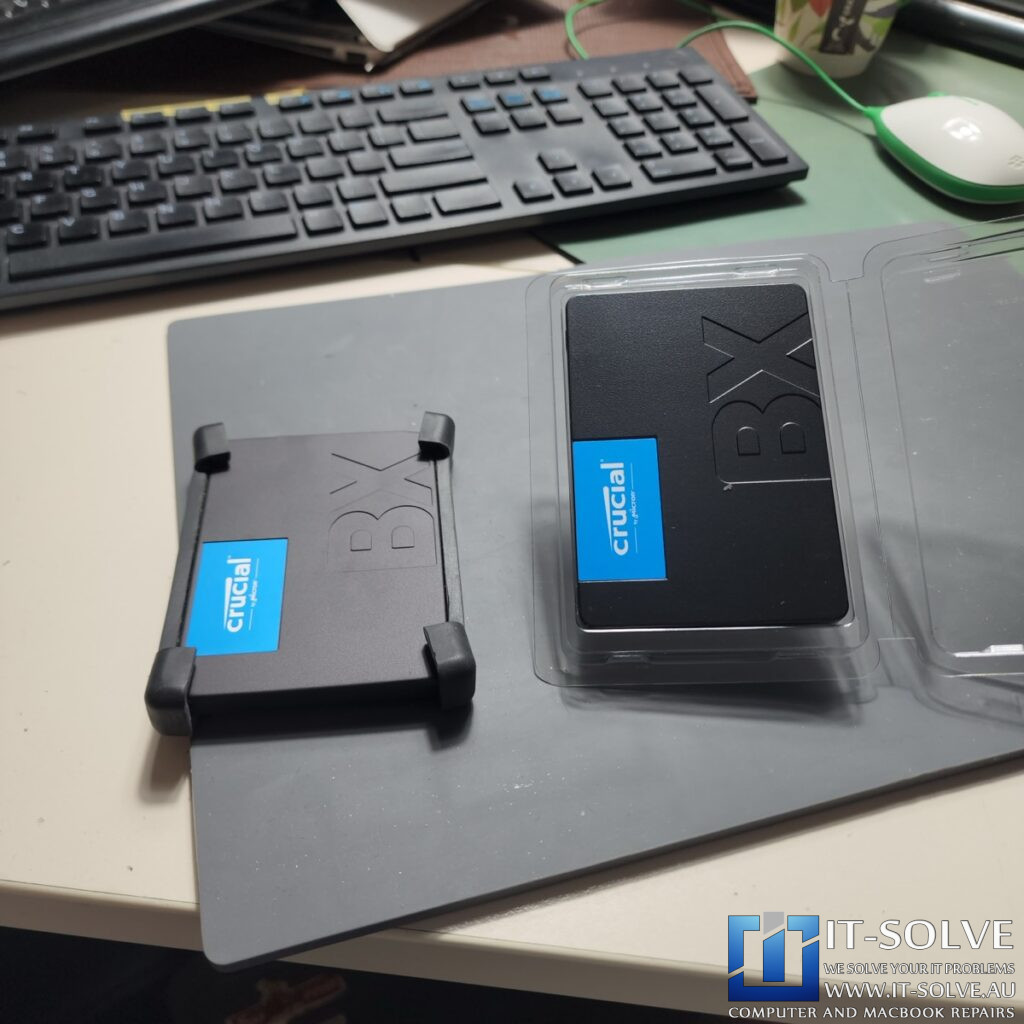
Because SSDs do not always show clear SMART failures or make clicking sounds like traditional hard drives, they often fail by producing internal errors. This causes the drive to spend more time correcting itself than actually transferring data, resulting in “jumpy” system performance.
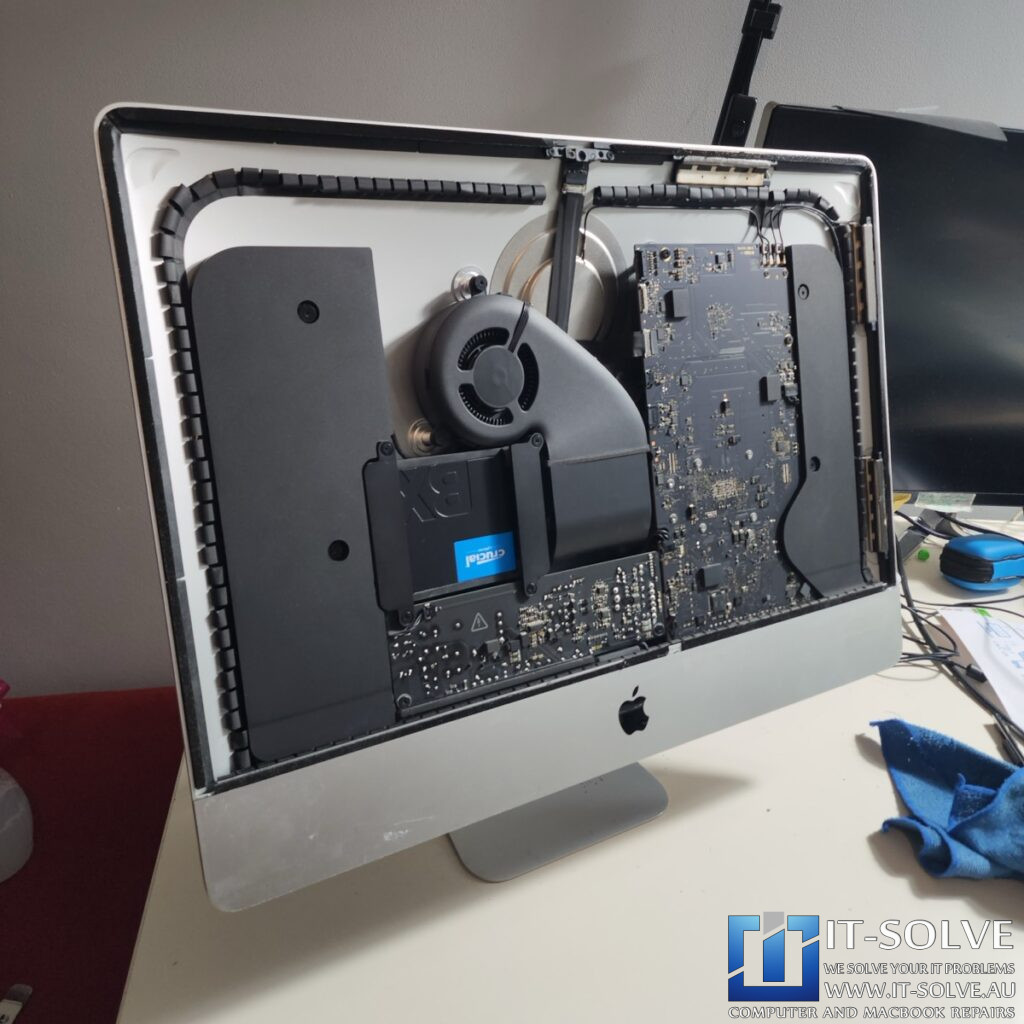
To resolve the issue, we replaced the failing drive with a new 500GB SSD and applied fresh adhesive tape to the screen assembly.
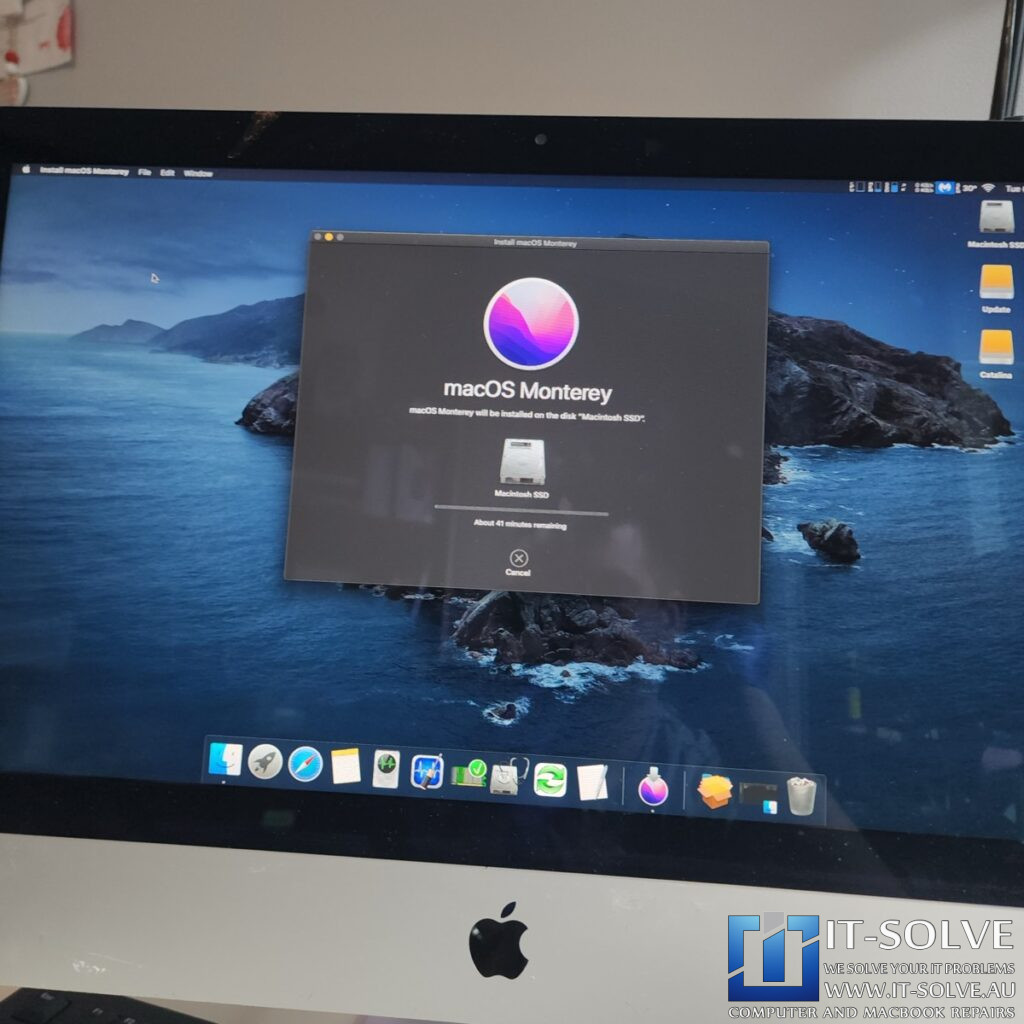
Furthermore, we opted to install macOS Monterey instead of the newer Ventura. Monterey is a lighter operating system for this specific hardware, allowing the iMac to gain additional speed and maintain better thermal efficiency.
Stable Temperatures and Snappy Performance
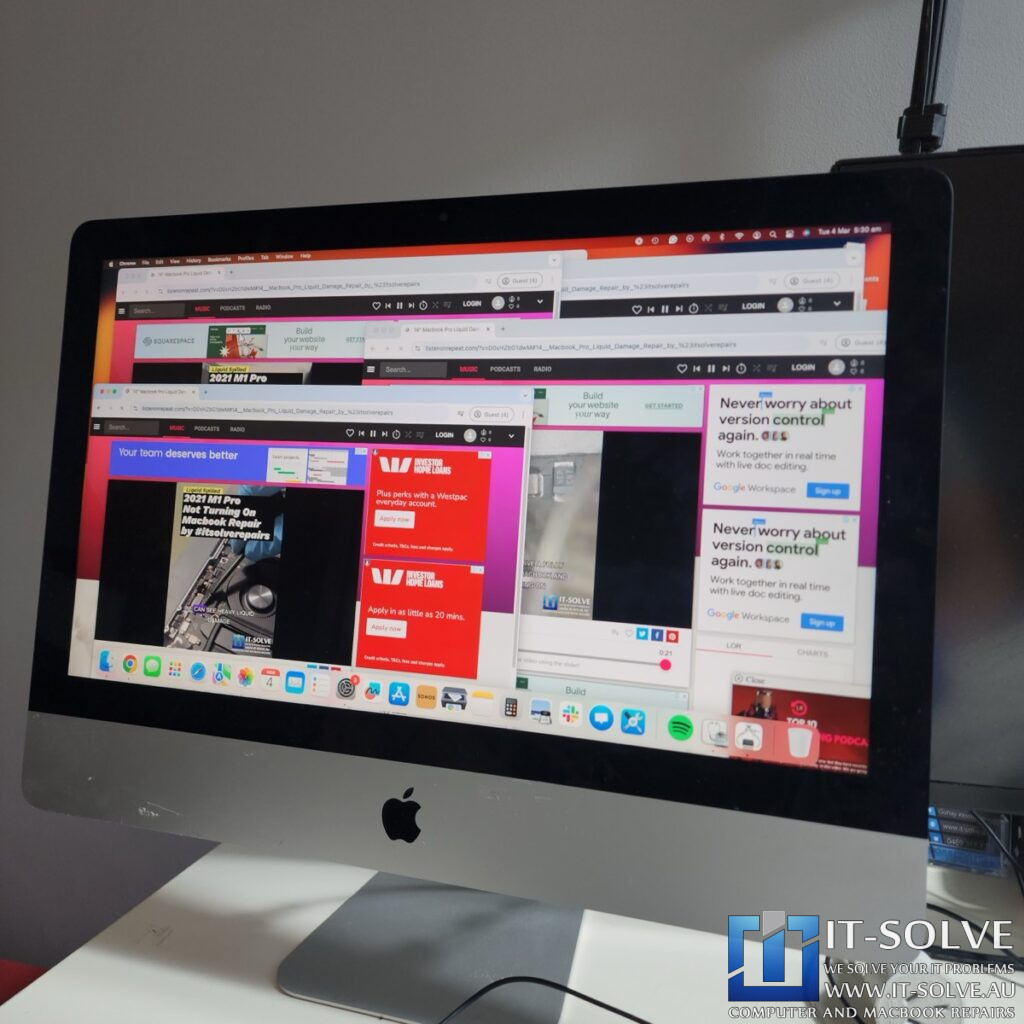
Once the new SSD was installed and the system was serviced, we performed extensive stress testing. With multiple video tabs and advertisements running simultaneously, the CPU temperatures remained stable at 54°C, with the system overall sitting at 57°C. This is a beautiful outcome compared to the previous overheating state.
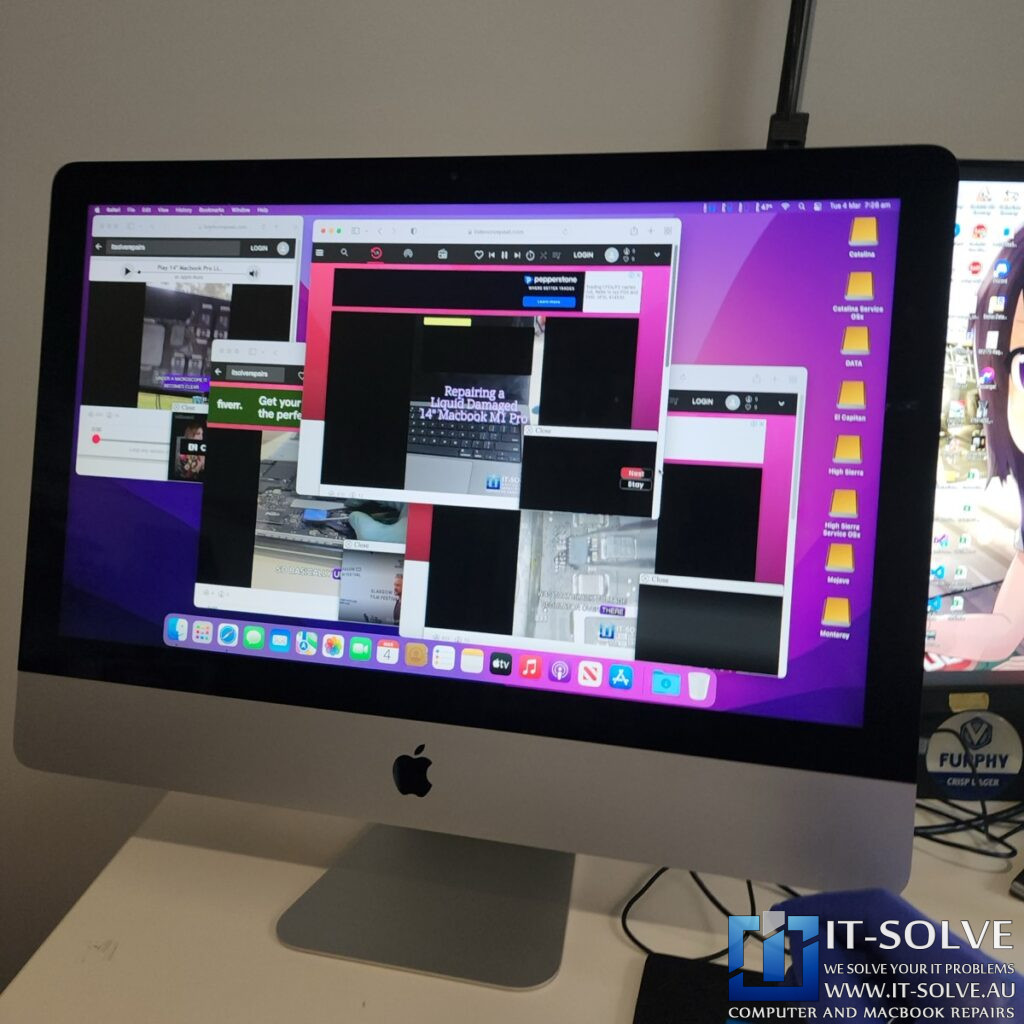
The system is now super snappy and responsive with no frame drops during video playback. This case serves as a vital reminder that even high-quality SSDs can fail if the system is not maintained. Therefore, we recommend consistent servicing at least once a year to prevent dust buildup from destroying internal components.
#itsolverepairs
We have created a social media video of this repair on our YouTube channel! Look up #itsolverepairs and #2411 to watch the in-depth repair process, including the internal dust cleaning, capacitor inspection, and the SSD replacement for this 2017 iMac. We encourage you to nudge our team on social media to watch more of our precision electronics work. For high-quality photos and updates, follow us on Instagram and Facebook.Find our social channel links here.
Adelaide’s Fastest Turnaround with Fixed Pricing
We take pride in our honest and transparent approach to Apple repairs in Adelaide. At IT-Solve, we maintain a fixed pricing policy for all our services. Therefore, you can find our rates openly listed on our website with no hidden fees or surprises. Furthermore, we provide one of the fastest turnaround times in South Australia to get your essential tools back to you quickly.
Needing a Slow iMac Repair in Adelaide?
Is your iMac unresponsive, laggy, or failing to perform? You need a professional Slow iMac Repair specialist in Adelaide who also handles complex performance issues. Check our fixed-rate Slow iMac Repair in Adelaide and book your service today. Additionally, have a look at our Slow iMac Repair cases online regarding #2411. We provide expert electronic solutions at a reasonable price right here in Adelaide!