

Diagnosing a Greyed-Out Wi-Fi Issue on MacBook Pro
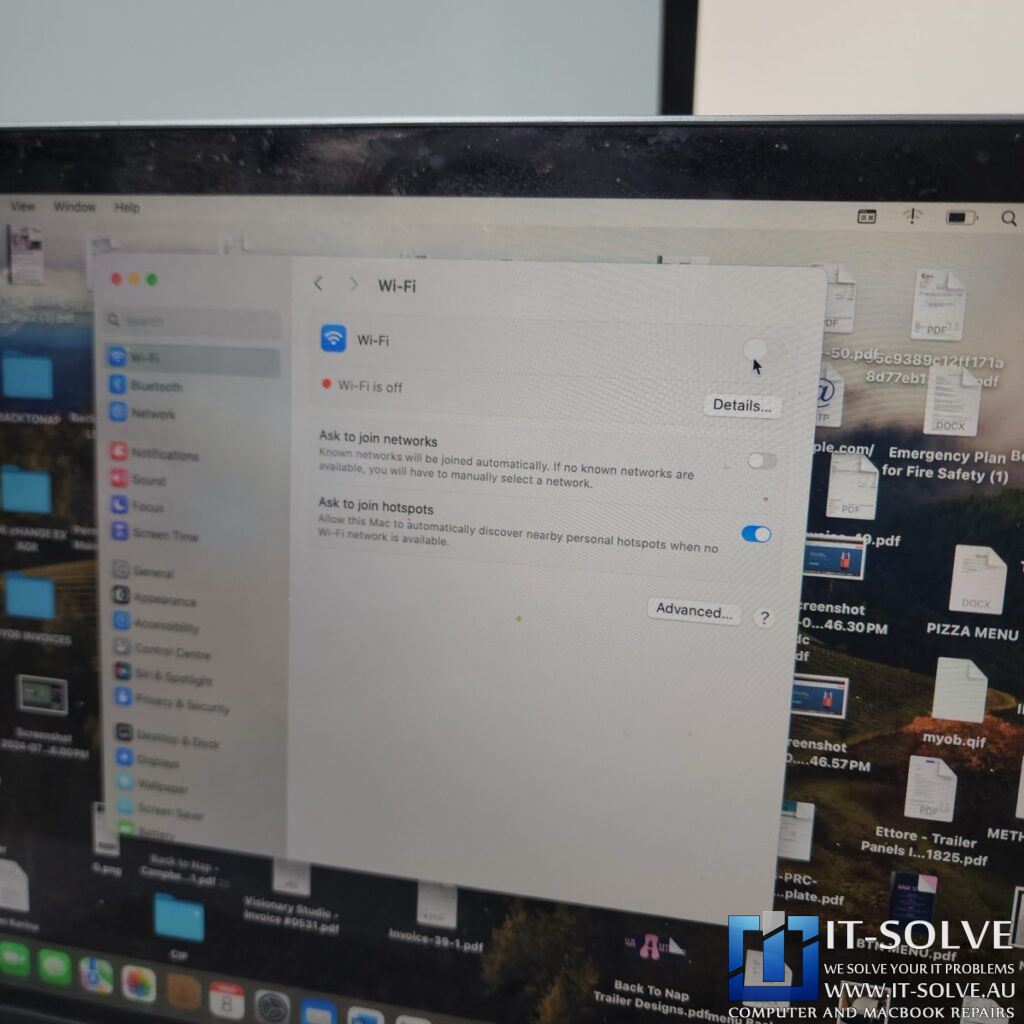
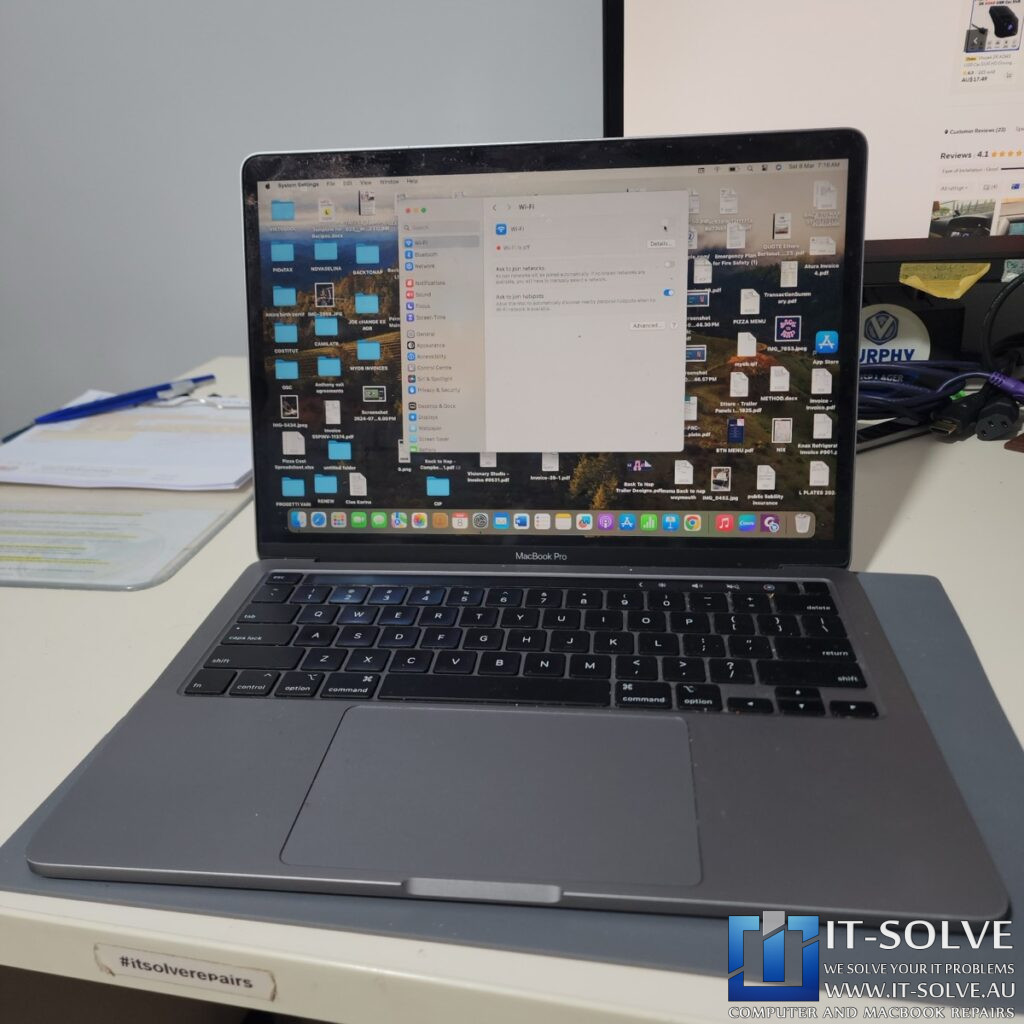
We recently received a 2019 13-inch MacBook Pro (model A2159) for repair under RepairID #2420. The machine arrived with a specific fault: while the device powered on normally, the Wi-Fi was completely unresponsive and appeared “greyed out” in the menu bar. Initially, we treated this as a potential software-related problem. However, even after booting from an external operating system, the Wi-Fi remained unavailable. Consequently, we ruled out software and proceeded to investigate a hardware failure within the electronics.
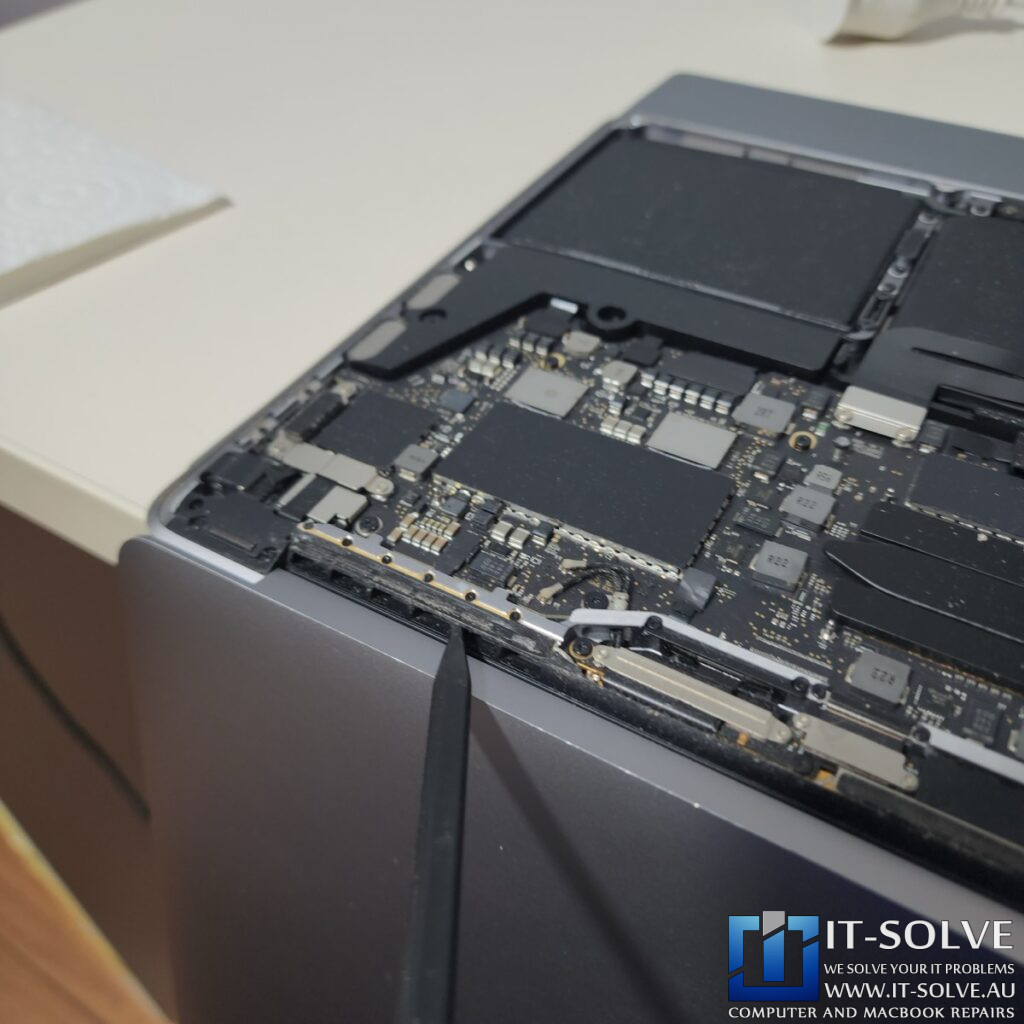
During our internal inspection, we targeted the Wi-Fi antenna area. Under close observation, we identified slight oxidation around several capacitors. This corrosion suggests that liquid—likely from a spill on a table—leaked through the bottom of the case or the ports. Because the oxidation appeared well-developed, we estimate the damage occurred several weeks or even months before the system finally failed.
Data Preservation and Successful Verification
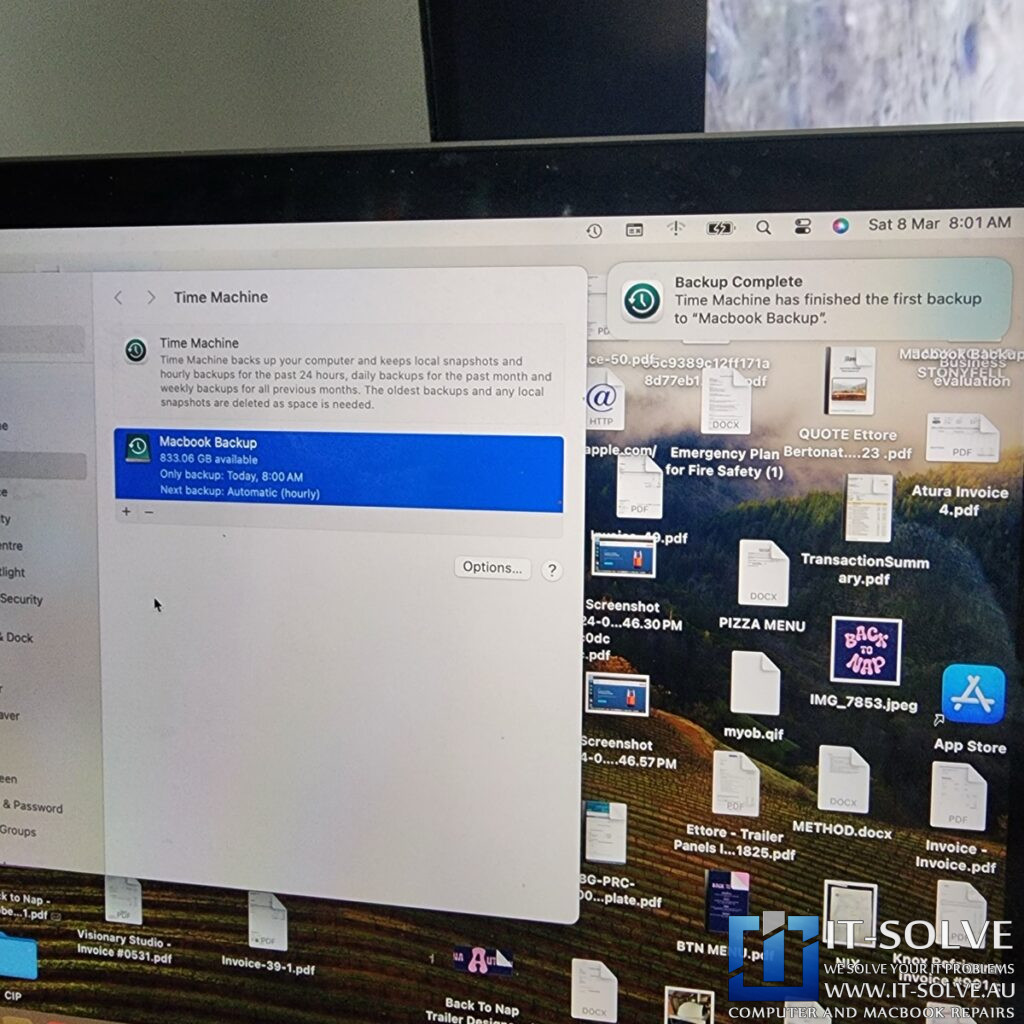
Before starting the repair, we prioritized data security. Because these USB-C MacBooks feature soldered and encrypted SSDs, they do not have removable storage. If the logic board surgery had failed or if the corrosion caused an internal short circuit in the Apple Silicon communication lines, the data would have been lost forever. Therefore, we performed a full 200GB backup before proceeding with the hardware intervention.
Precision Logic Board Surgery on the Wi-Fi Circuitry

To resolve the issue, we performed logic board surgery to address the corrosion near the Wi-Fi chip. Our microscopic analysis revealed heavy oxidation around a specific Integrated Circuit (IC). This IC serves as the configuration memory chip for the primary Wi-Fi controller. Specifically, we found severe oxidation on the 1.8-volt voltage line pin.
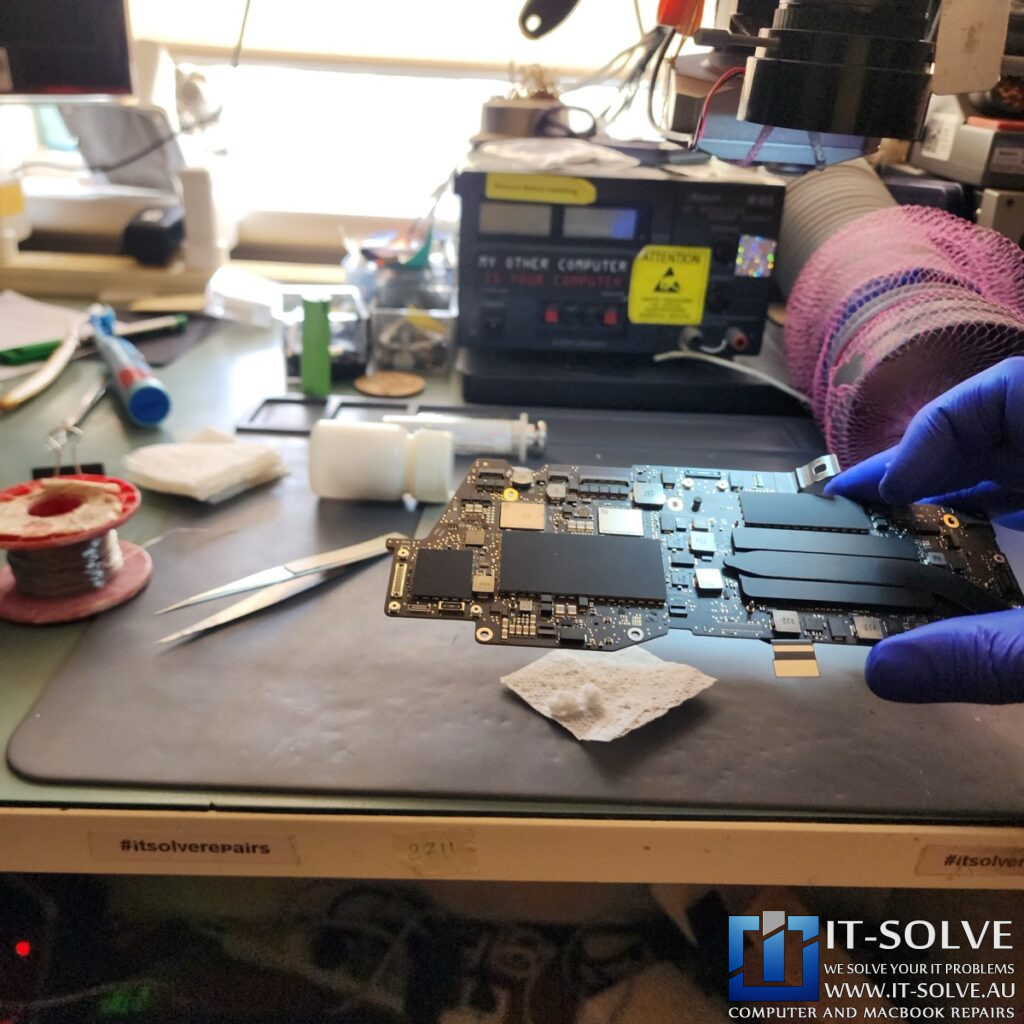
Because of this corrosion, the 1.8V power rail could not reach the memory chip properly. Consequently, when the Wi-Fi chip attempted to fire up, it could not read its required configuration. This caused the communication lines to get jammed or confused, preventing the system from enabling its wireless capabilities. We meticulously cleaned the affected section, re-soldered the chip, and restored the damaged connection points.
#itsolverepairs We have documented the microscopic cleaning and soldering process for this repair on our social media channels! Look up #itsolverepairs to see the heavy oxidation on the 1.8V rail and the precision logic board surgery required to fix it. We encourage you to nudge our team on social media to watch more of our technical work.
Successful Macbook Pro Grayed Out WiFi Repair
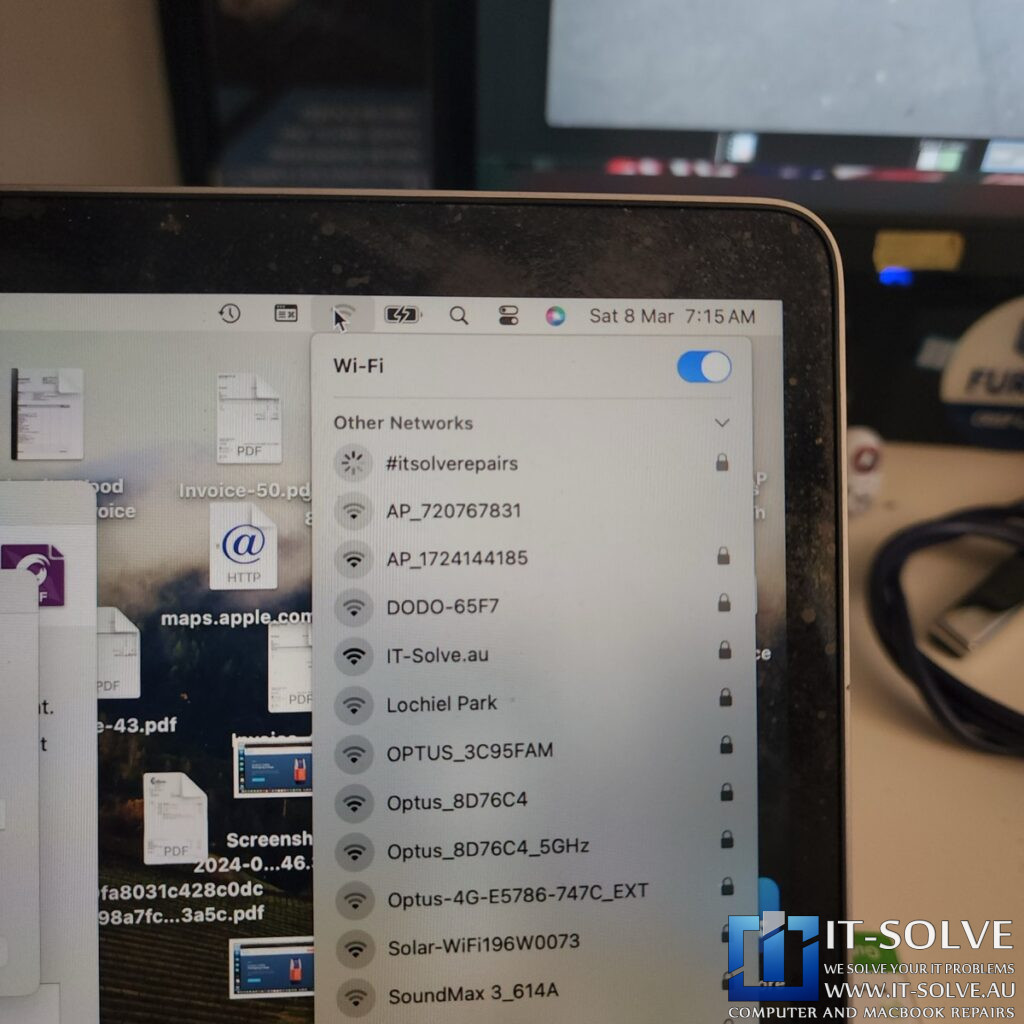
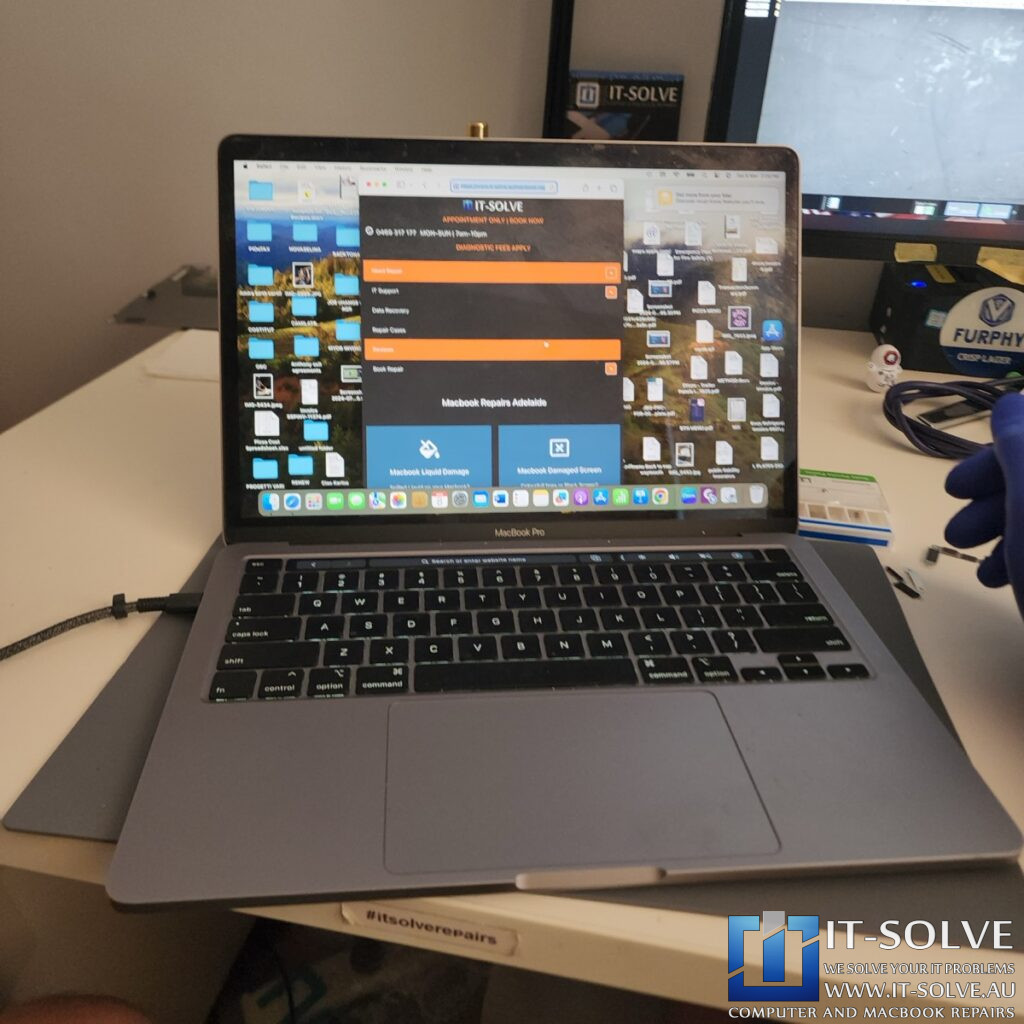
Once we reassembled the board, we verified the repair results. The Wi-Fi icon was no longer greyed out, and the system immediately detected local networks. We tested the connection via Safari, confirming that the internet loaded at full speed. This successful repair under RepairID #2420 highlights the importance of professional board-level cleaning before localized corrosion leads to a total system shutdown.
Adelaide’s Fastest Turnaround with Fixed Pricing
We take pride in our honest and transparent approach to MacBook repairs in Adelaide. At IT-Solve, we maintain a fixed pricing policy for all our services. Therefore, you can find our rates openly listed on our website with no hidden fees or surprises. Furthermore, we provide one of the fastest turnaround times in South Australia to get your essential tools back to you quickly.
Needing a MacBook Liquid Damage Repair in Adelaide?
Is your MacBook Wi-Fi greyed out or failing to connect due to a spill? You need a professional MacBook Liquid Damage Repair specialist in Adelaide. Check our fixed-rate Macbook Liquid Damage Repair in Adelaide and book your service today. Additionally, have a look at our Macbook Liquid Damage Repair cases online regarding #2420. We provide expert electronic solutions at a reasonable price right here in Adelaide!