

Diagnosing a Dead 2020 MacBook Air after Liquid Spill
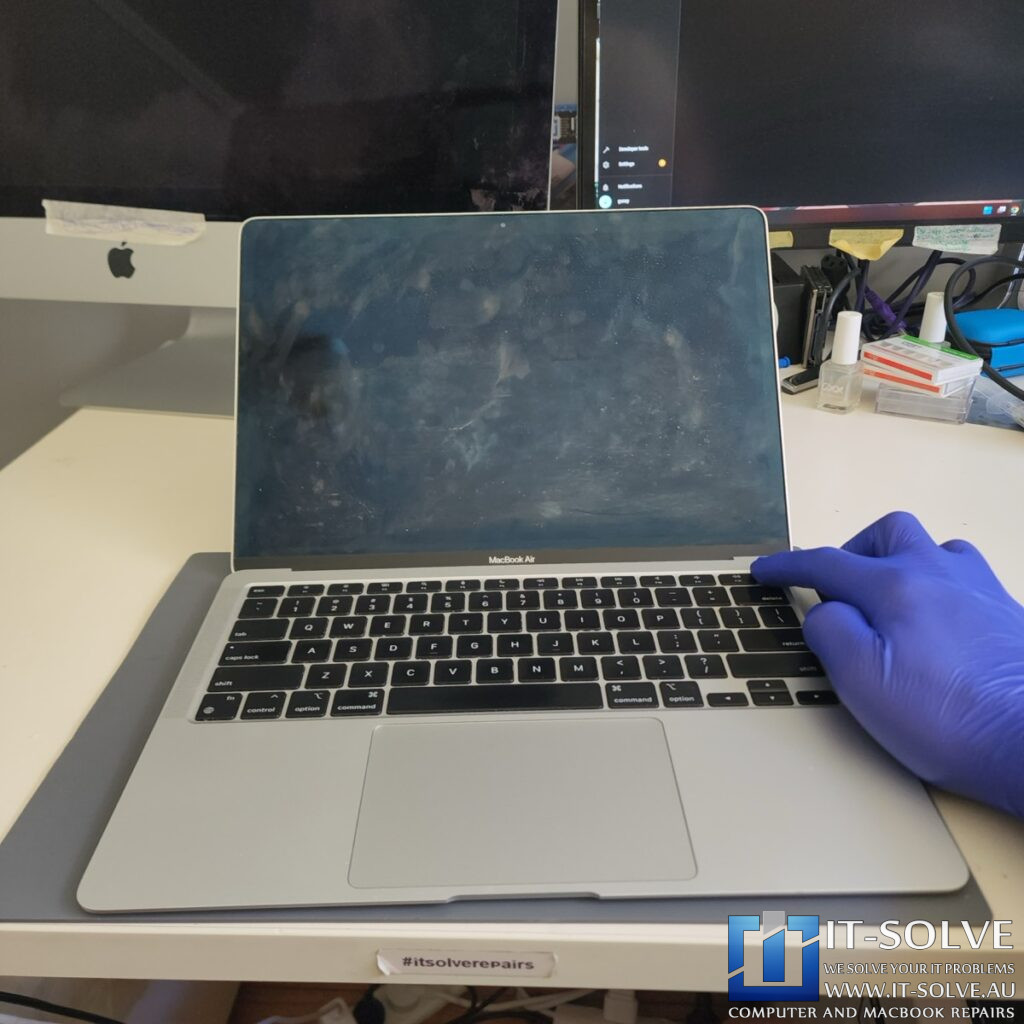
A professional 2020 MacBook Air A2337 liquid damage repair was necessary for this machine (RepairID #2303) after liquid was spilled through the keyboard. The device arrived completely dead and unresponsive. When we connected our USB-C meter, the machine was stuck at 5V and 0 amps. This measurement indicated that the system could not negotiate the 20V power delivery required to boot.
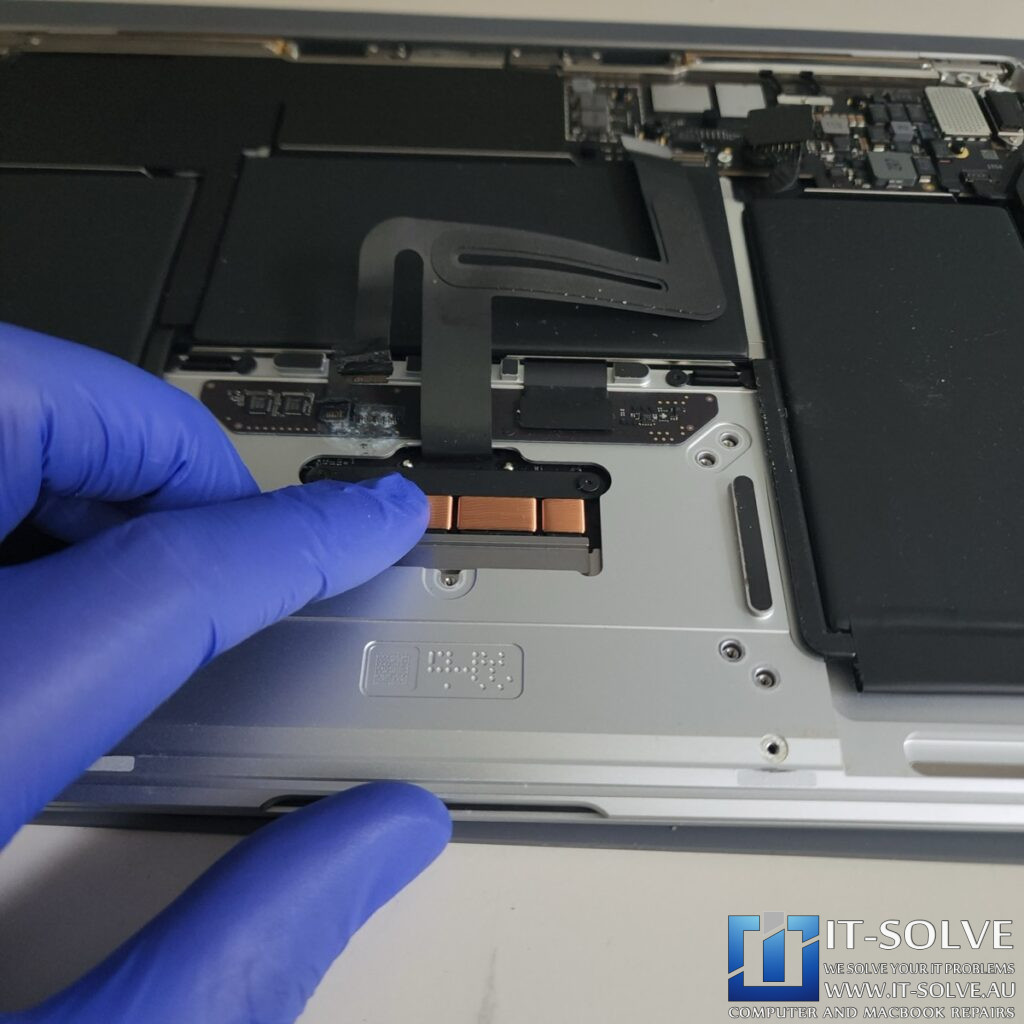
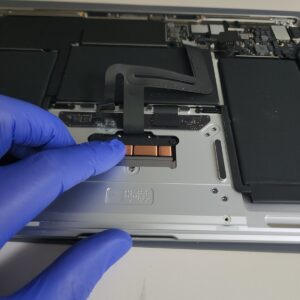
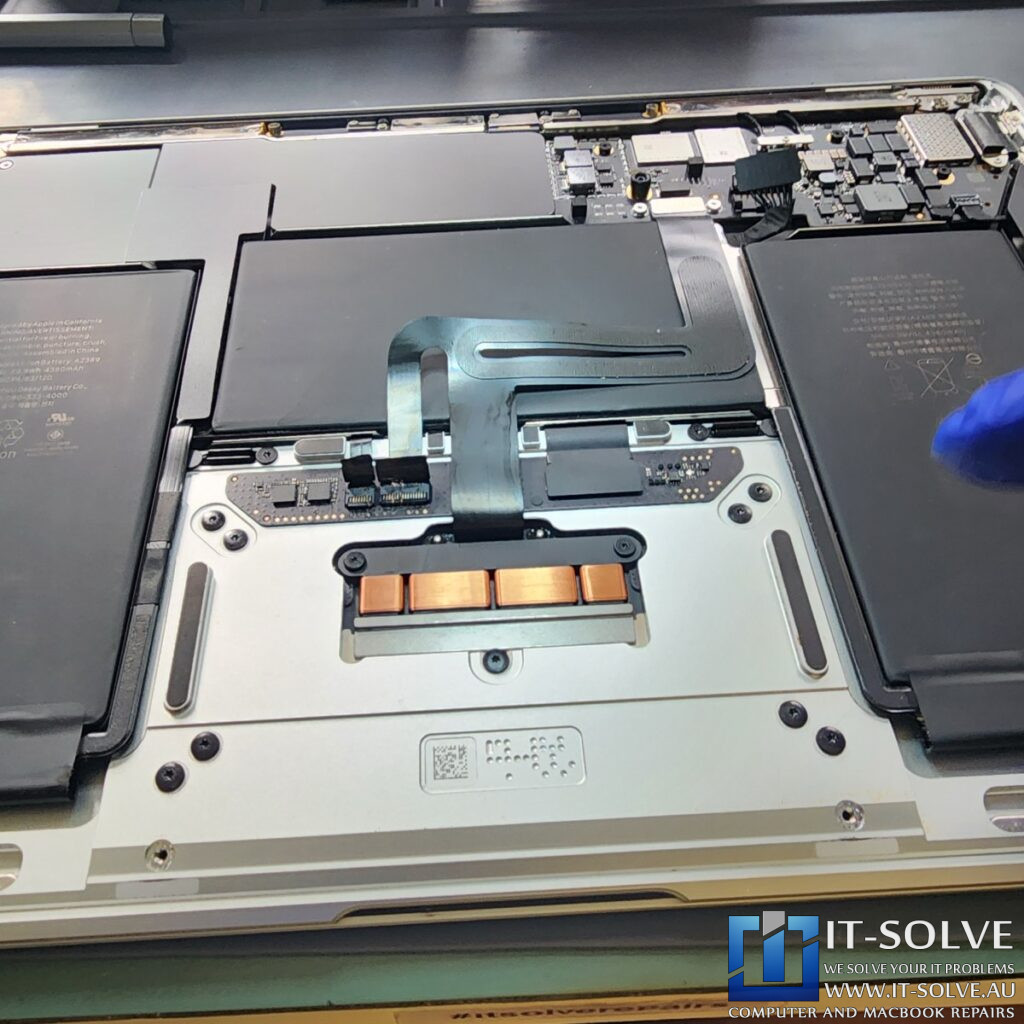
Upon removing the bottom cover, we identified visible oxidation on the trackpad connection to the logic board. We advise against letting a machine stay in this state. As liquid dries, it creates oxidation that progressively damages the internal components. In this case, while the logic board appeared clear, the trackpad area was severely affected.
2020 MacBook Air A2337 Liquid Damage – Component Level Restoration
Addressing Trackpad Oxidation and Short Circuits
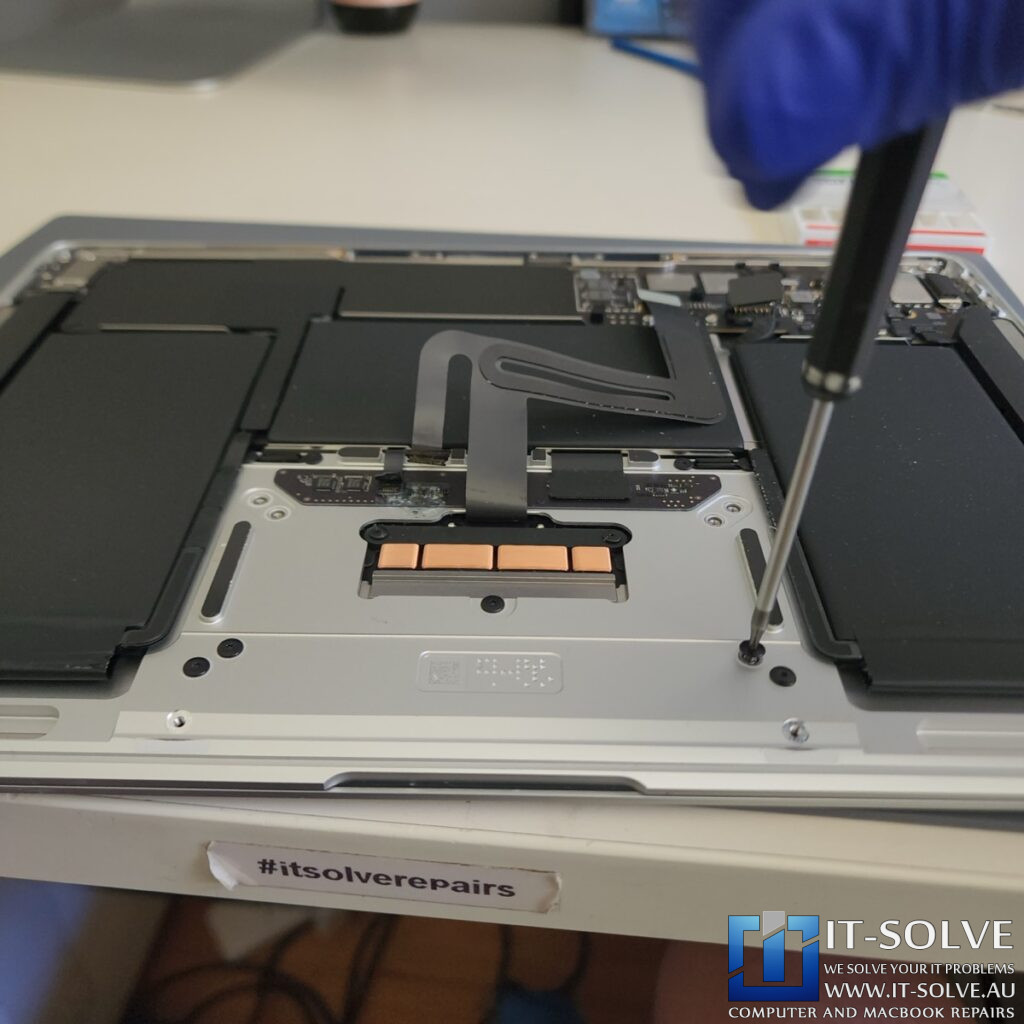
Our microscopic inspection revealed bluish-green spots of oxidation on the trackpad daughterboard. We carefully cleaned these areas using high-purity isopropyl alcohol. We discovered that the residue had created a short circuit on the trackpad board, which was pulling down the main power line. This electrical fault prevented the BridgeOS (low-level operating system) from communicating correctly during the boot sequence.
To resolve the issue, we performed precise trace repairs and replaced the failed components on the trackpad circuit. We also added extra insulation to the repaired areas to prevent any future short circuits against the base of the machine. This specialized approach allowed us to save the original hardware rather than performing an unnecessary trackpad replacement.
BridgeOS Corruption and Data Security
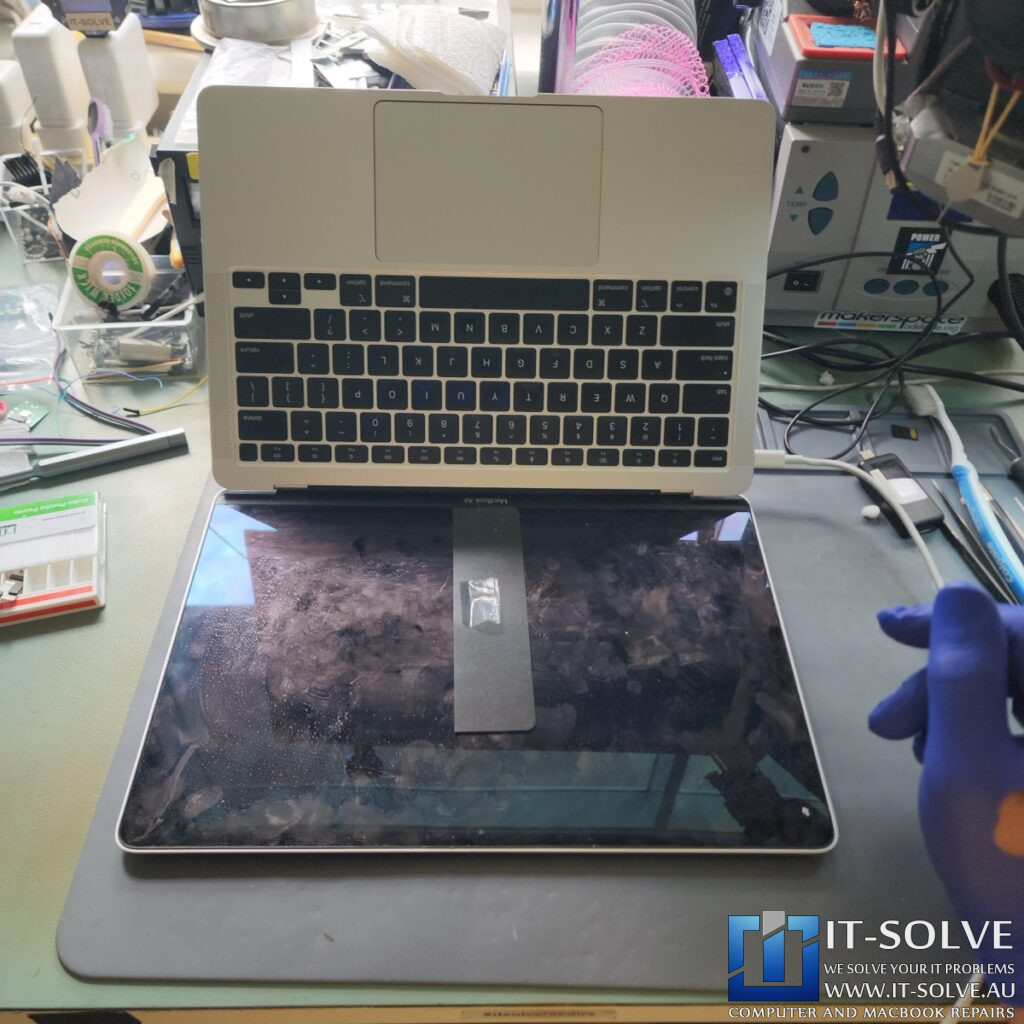
After the physical repairs were finished, the initial boot attempt still showed the machine power cycling. This occurs because the BridgeOS—which handles encryption keys—can become corrupted if it detects a short circuit. Furthermore, it can fail if it receives a mismatched signal during its boot cycle. Fortunately, by bypassing the faulty signals and resetting the power sequence, we restored the communication. Most importantly, this method preserved all the customer’s data, which would have been lost if the BridgeOS was permanently corrupted.
2020 MacBook Air A2337 Liquid Damage Repair Successfully Completed
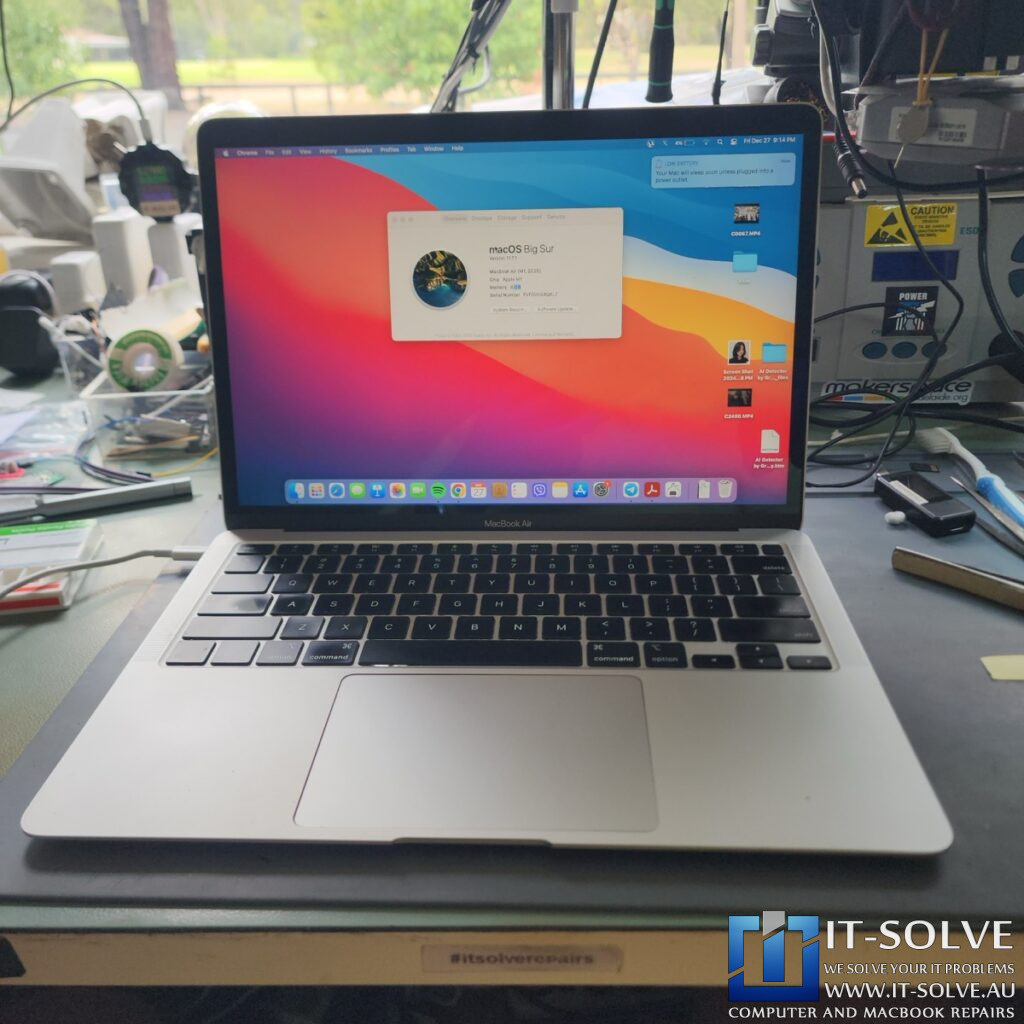
Once the trackpad circuit was stabilized, the MacBook immediately negotiated 20V and began pulling a healthy 2-amp charging current. We performed a full hardware test, confirming that every key on the keyboard and all trackpad functions were working perfectly. This case proves that prompt professional treatment can save a “dead” MacBook from permanent failure.
#itsolverepairs
We have created a social media video of this repair which can be found on our YouTube channel and other social medias! Look up #itsolverepairs and #2303 to watch the microscopic cleaning of the trackpad and the specialized wiring we used to bypass the corrosion. We encourage you to nudge our team on social media to learn more about our liquid damage recovery process. For high-quality photos, follow us on Instagram and Facebook.Find our social channel links here.
Adelaide’s Fastest Turnaround with Fixed Pricing
We are the leading experts for MacBook liquid recovery in Adelaide. At IT-Solve, we maintain a fixed pricing policy for all our services. Therefore, you can find our rates openly listed on our website with no hidden fees or surprises. We also offer one of the fastest turnaround times in South Australia to ensure you are not without your device for long.
Professional 2020 MacBook Air A2337 Liquid Damage Repair in Adelaide
Did you spill liquid on your laptop? You need a professional 2020 MacBook Air A2337 liquid damage repair. Check our fixed-rate Macbook Not Turning On Repair in Adelaide and book your service today. Also, view our Macbook Not Turning On Repair cases online regarding #2303. We provide high-quality electronic solutions at a reasonable price here in Adelaide!