Holidays

We are closed for Holidays until 6 Jan. Due to been abroad we might not have a good coverage to respond to calls or texts.

Feel free to book an appointment to be seen when we are back!

Keep in mind, right before and after holidays is our busiest time. Make sure to book in advance and be on time!

Lenovo ThinkPad USB-C Port Repair: Saving the Logic Board

Repairing:

Broken Lenovo ThinkPad USB-C port? Instead of a costly motherboard replacement, we perform precision microsoldering to replace just the port and save your laptop.
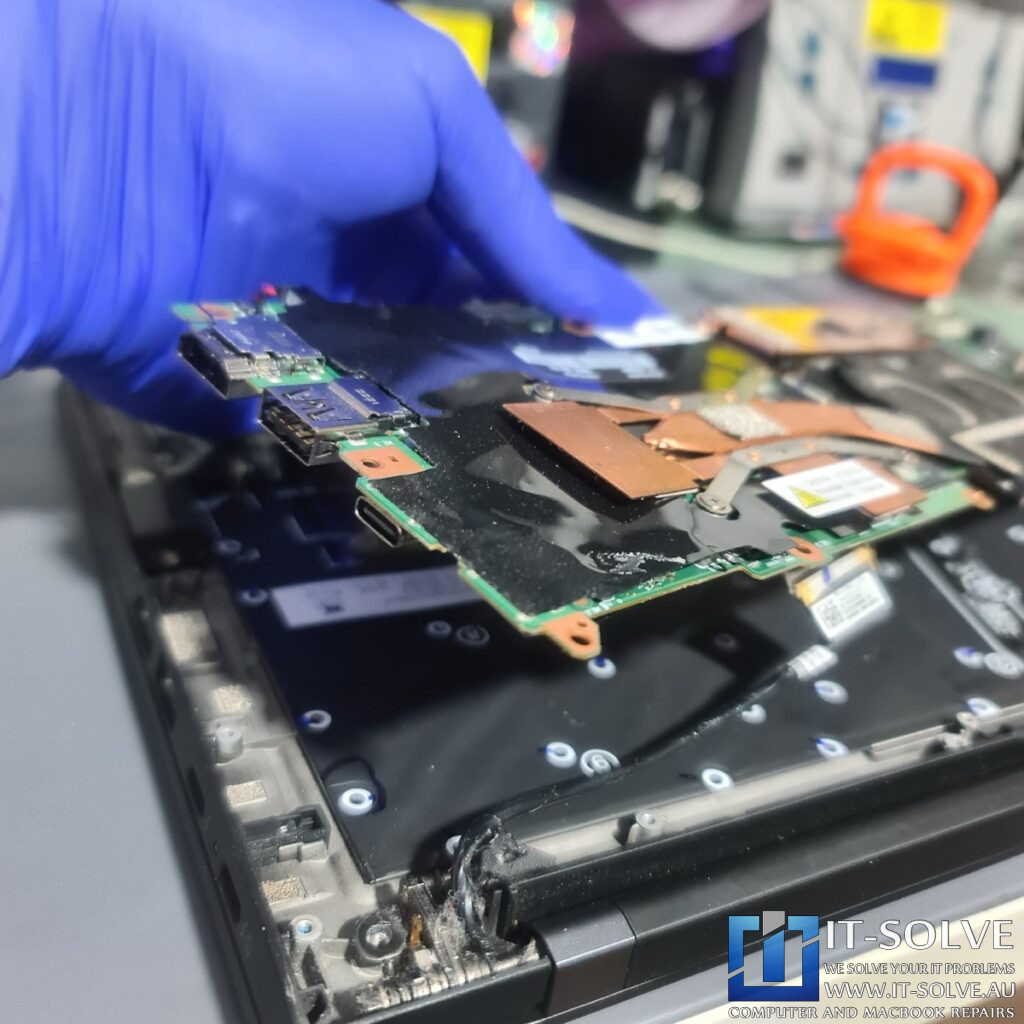
Photo of the logic board removed, showing the underside of the USB-C port area

This article is not educational material. It is instead a showcase of the services we offer.

Therefore, it should be used as general guidance on what to expect from such repairs.

In case you have a similar device and need repair, always rely on professionals. These are sensitive electronic devices, and small mistakes may cause irreversible electronic damage, requiring whole part replacement for 2 or 3 times the cost of the Repair.

Do not Risk Damaging your Device – Book this Repair with us Today!

Lenovo ThinkPad Charging Issues

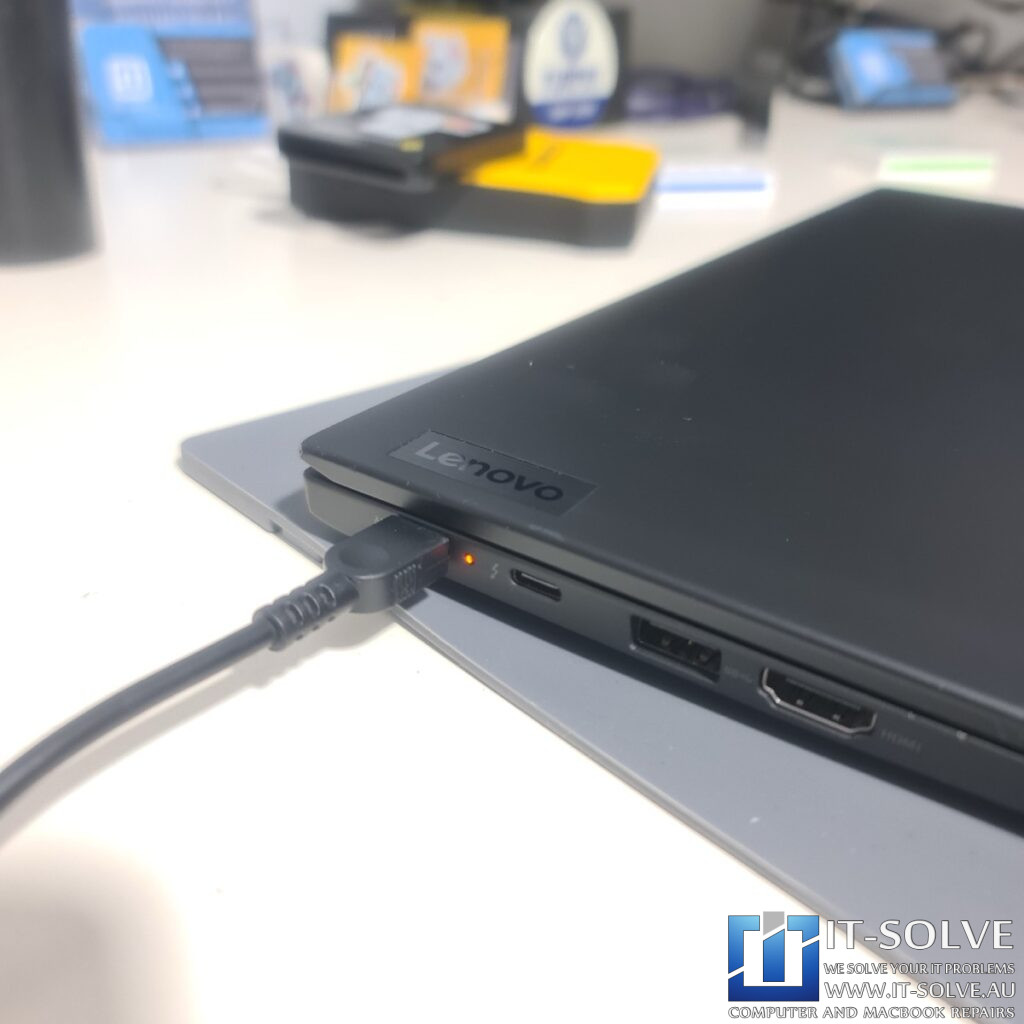
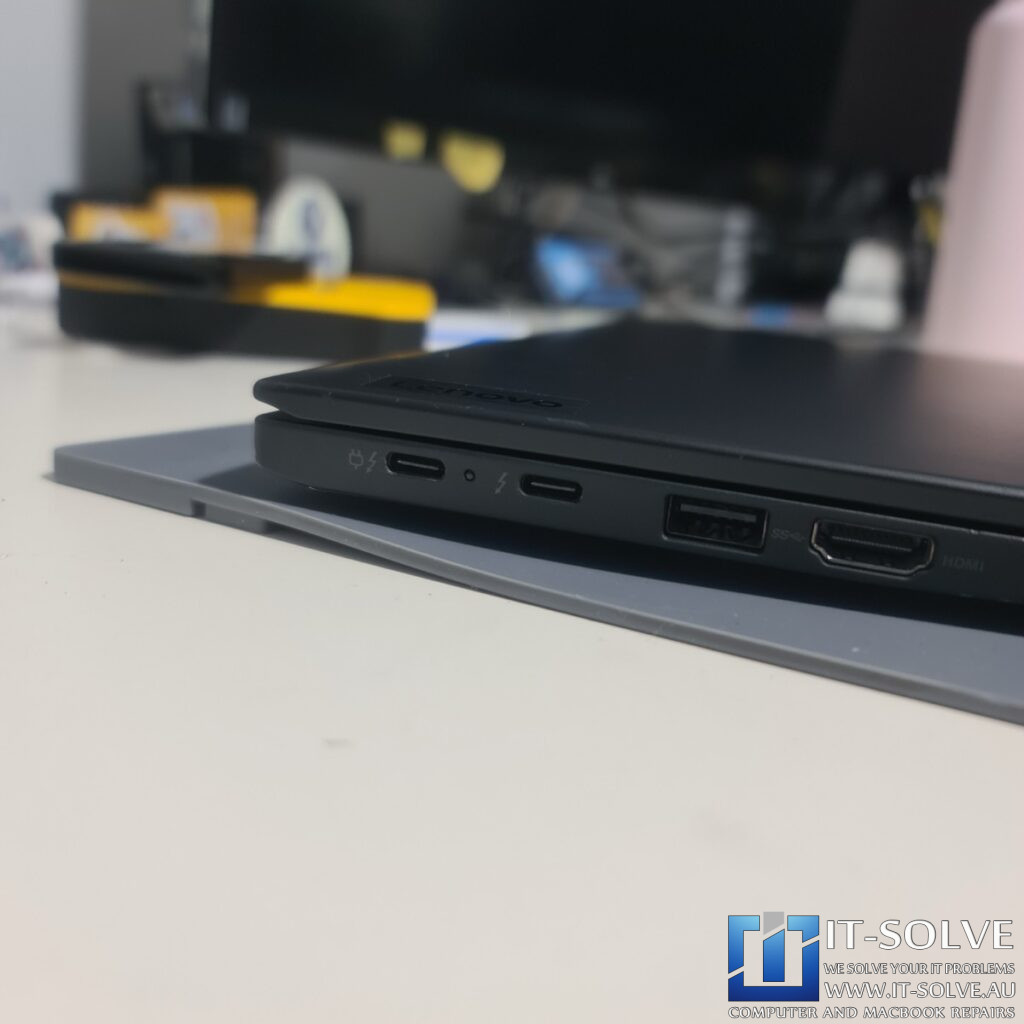
damaged/pushed-in USB-C port on the side of the ThinkPad
Damaged/pushed-in USB-C port on the side of the ThinkPad

This week at our Adelaide workshop, we received a Lenovo ThinkPad with a common but devastating failure: the USB-C charging port had been physically broken and pushed inside the chassis. The laptop was completely unable to charge, rendering it a “brick” once the battery ran out.

Identifying the Source: A Pushed-In USB-C Port
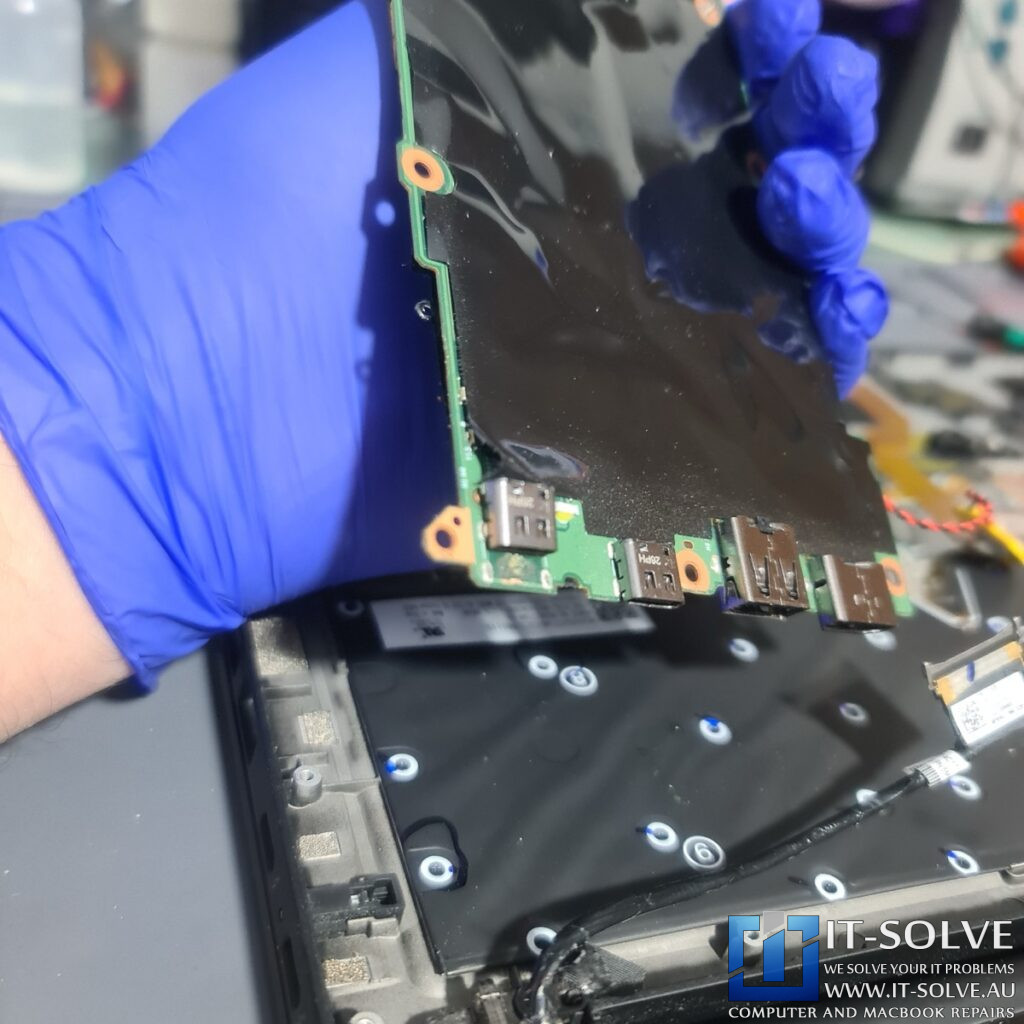
Photo of the logic board removed, showing the underside of the USB-C port area

Upon inspection, it was clear the port had suffered physical trauma. In most cases, a manufacturer or a standard repair shop would quote a complete logic board replacement. This often costs upwards of 80% of the laptop’s total value, leading many users to simply scrap the machine. However, we specialize in Lenovo ThinkPad USB-C Port Repair at the component level.

The Solution: Microsoldering vs. Replacement
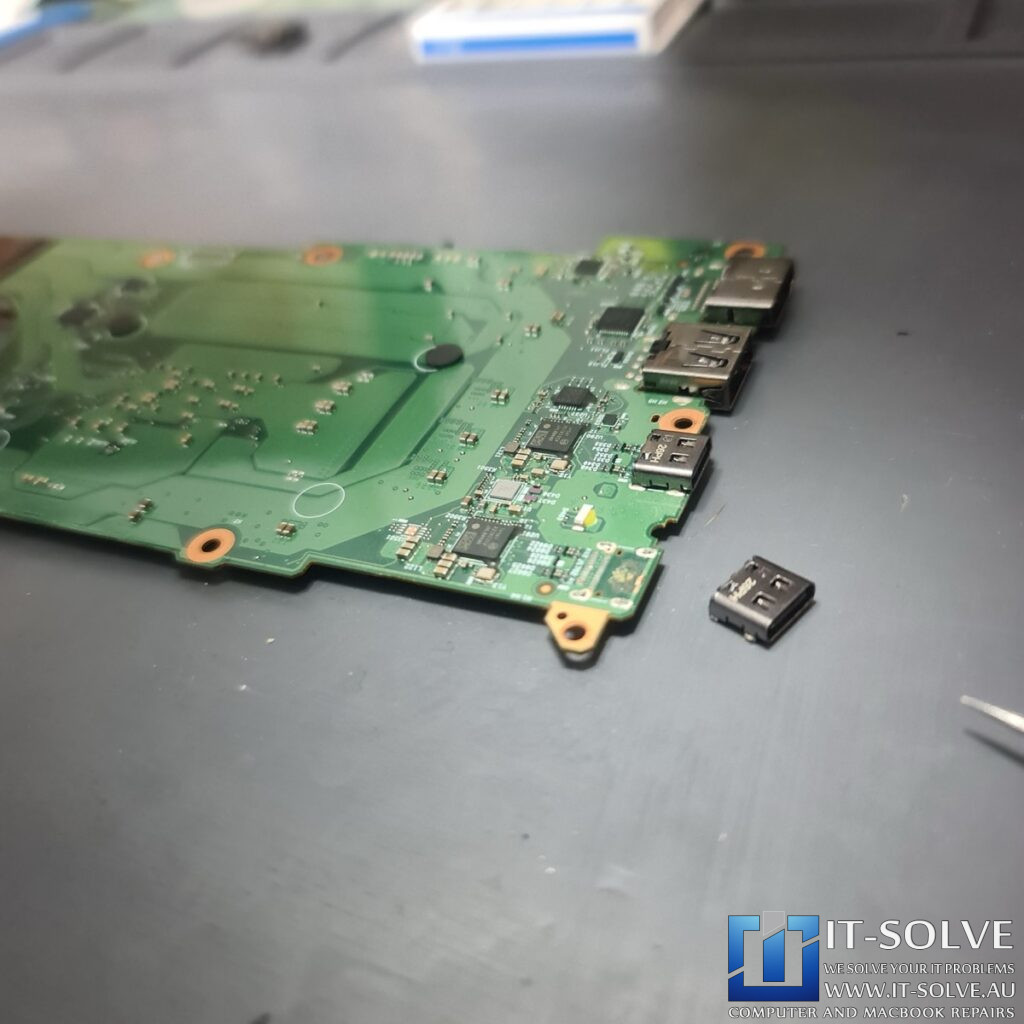
Photo of the logic board removed, showing the underside of the USB-C port area

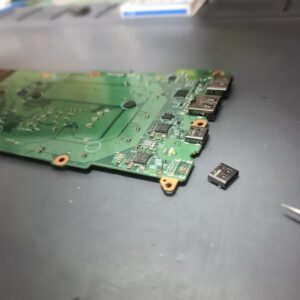
Instead of replacing the entire motherboard, we opted to replace only the failed USB-C connector. These ports are surface-mounted and soldered directly onto the motherboard with dozens of microscopic pins. Replacing them requires steady hands and fine soldering tools.

Precision Microsoldering in Action
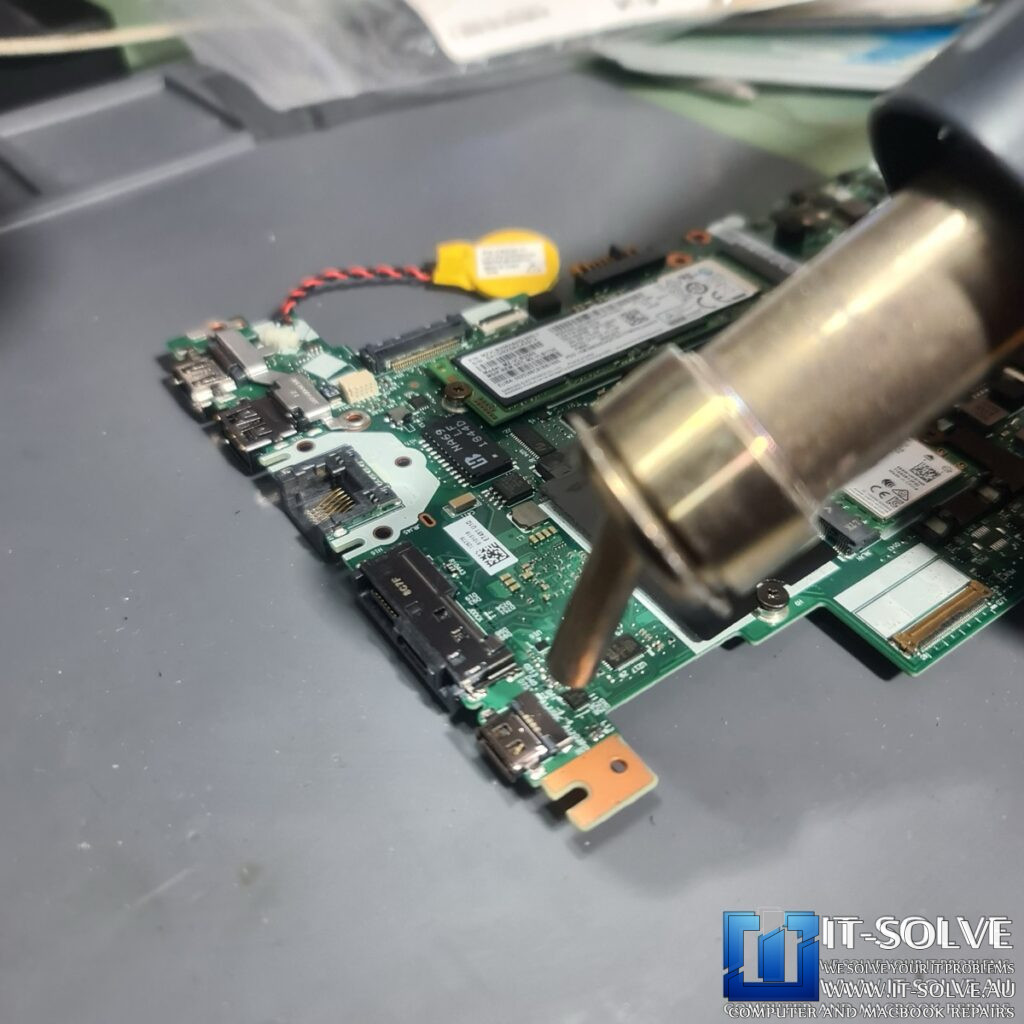
Photo of the logic board removed, showing the underside of the USB-C port area

With over 15 years of expertise in microsoldering, we carefully desoldered the broken connector without damaging the surrounding delicate traces. We then aligned and soldered a brand-new, high-quality USB-C port. This Lenovo ThinkPad USB-C Port Repair kept the cost three times lower than a motherboard replacement and a fraction of the cost of a new laptop.
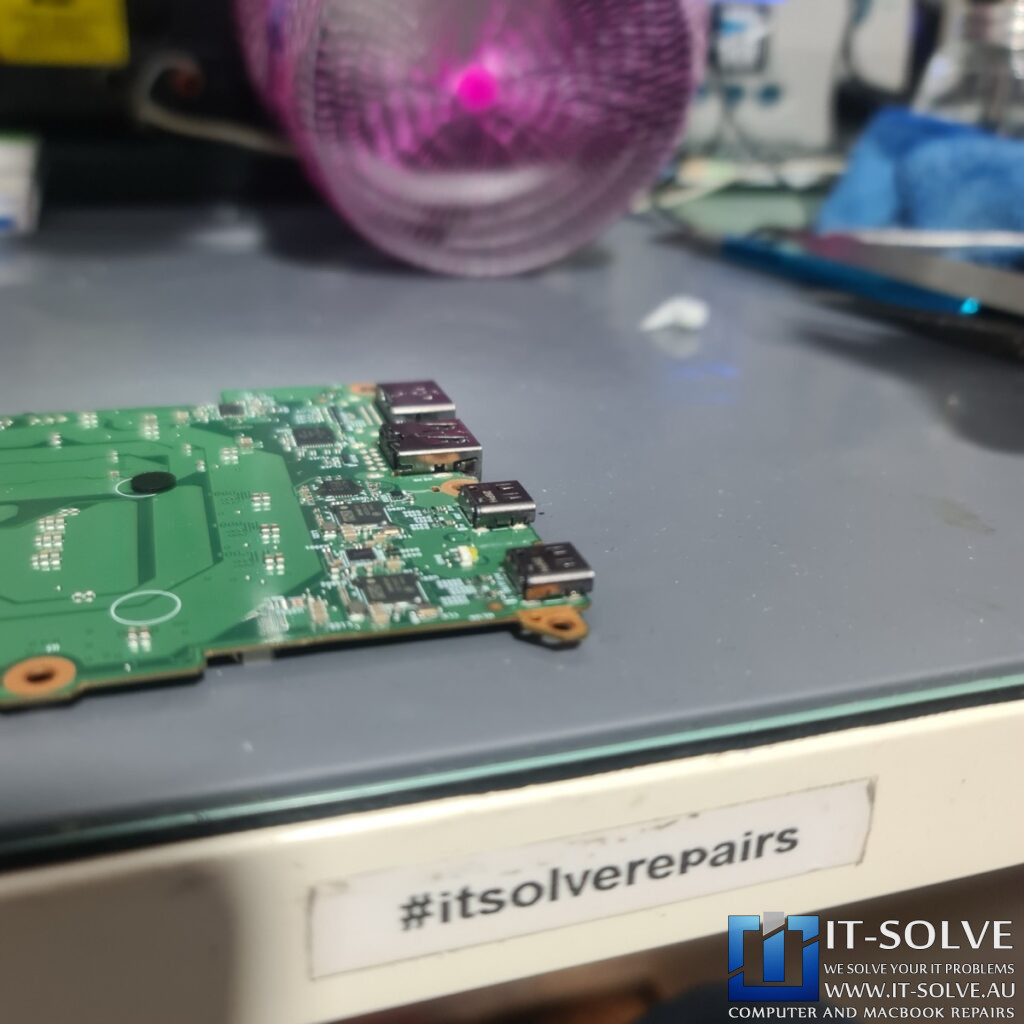
#itsolverepairs

Why We Choose Component-Level Repair
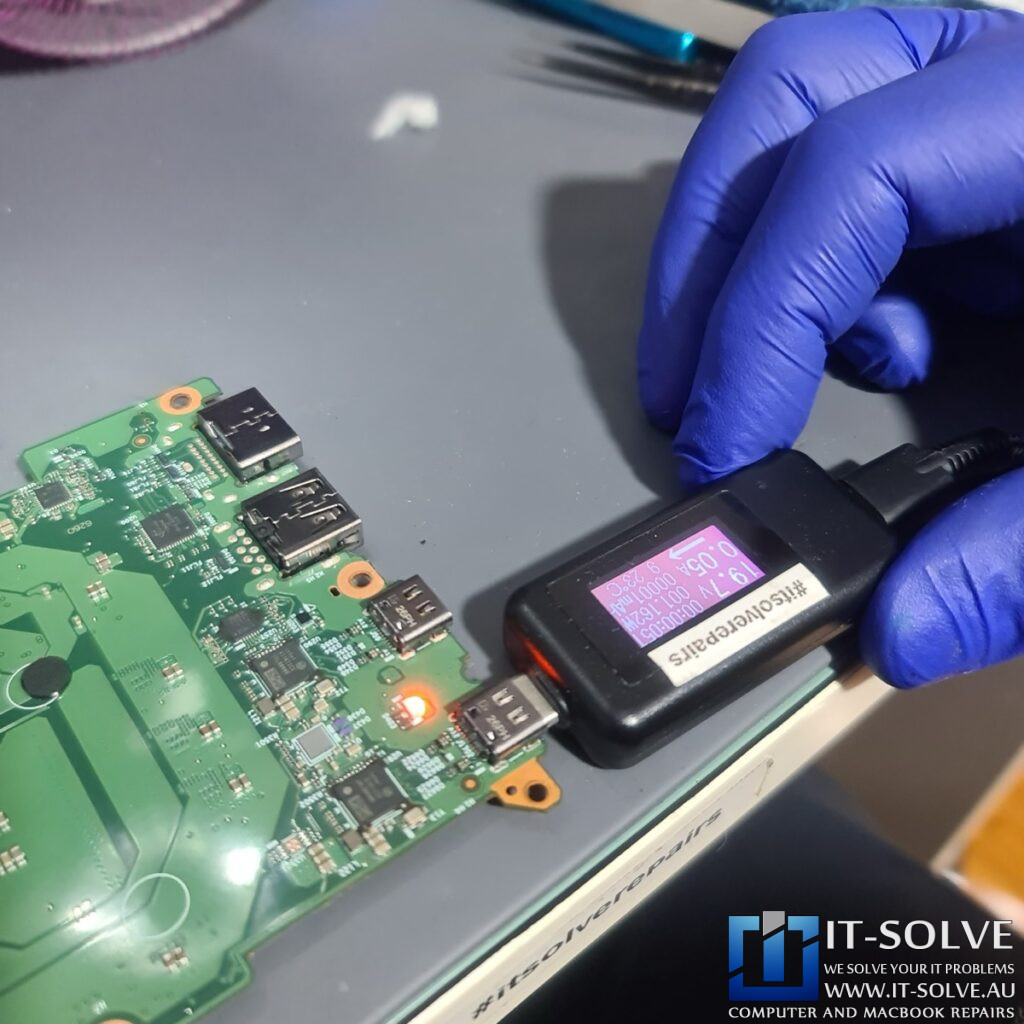
This type of repair creates pride in ownership. It re-educates our customers to avoid replacing their devices every time they break. By focusing on the specific failed part, we provide a fix that is just as reliable as a new board but significantly more affordable.

Healthy for Your Wallet and the Planet
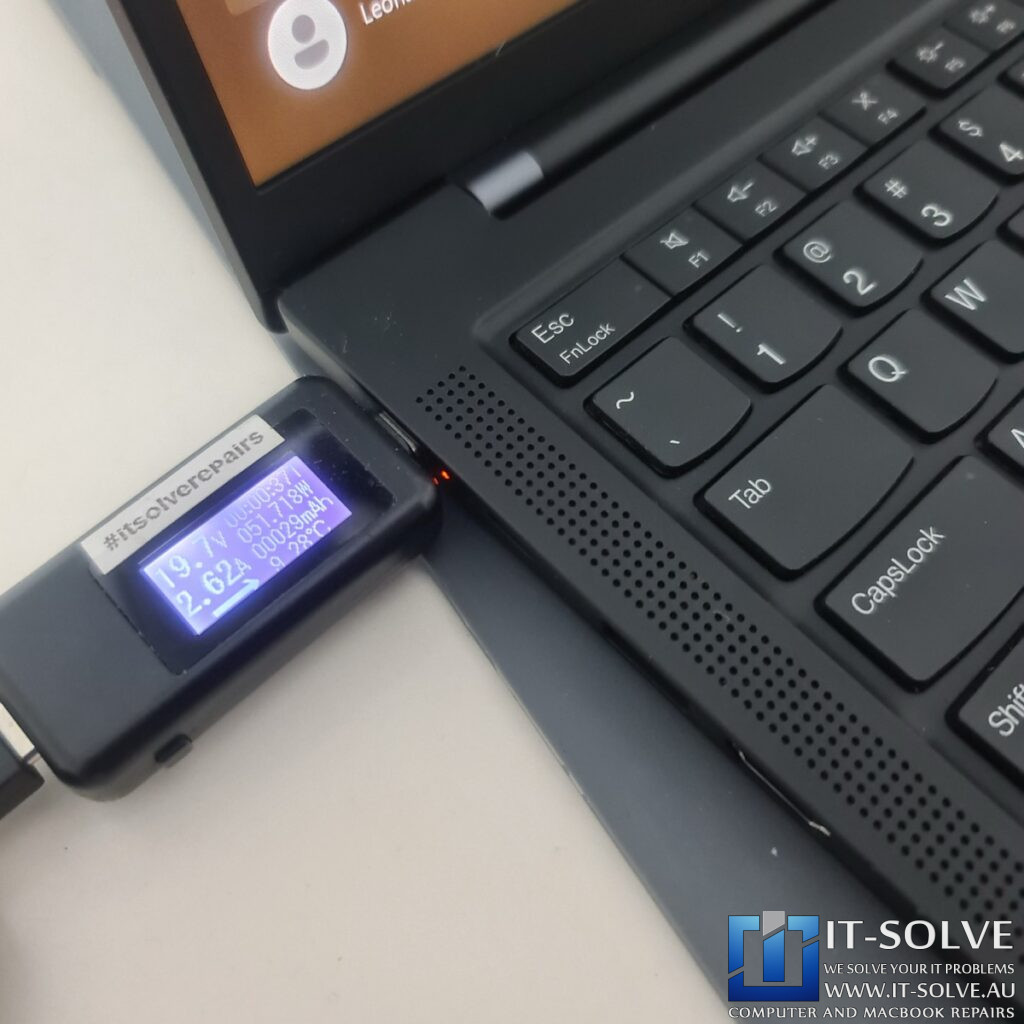
internal charging pins perfectly aligned and soldered

Beyond the savings, this is a win for the environment. Every Lenovo ThinkPad USB-C Port Repair we repair means one less laptop ends up as e-waste and one less new device needs to be manufactured. Reducing the demand for new resources creates a healthier ecosystem and prevents unnecessary drainage of planet resources.

6. Back in Business: Charging Successfully

internal charging pins perfectly aligned and soldered

![Photo of the ThinkPad assembled and showing the “Charging” icon on the screen] Success! The ThinkPad is back to full health, charging perfectly at its rated wattage. The client saved hundreds of dollars and kept a high-quality machine in service for years to come.

Adelaide’s Specialist for Microsoldering and Port Repairs

If your laptop has a broken port or power issue, don’t settle for a “total replacement” quote. Check out our Laptop Not Charging Repair section to see how we can save your device. We are proud to be Adelaide’s choice for sustainable, expert electronics repair.

See the repairs in action, subscribe to get tips and learn how we do repairs

Do you need this Repair in Adelaide?

If your Macbook or Laptop is causing trouble and you need a Laptop & Macbook Repair Service in Adelaide, give us a call, and we will advise on the best scenario to get your Device repaired.

We at IT-Solve, specialise in Mac, Laptops and Electronics Repairs. We will do our best to repair your Device quickly without involving high costs and long waiting times in Repair shops. Our average repair takes under a week!

Trust Australia’s Highest Rated Macbook Repair Service!

5.0/5

Repaired, not Replaced!

We are committed to reducing e-waste in Australia. We do it by educating our customers on the reparability and longevity of their devices, as well as providing affordable Laptop and Macbook Repairs here in Adelaide.
Although our best intentions and hard work, this is not an easy task. Customers must accept that cost of high-quality electronic repairs is between a third and half of the price of a new device. However, with the current trend of planned obsolescence in electronic design, we see more and more Laptops having shorter lifespans. To tackle that, while we do our repairs, we target common planned obsolescence engineering design mistakes to ensure we extend the life expectancy of the Laptops we Repair. Check some of our Repair Cases to get an idea of the process.

That said, if we buy a new one or write it off via insurance, it does not guarantee that the new one will not meet the same fate as the older one pretty soon.

Quite often, we see accidents reoccurring within less than 2-year gaps. So if we can save 2000$ or even 1000$ today by repairing our faulty Laptop or Macbook is brilliant. That’s an extra half cost of a Device, ready to be spent on another one. If the time comes or our need for performance changes.
When that time comes is up to us to buy a new one or keep pushing the one we have, but delaying it by a year or three is always a good starting point and saves another abandoned Laptop or Macbook from polluting our only Planet.