

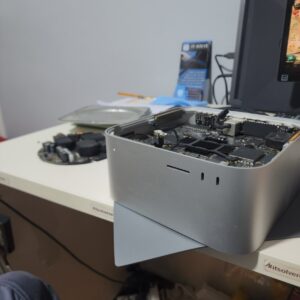

Identifying the Mac Studio Liquid Damage
We are repairing a liquid damage Mac Studio today, which apparently had a liquid spillage on the table. You can see that red liquid area there went through the ports, through the exhaust from inside, and leaked onto the SSD. Consequently, this exposure caused the whole device to do not turn on anymore. Any liquid damage devices, regardless of how little it looks like, needs to be taken apart and cleaned immediately. Otherwise, it might cause a short circuit or corrosion inside, as seen in this #2525 case. In this instance, it stopped providing video output after the spillage, which is understandable when there is liquid damage in the power supply.
Repairing corroded traces and residue removal
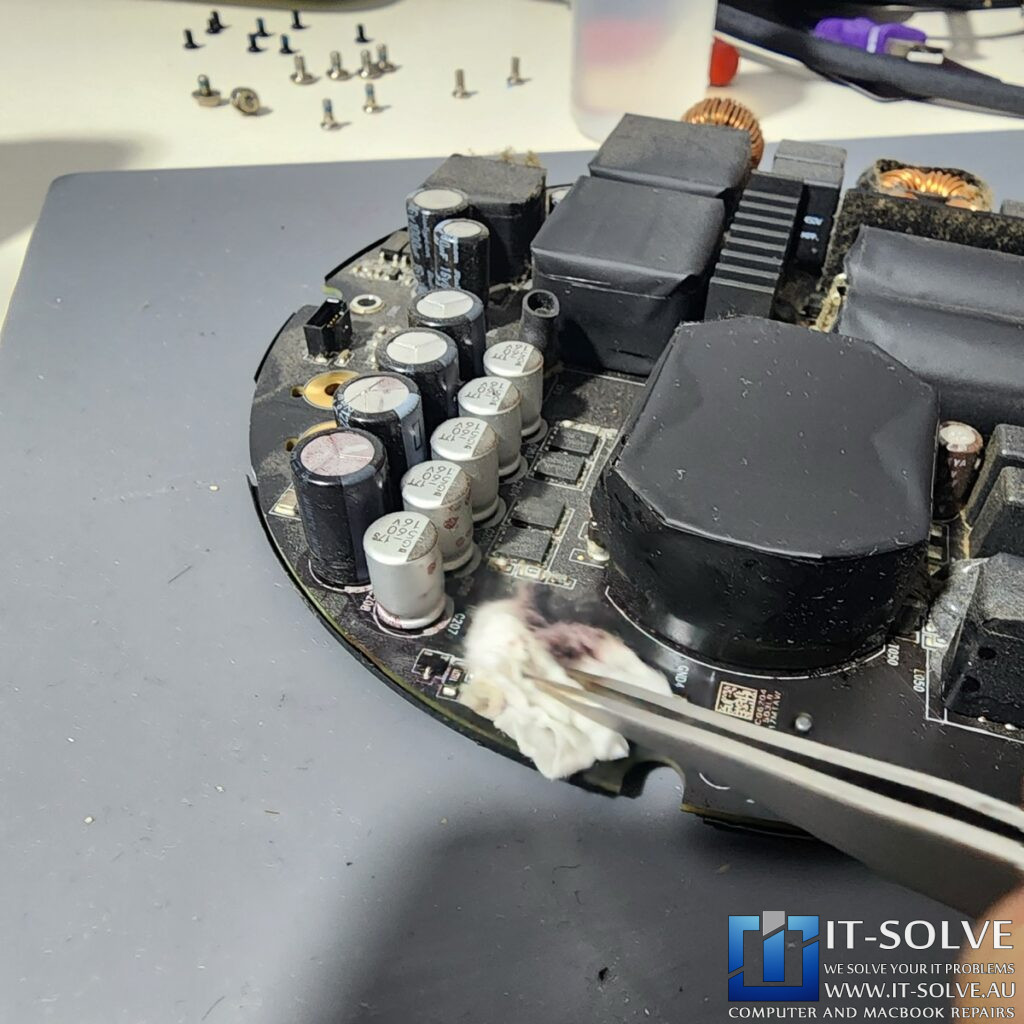
The liquid damage is quite visible over here, specifically the reddish area between these SMD components. We will touch up some of these components a tiny bit to make sure that there is no oxidation left there. Because this can be quite a high current and high frequency area with this switchable power supply, we want to make sure there is no corrosion. Therefore, let’s apply some flux and touch up some of those pins, particularly that little transistor at the edge. We must ensure we get rid of that oxidation layer, particularly on the top of that resistor where the corrosion started eating through the tin. After being cleaned, we can clearly see how it is in a much better situation.
The risk of corrosion in electronics
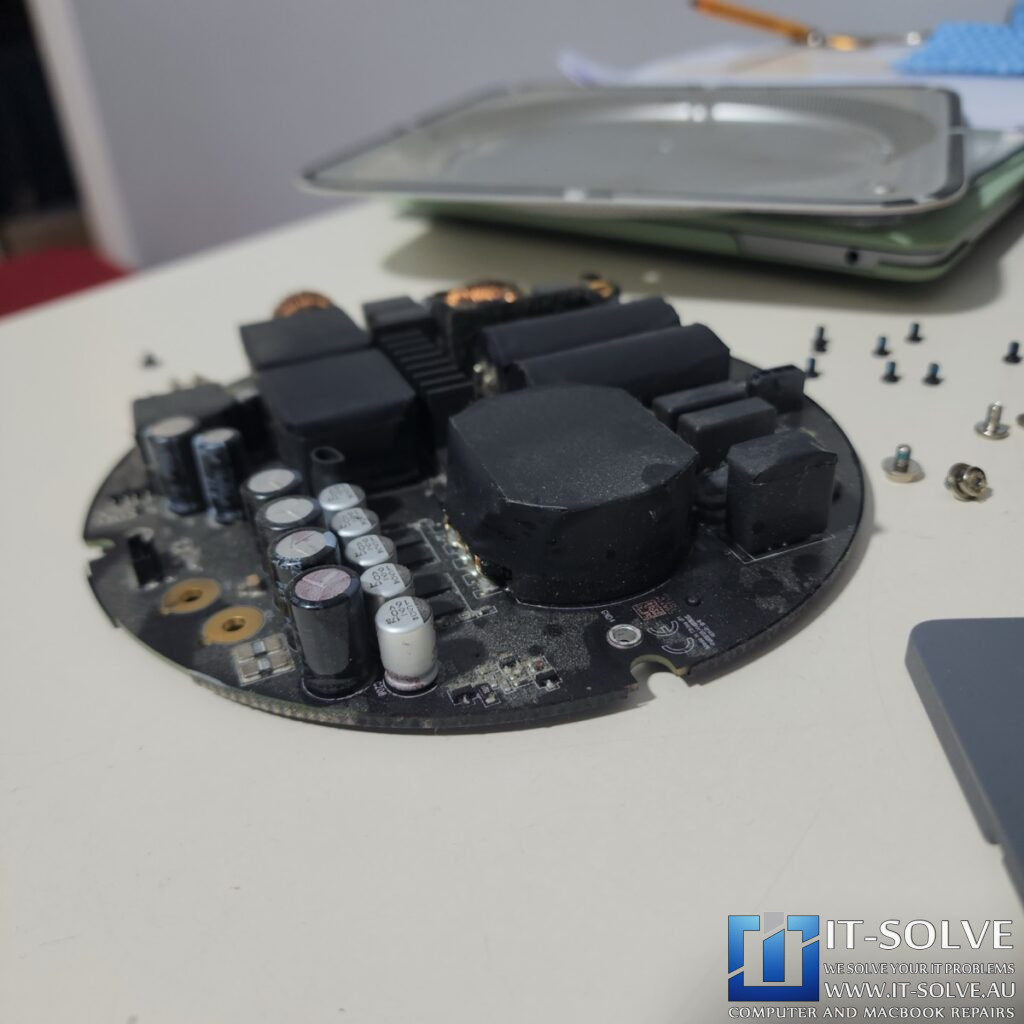
If we have to judge, probably the liquid was red wine, which got spilled on the table and went underneath the Mac Studio. It seems like the oxidation was interfering with this circuitry here, which probably controls this array of MOSFETs that drops down the voltage from the input. Furthermore, there is quite a bit of dust, so let’s service it nicely and clean it thoroughly. After the internal service is complete, we can begin to assemble the components for a quick test.
Final System Boot and Successful Repair
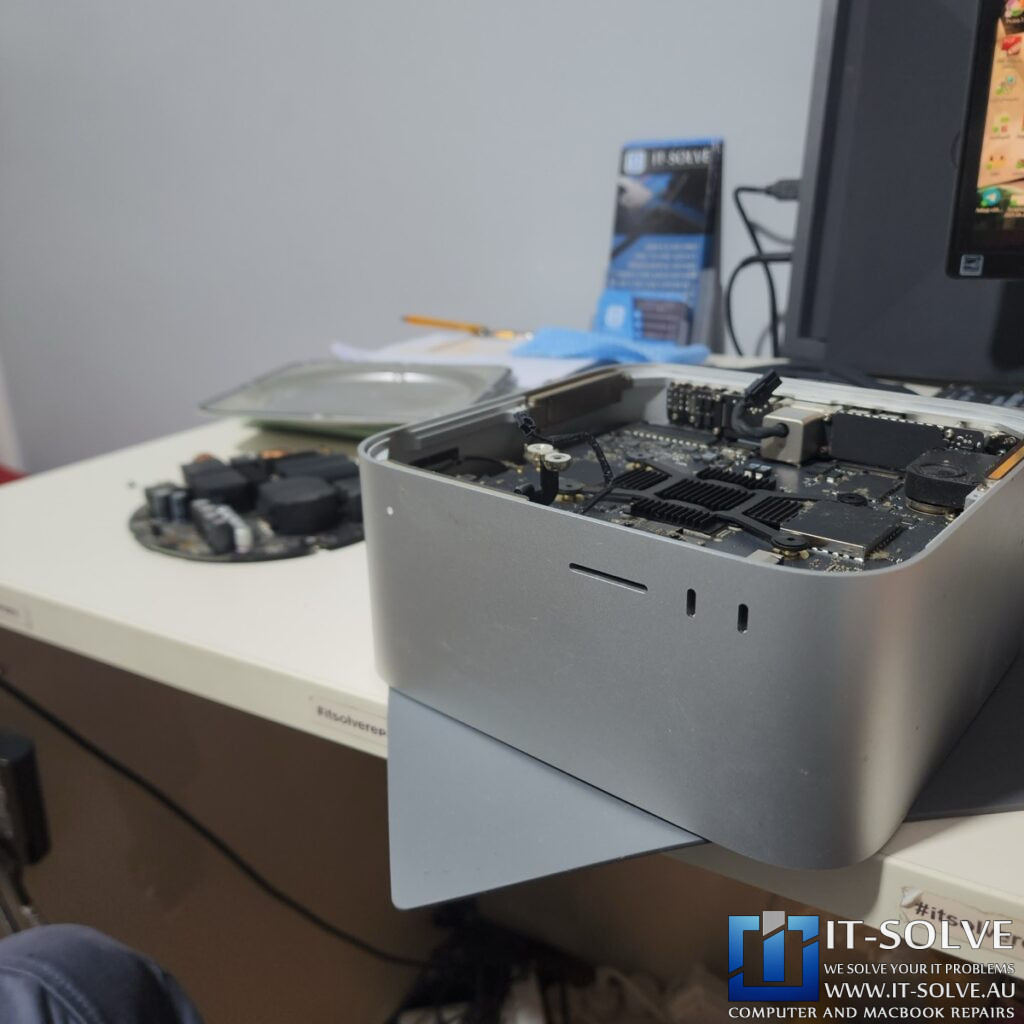
We perform a quick test before we completely assemble the unit to ensure everything is functioning. There you go, it fires up on the external HDMI monitor. It is now loading and is a successfully repaired Mac Studio. This just shows how important it is to react immediately if you spill something on your machine. Do not delay, as this could have blown the power supply, which would have been much longer to repair and more expensive.
#itsolverepairs We have created a social media video of this repair! Look up #itsolverepairs to watch the discovery of the failed components and the full internal restoration. You can see the difference a professional service makes on a modern machine. We encourage you to nudge our team on social media to see more precision electronics work. For high-quality photos and updates regarding #2525 and other cases, follow us on Instagram and Facebook. Check our Social Media channels
Needing a Mac Studio Liquid Damage Repair in Adelaide?
Did you spill a drink on your desk and now your Mac Studio won’t turn on? You need a professional specialist for Mac Studio Liquid Damage Repair in Adelaide. Check our fixed-rate Mac not turning on Repair in Adelaide and book your service today. Additionally, have a look at our Mac not turning on Repair cases regarding our recent success stories like this #2525. We provide expert electronic solutions and performance upgrades at a reasonable price right here in Adelaide!