

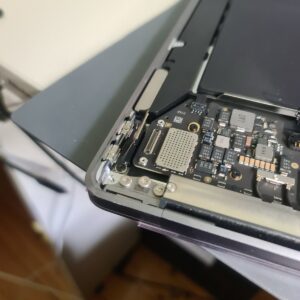
2020 MacBook Air (M1/T2) Power Issues
This week at our Adelaide workshop, we saw a common but tricky case involving a 2020 MacBook Air #2027. The device was completely “dead”— it wouldn’t take a charge and wouldn’t respond to the power button, leaving the owner concerned about their important files.
Identifying the Source: The USB-C Power Rail
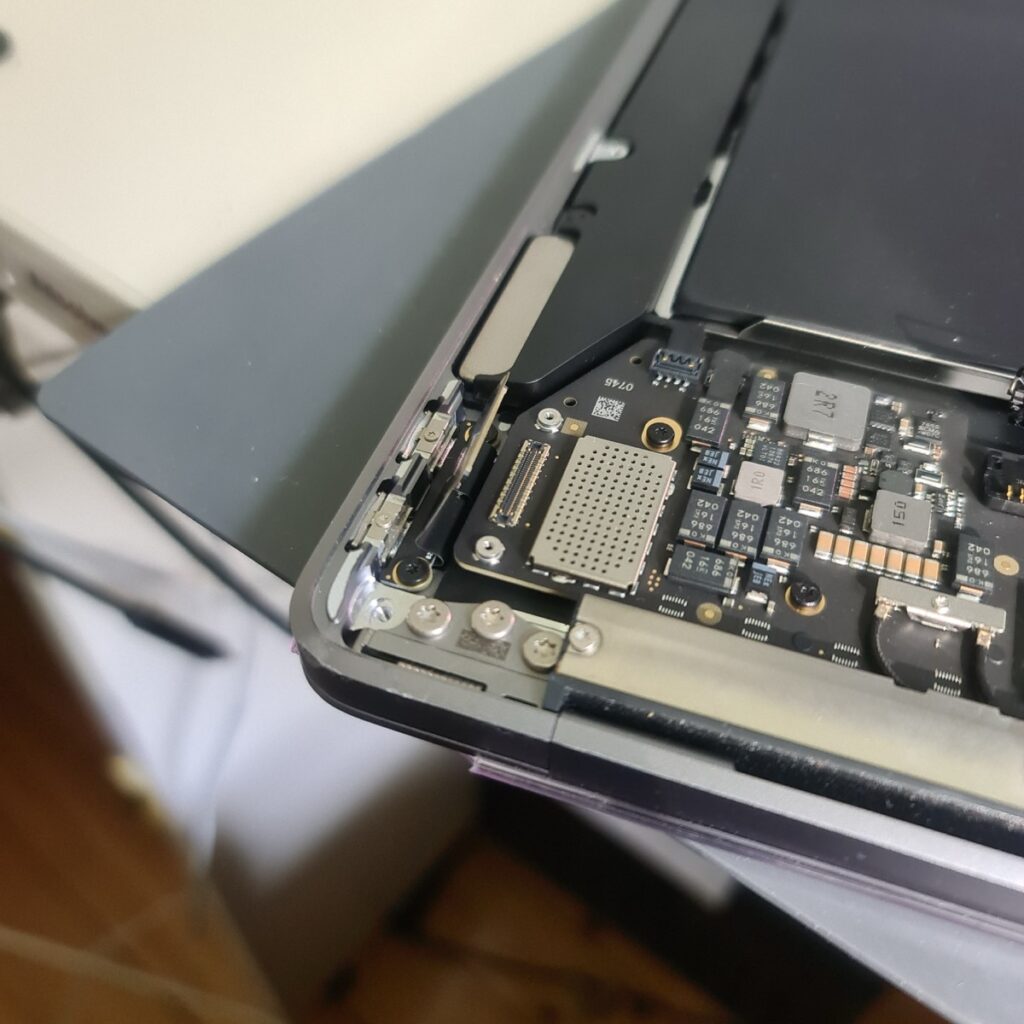
Our first step was to open the device and inspect the power entry points. On the 2020 models, the USB-C ports are a modular “bus” separate from the main logic board. By disconnecting the internal flex cables, we could isolate whether the issue was the battery, the board, or the ports themselves.
The Physical Culprit: Oxidation
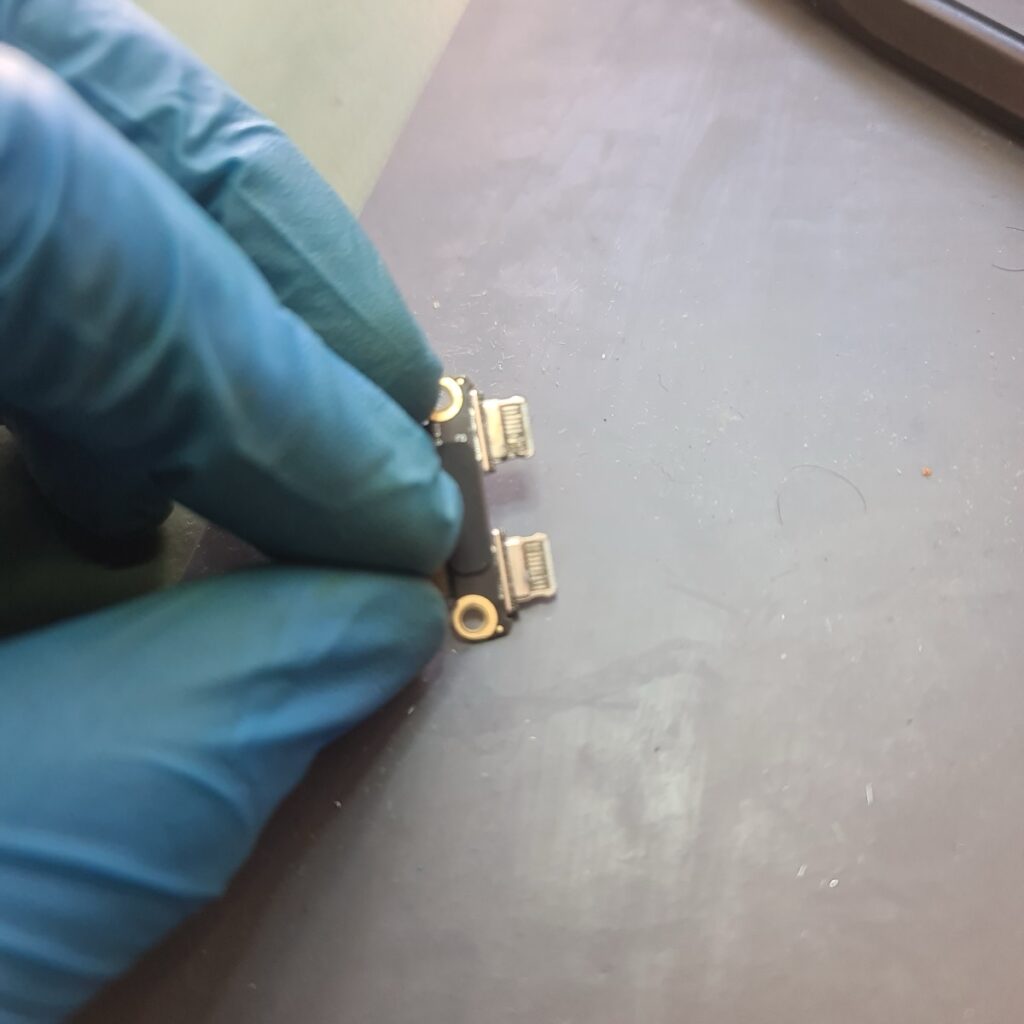
Once removed from the chassis, the failure became clear. Even though the MacBook looked pristine on the outside, the internal charging port housing showed signs of moisture ingress. Even a tiny amount of humidity can cause a failure in these high-voltage ports.
Microscopic Appearance of the Corrosion
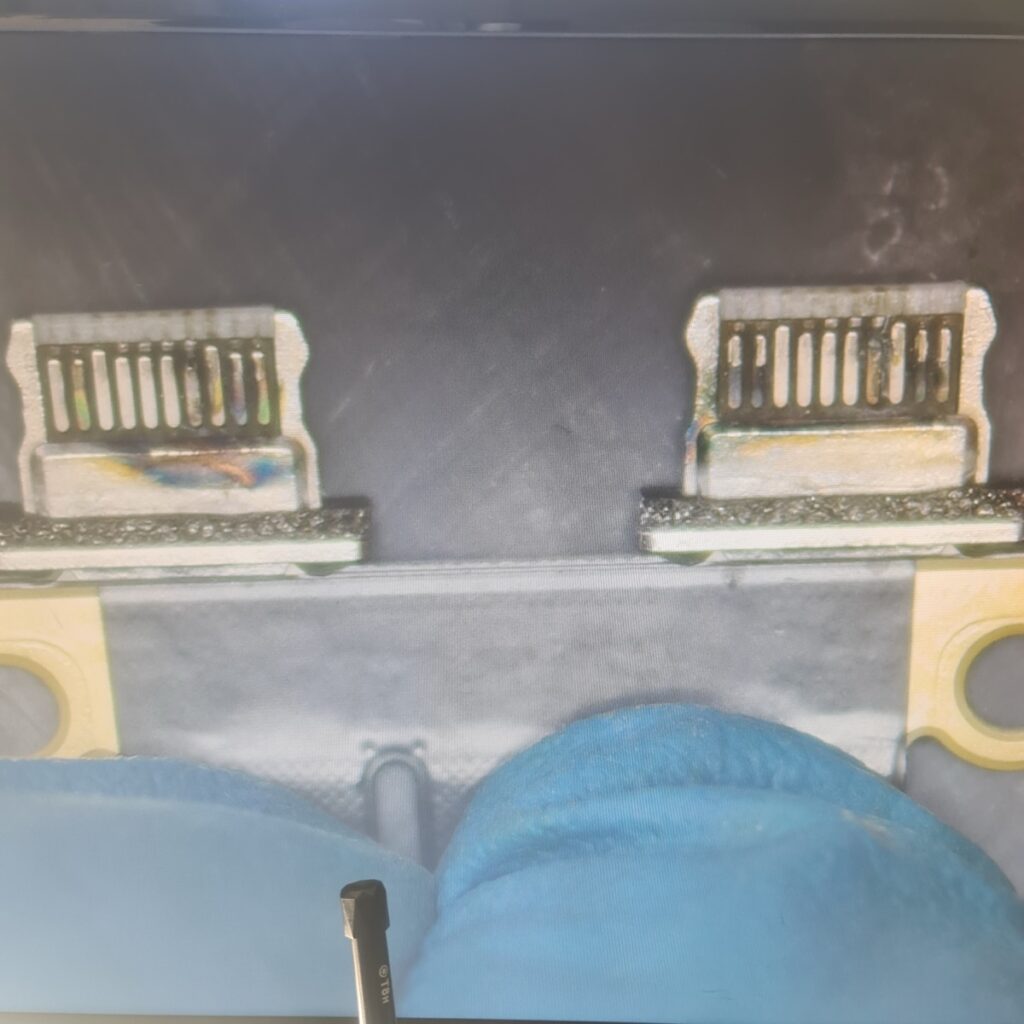
Looking through the microscope, we could see the green/white oxidation on the pins. This corrosion creates high resistance and “noise” on the data lines. Because M1 and T2 MacBooks require a perfect “digital handshake” with the charger to allow 20V of power, this tiny bit of rust was enough to completely brick the device.
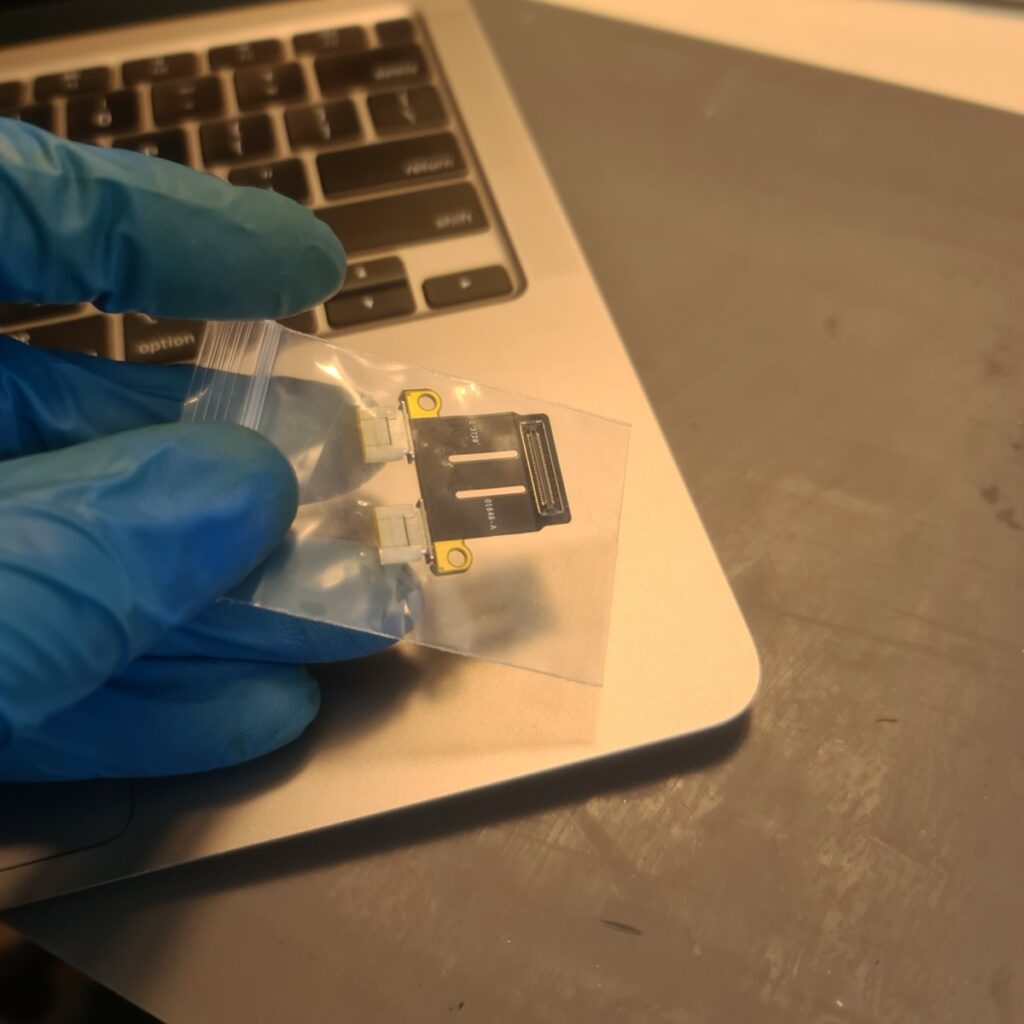
#itsolverepairs
The Secondary Challenge: File System Corruption
After replacing the physical port, the MacBook finally had power—but it still wouldn’t boot. This is a common issue with newer Apple Silicon (M1) and T2 security chip models.
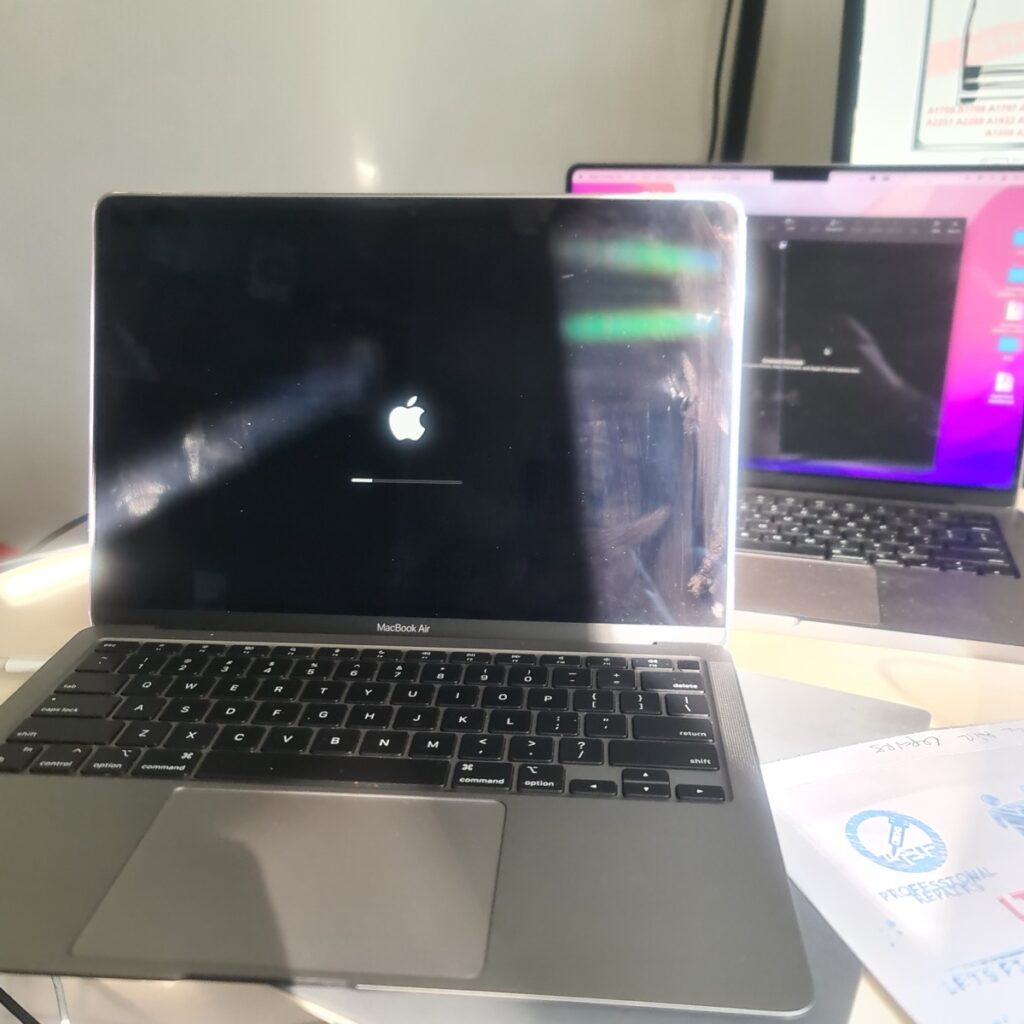
When a MacBook repeatedly tries to turn on and fails due to a bad port, the sudden power losses can corrupt the underlying file system or the BridgeOS firmware. To fix this without losing data, we had to put the device into DFU (Device Firmware Update) Mode and perform a system “Revive” and “Restore” using a second Mac.
Reviving the Operating System
With the firmware repaired via the DFU process, the MacBook finally recognized its internal SSD again. This is a delicate stage of the repair where we ensure the OS can safely mount the encrypted data partitions that Apple’s security chips protect so strictly.
Back in Business: Successful Data Access
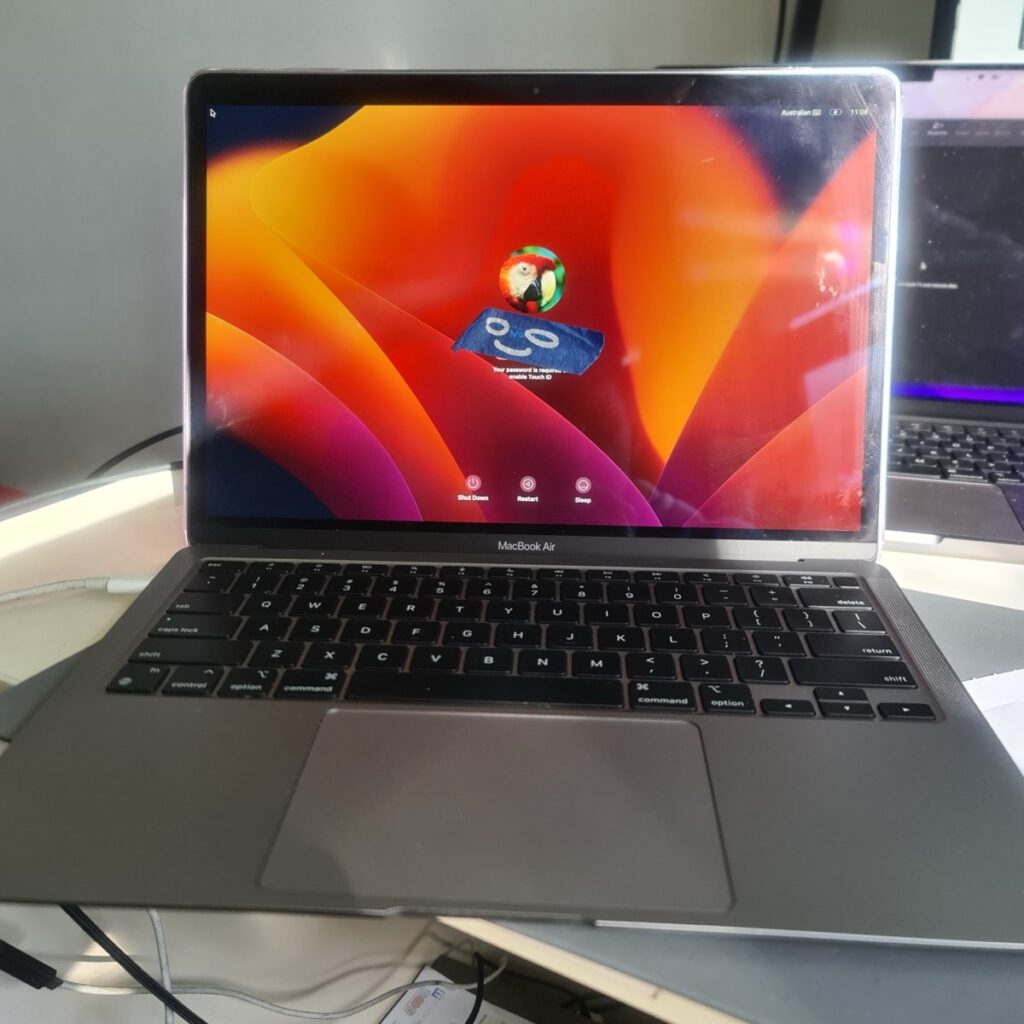
Success! The MacBook is now fully functional, charging at the correct wattage, and—most importantly—the client’s data is intact and accessible.
Adelaide’s Specialist for Complex MacBook Repairs
By replacing the specific failed component and performing a deep system recovery, we saved this 2020 MacBook Air from a costly entire-board replacement by performing Macbook Not Turning On Repair. Another device saved from the landfill and a happy customer back to work!