

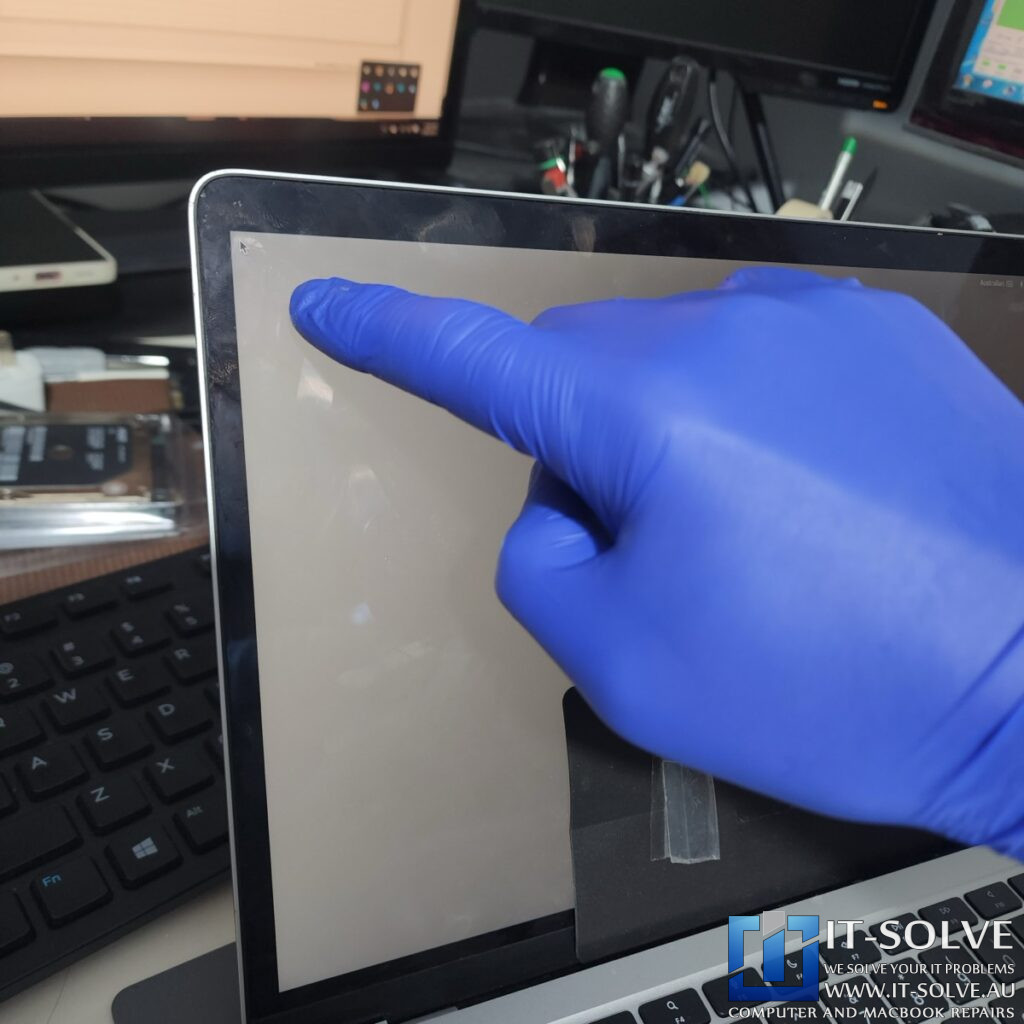
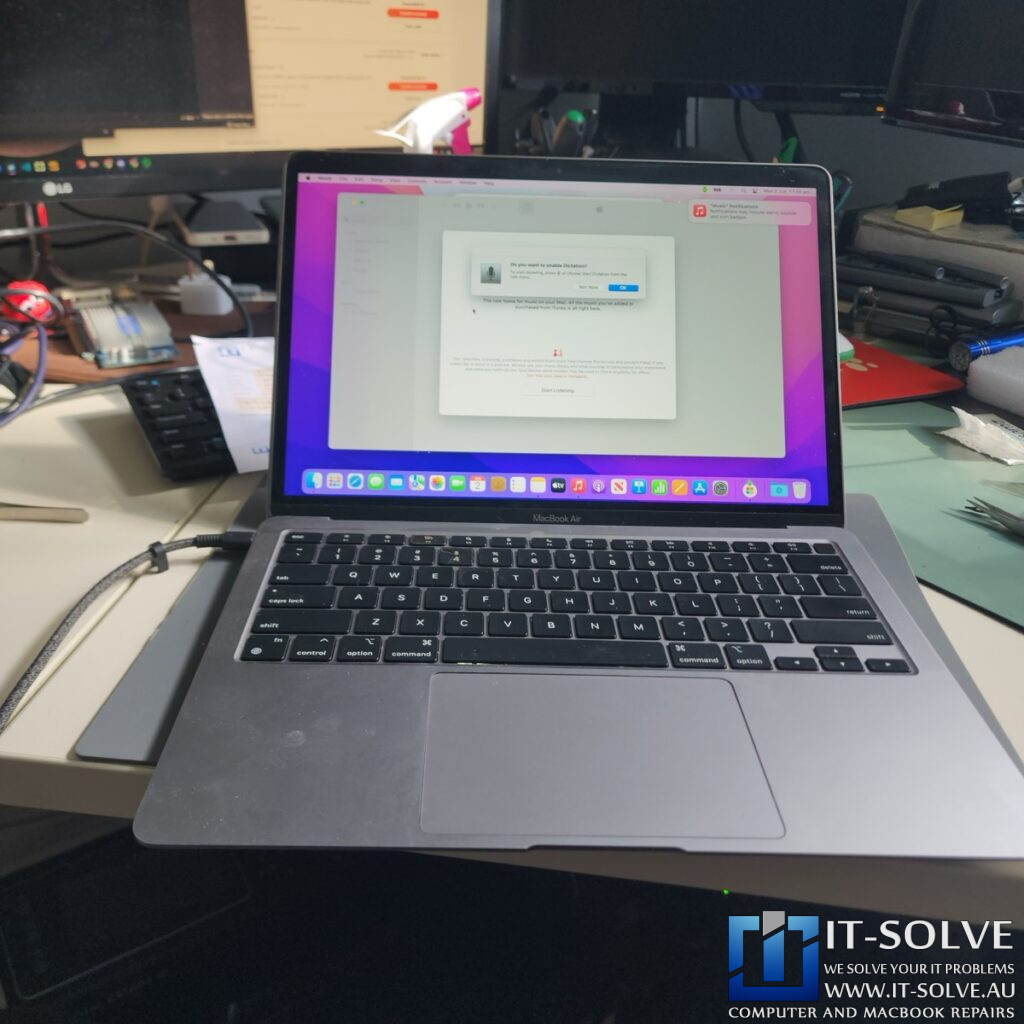
We are working on a 2020 MacBook Air A2337 today that suffered liquid damage. Following the spill, the trackpad stopped responding entirely.
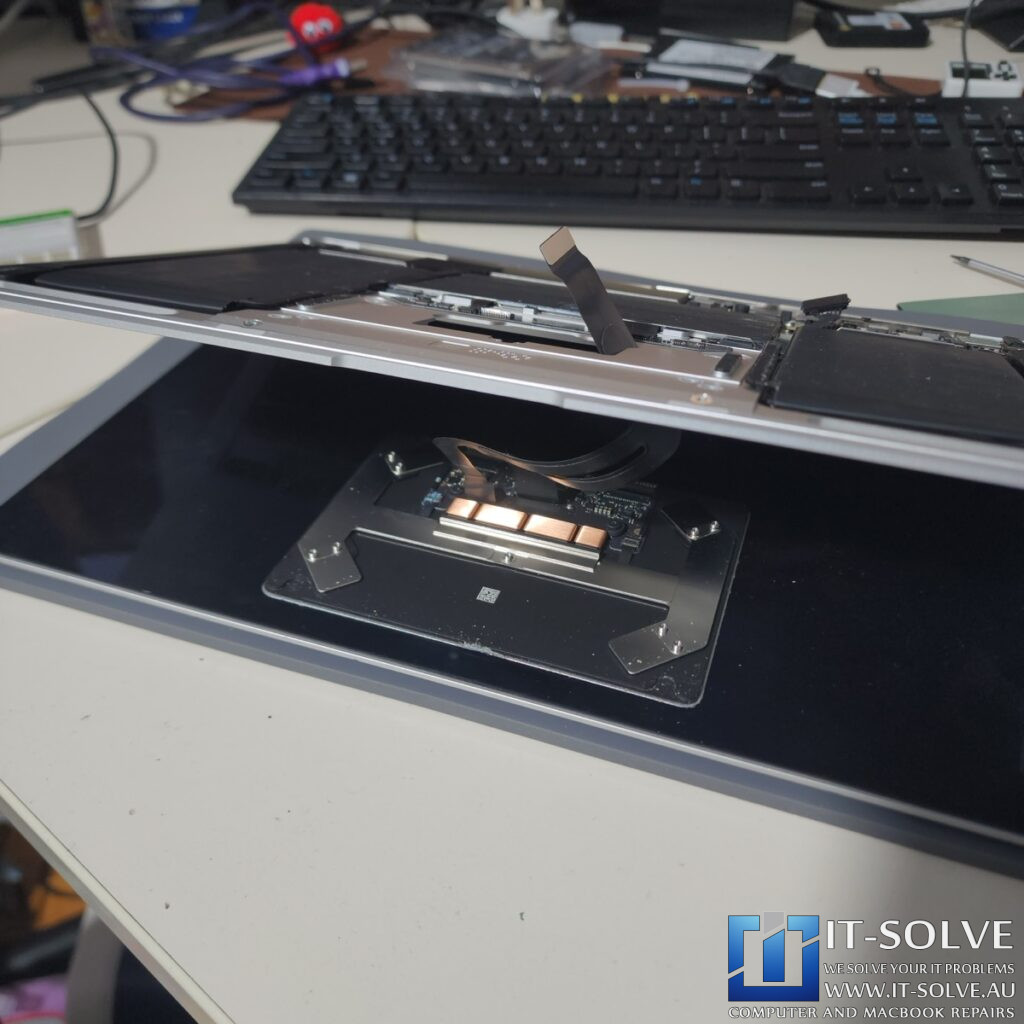
While the rest of the Mac functions normally, the trackpad shows no response when we move the mouse. Upon opening the device, we found no liquid damage around the main logic board. Most of the liquid concentrated around the trackpad area instead.
It is a common mistake to think a device is fine once it dries. Unlike paper, electronics cannot absorb liquid. The leftover residue is actually more dangerous than the liquid itself because it causes heavy oxidation.
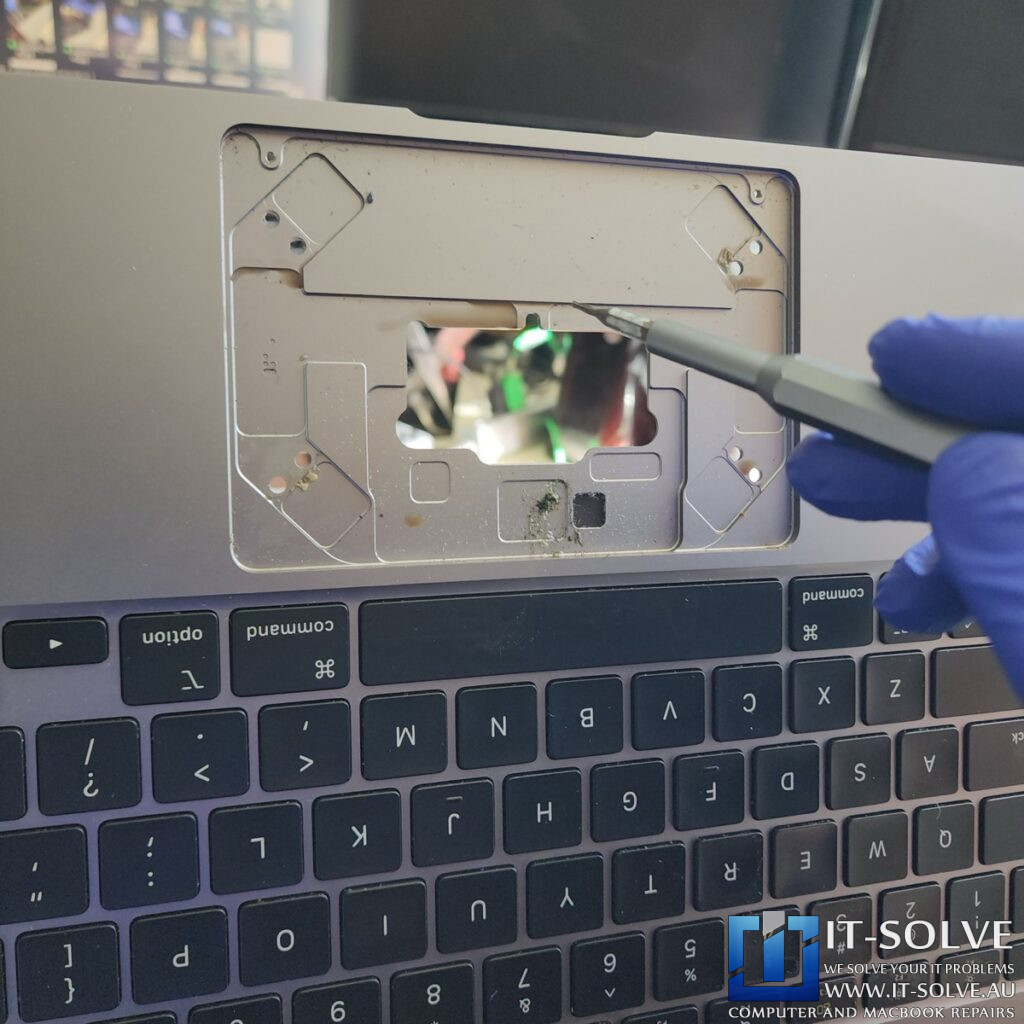
This is the primary reason why we need to treat liquid-damaged MacBooks ASAP. The longer we use them, even if we think the liquid is dried, the remaining residue corrodes through the parts and traces. In extreme cases, this corrosion can even melt connectors or perish vital circuitry.
Internal Cleaning and Socket Replacement
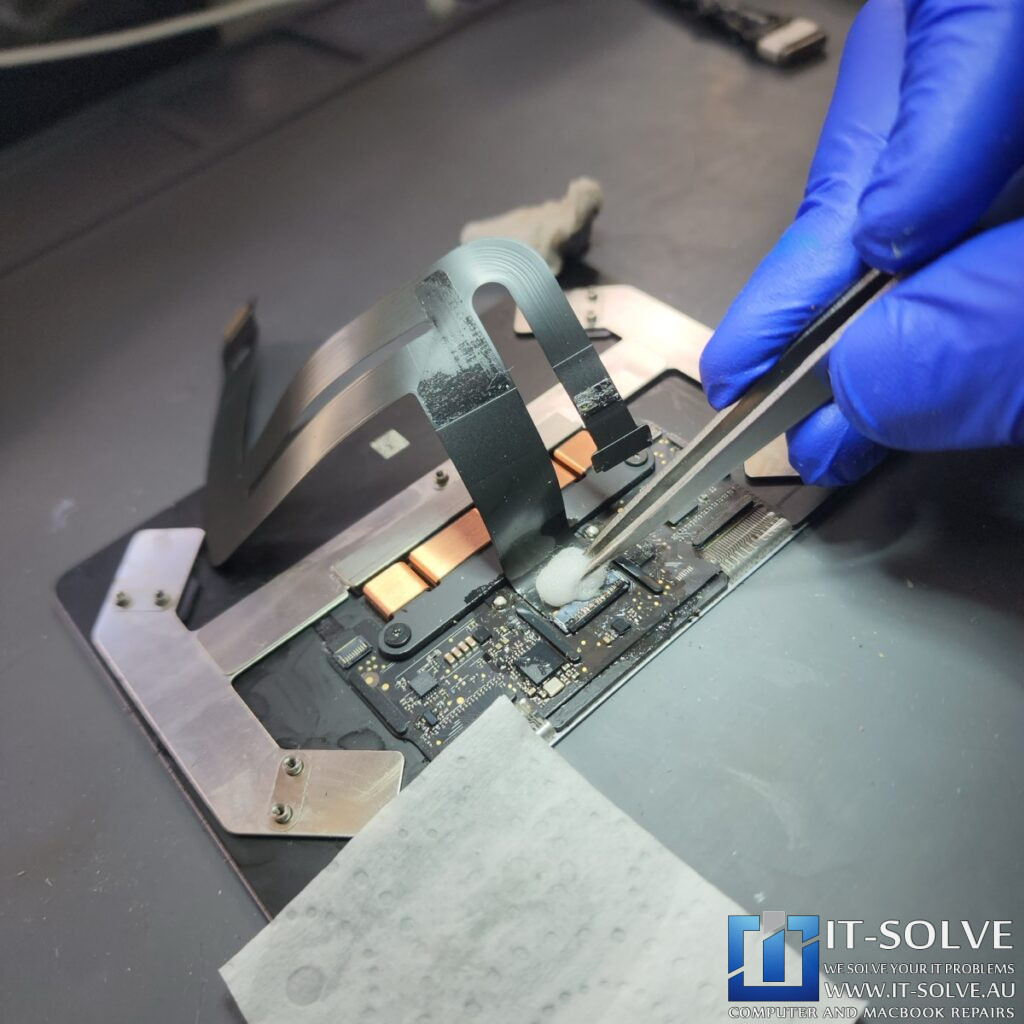
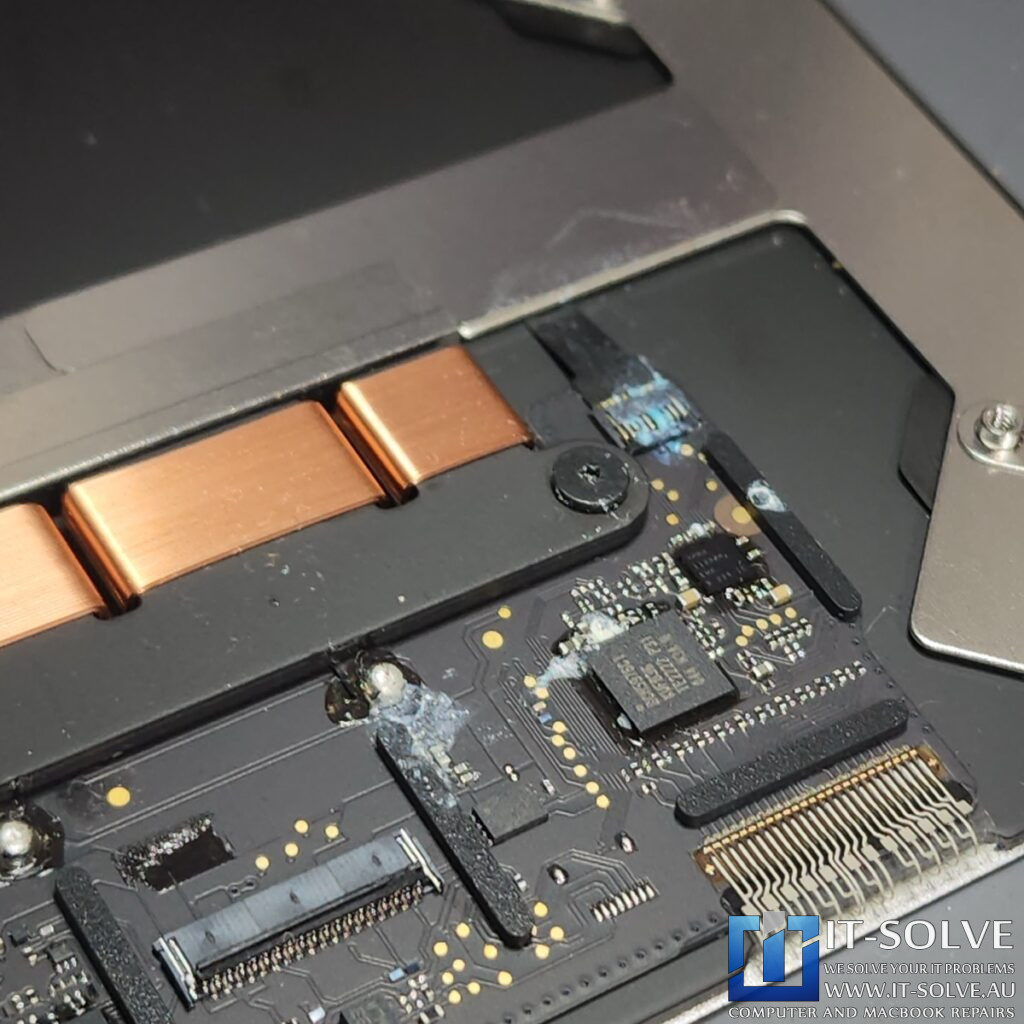
After taking out the trackpad, the corrosion was immediately visible. We observed bluish-green areas indicating heavy oxidation on the controller chip and the components that manage the coils. This oxidation acts like rust on metal; if we do not remove it properly, it will continue to eat through the hardware layers.
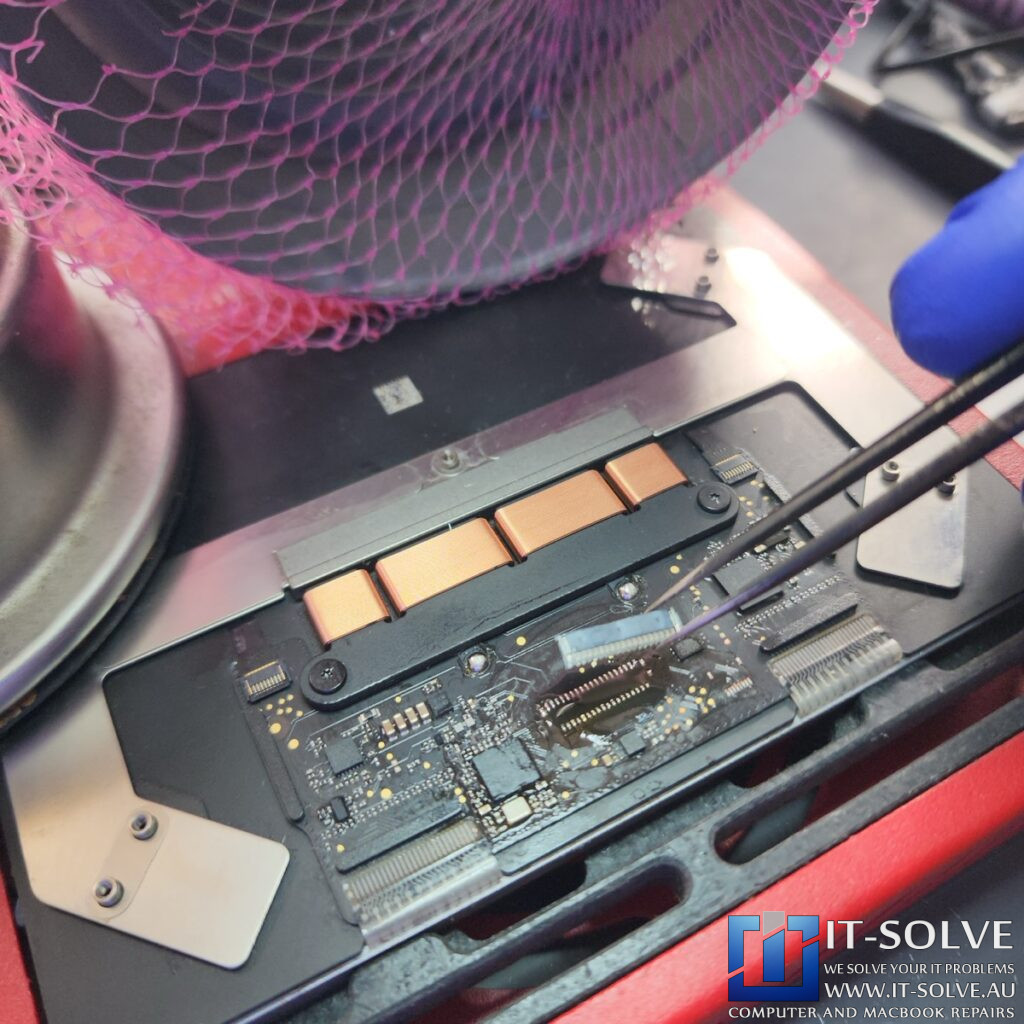
We zoomed in to find that the oxidation had already started eating through the tin, making the paths look bumpy rather than shiny. In this instance, the damage was so severe that we had to replace the socket for the trackpad cable.
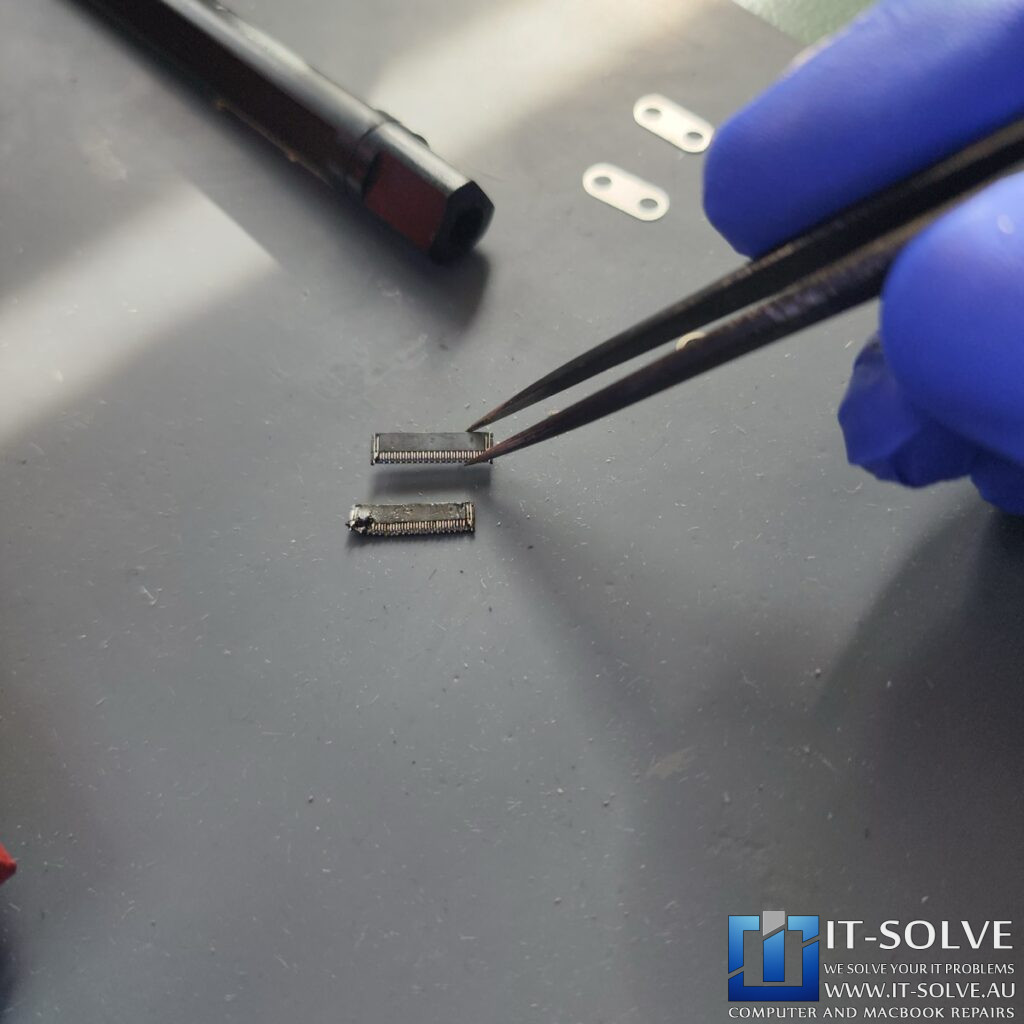
The connector had corroded so badly that it was no longer making contact, rendering the trackpad non-functional.
Trackpad damaged Trace Restoration
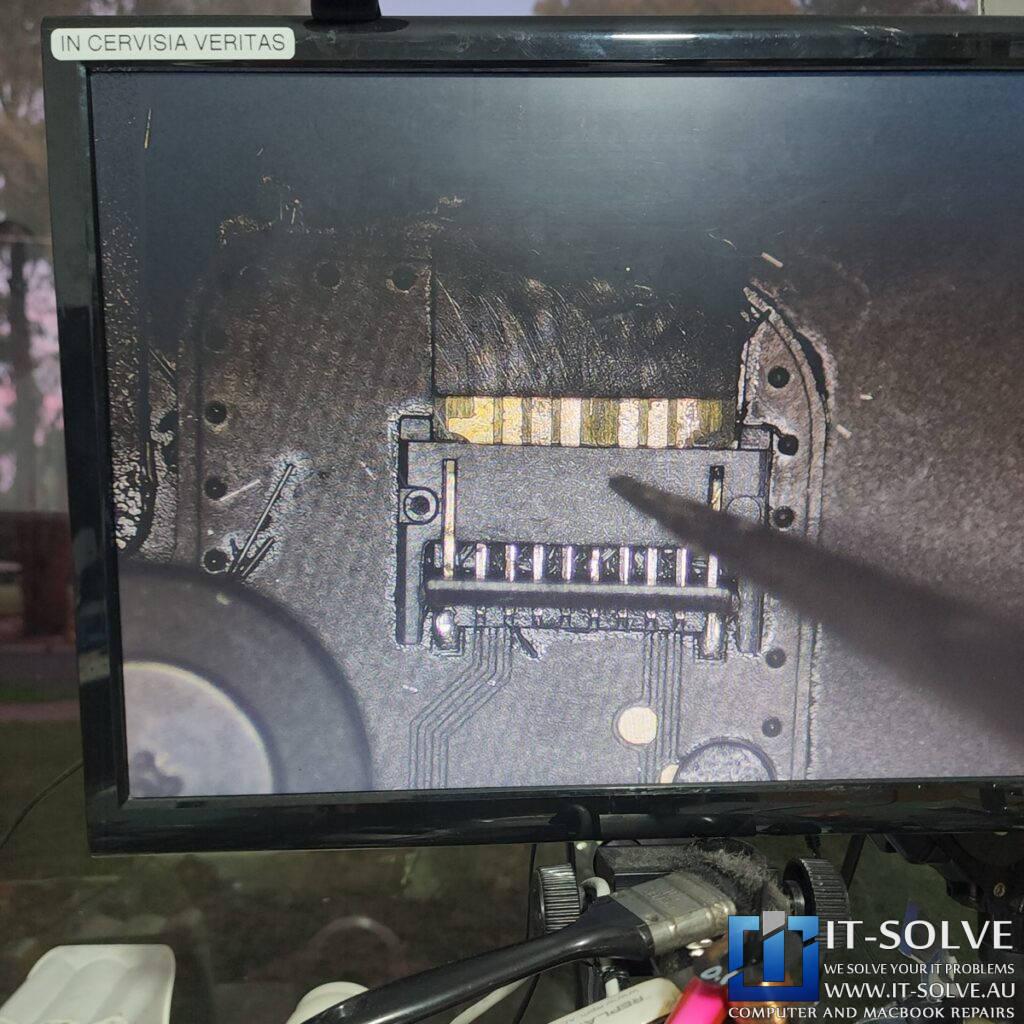
The liquid damage was particularly severe on the connector area, where a whole trace had vanished. Because the liquid collects in the grooves of the trackpad base, it creates a puddle of liquid—much like a puddle of water—where components sit in moisture for longer periods.
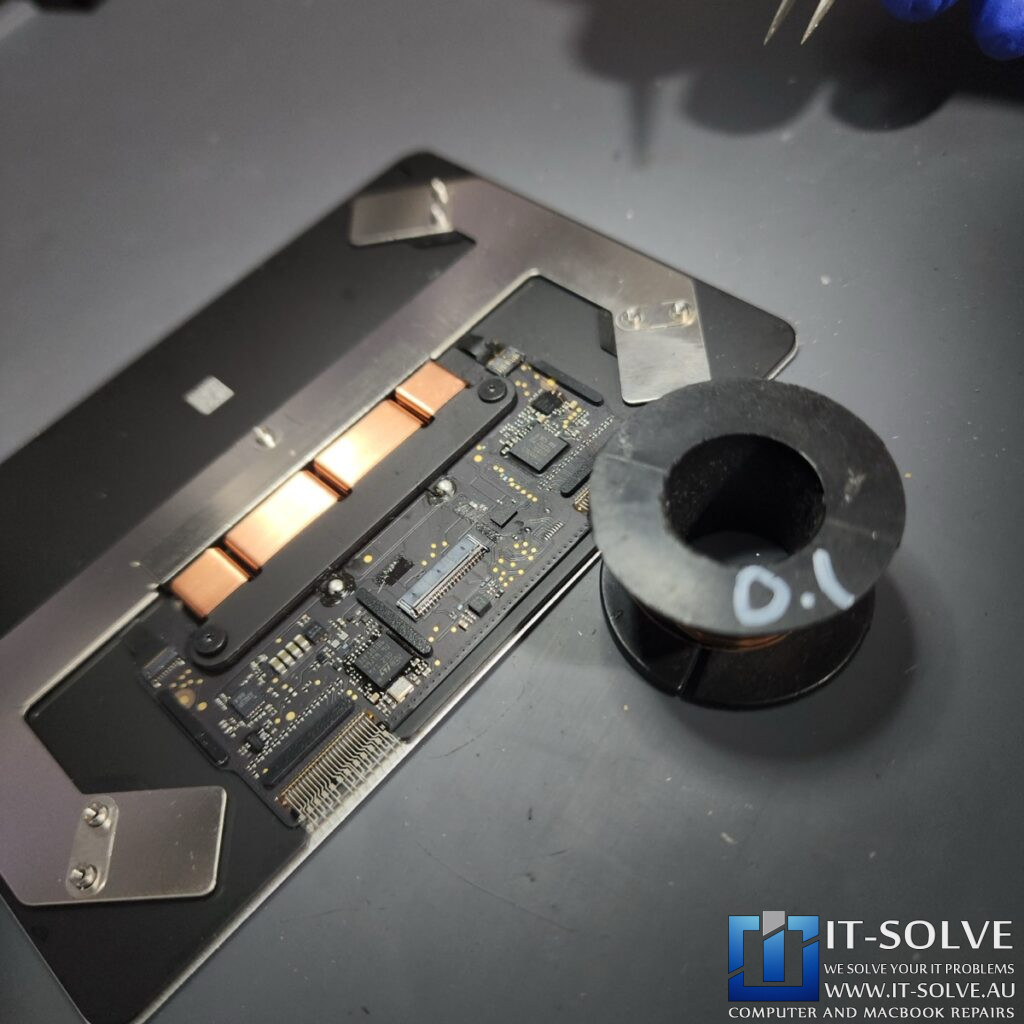
To fix this, we had to recreate the missing trace using a jumper wire. We ran the wire from the solder pad to the positive voltage input for the chip.
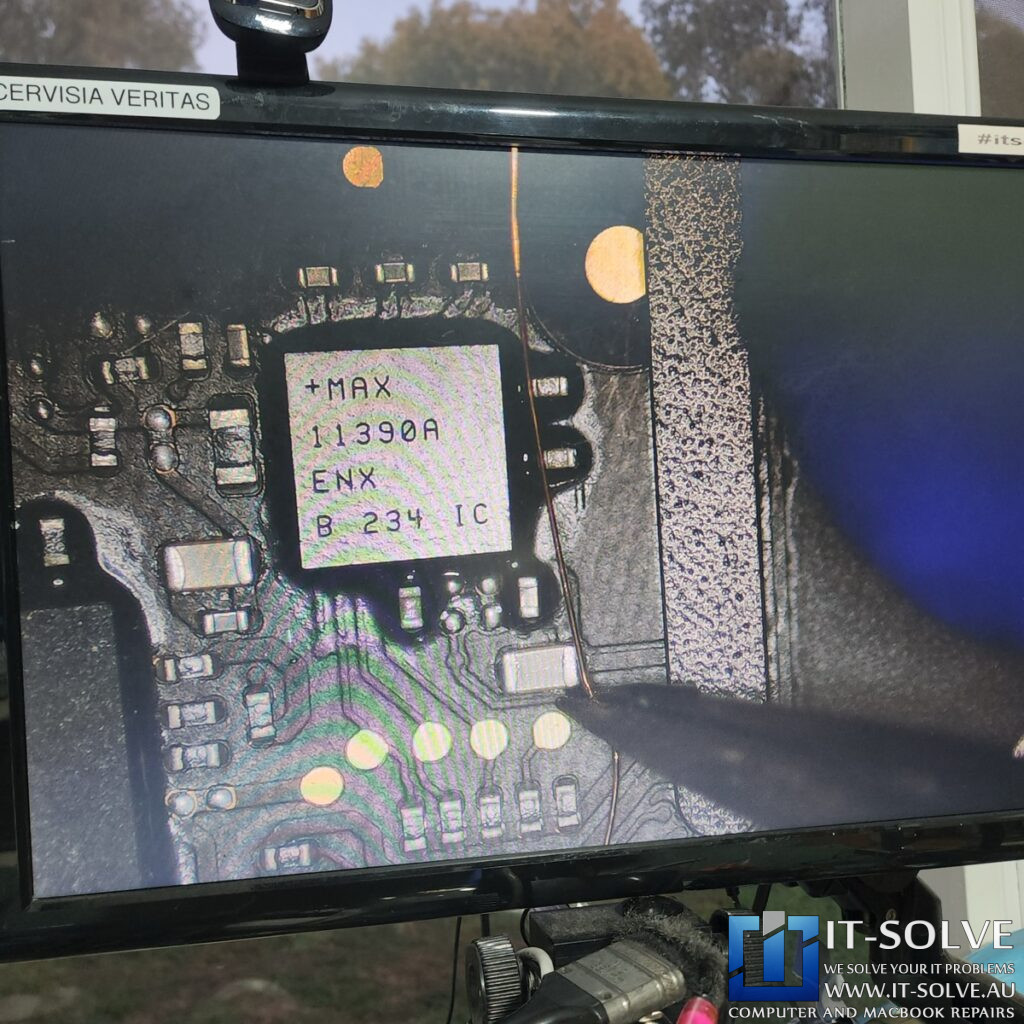
This restoration is critical because voltage lines conduct higher current and typically corrode much faster than other lines.
Final Assembly and Successful Testing
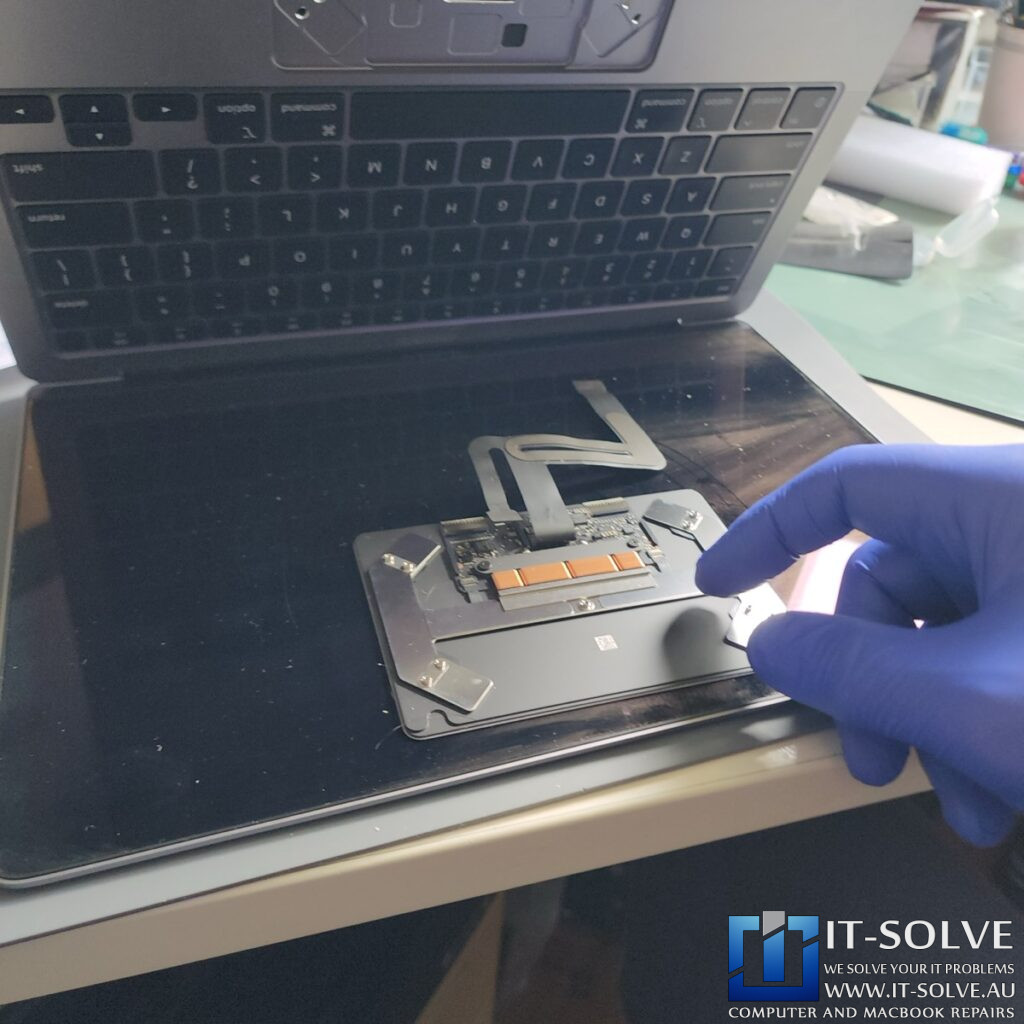
Once we replaced the socket and secured the jumper wire, we applied textile tape to keep the new connection in place. With the oxidation removed and the circuitry restored, the trackpad side of the board is back to its original condition. We cleaned the area thoroughly to prevent any further oxidation from the soldering flux. The device is now ready for final testing to ensure full trackpad movement and click functionality are restored.
#itsolverepairs We have created a social media video of this repair! Look up #itsolverepairs to watch the discovery of the failed components and the full internal restoration. You can see the difference a professional service makes on a modern machine. We encourage you to nudge our team on social media to see more precision electronics work. For high-quality photos and updates regarding #2550 and other cases, check our social media for this and other cases.
Needing a MacBook Air A2337 Liquid Damage Repair in Adelaide?
Did you spill a drink on your laptop and now your trackpad isn’t working? You need a professional specialist for MacBook Air A2337 Liquid Damage Repair in Adelaide. Check our fixed-rate MacBook Air A2337 Liquid Damage Repair in Adelaide and book your service today. Additionally, have a look at our Liquid Damaged MacBook Repair cases online regarding our recent success stories like this #2550. We provide expert electronic solutions and performance upgrades at a reasonable price right here in Adelaide!