

Diagnosing a MacBook Air M1 Not Turning On
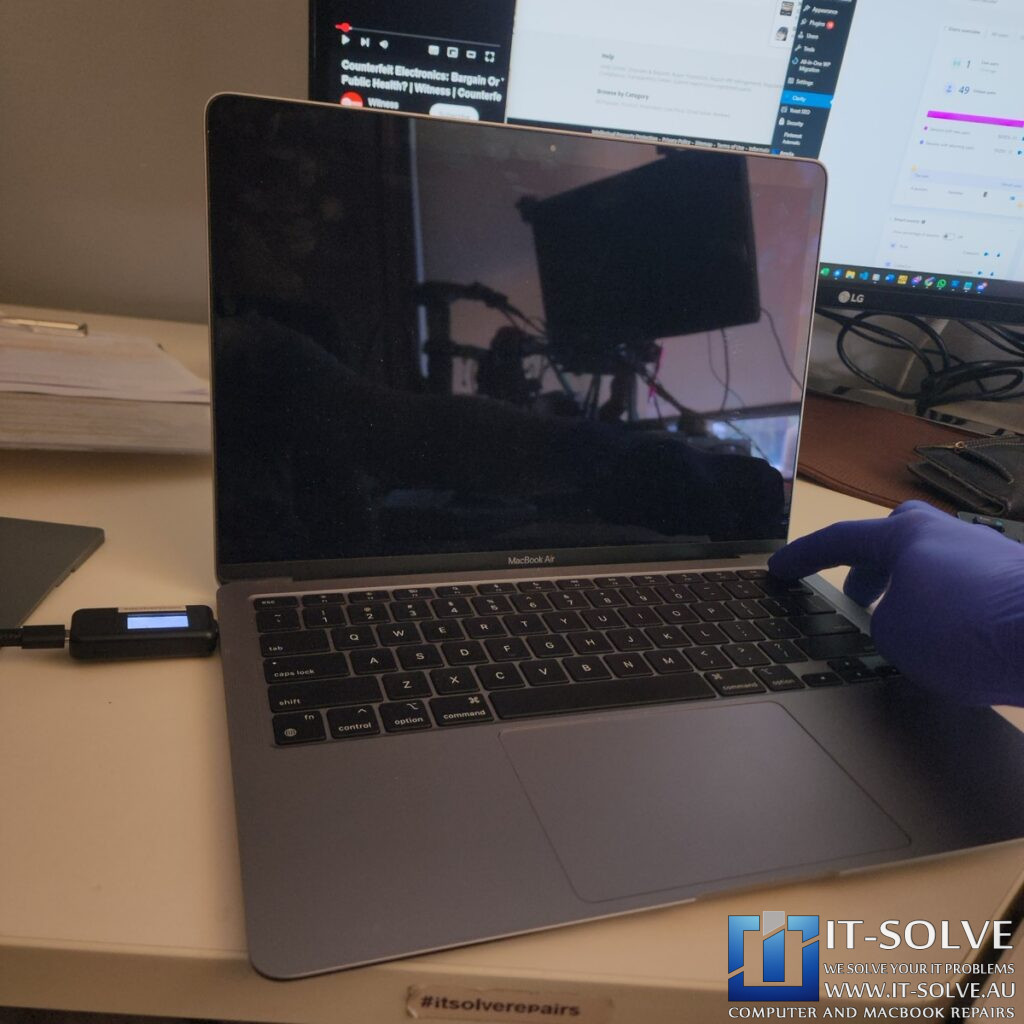
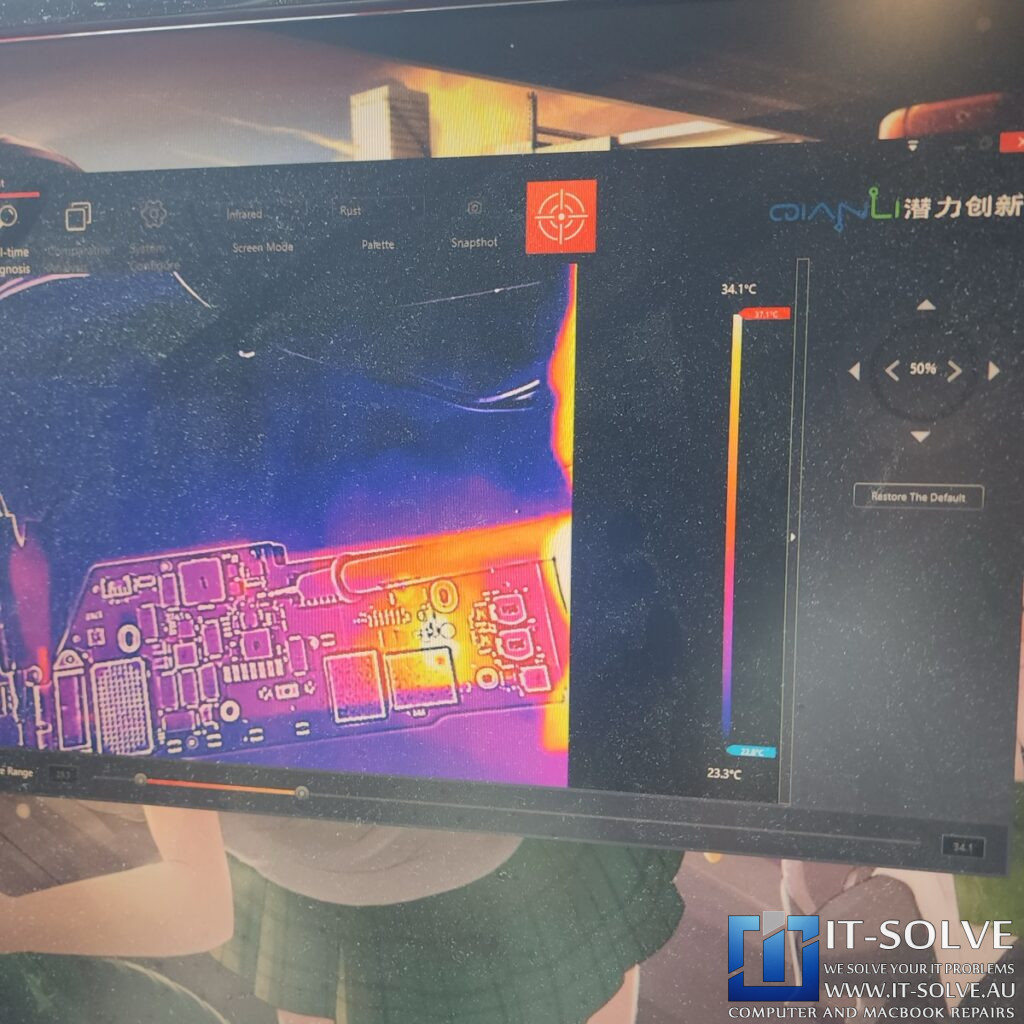
We recently received a 2019 MacBook Air featuring the M1 chip for repair under RepairID #2406. The device was completely unresponsive, presenting a clear case of a MacBook Air M1 not turning on. During our technical teardown, we identified a short circuit on the PPBus line at capacitor C5804. This component serves as a PPBus filter cap within the 3.8-volt PPBus LDO area. Consequently, this is a highly sensitive power rail because it deals directly with VDD Main lines.
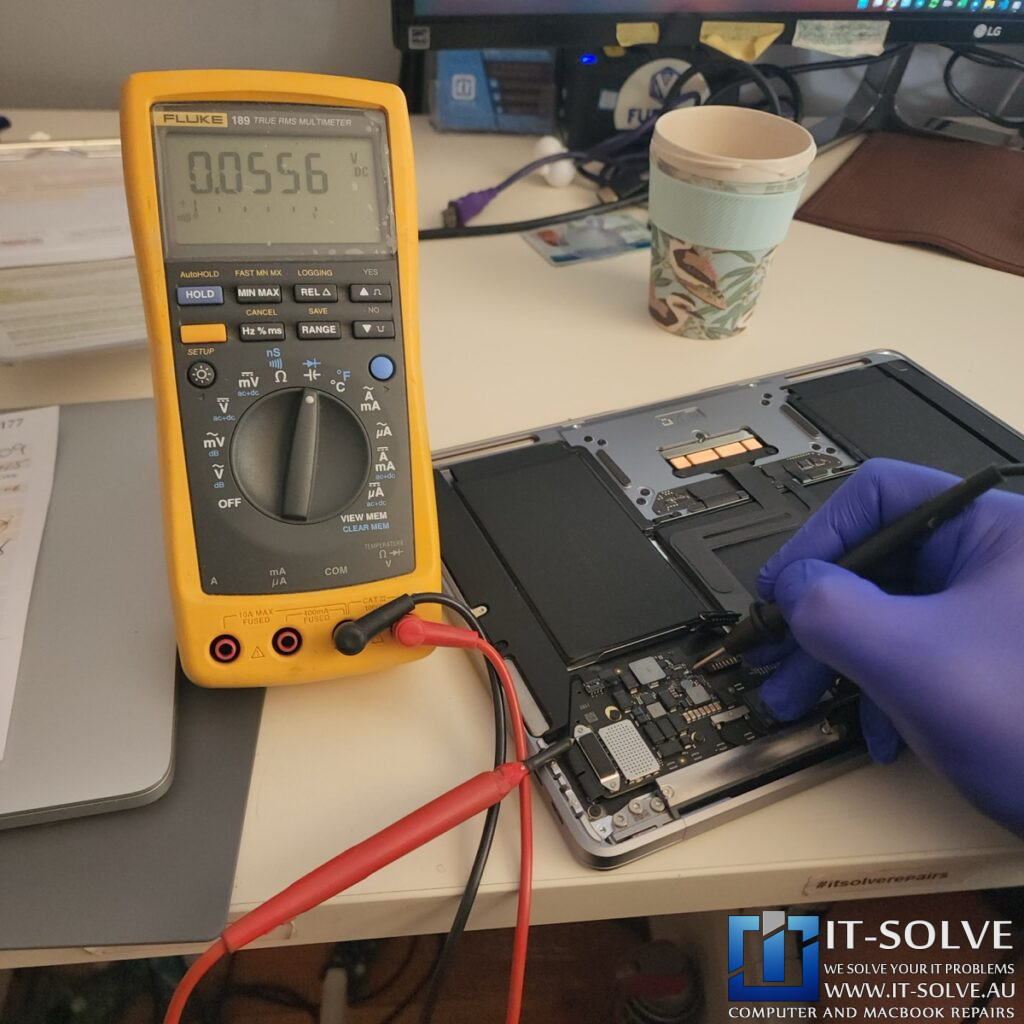
During the diagnostic phase, we had to handle the short with extreme care. For instance, if a technician incorrectly injects voltage—such as 5V into this specific line—the surge could easily flood the 5-volt line through a shorted capacitor.
As a result, such an error would “blow” the CPU or the SSD, making data recovery impossible. Fortunately, the MacBook’s internal circuitry identifies these shorts and stops power delivery to prevent catastrophic failure.
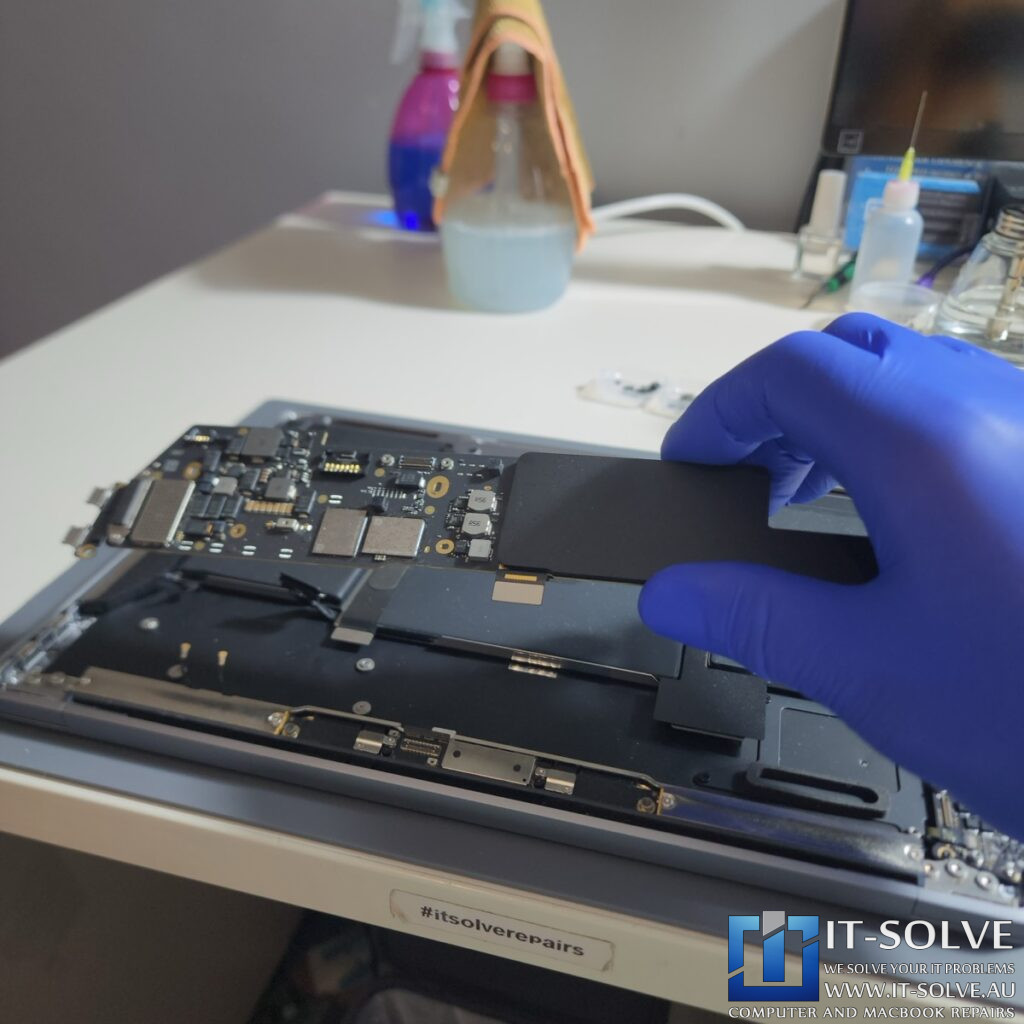
Locating the faulty capacitor on the Not-Turning On Macbook Air M1
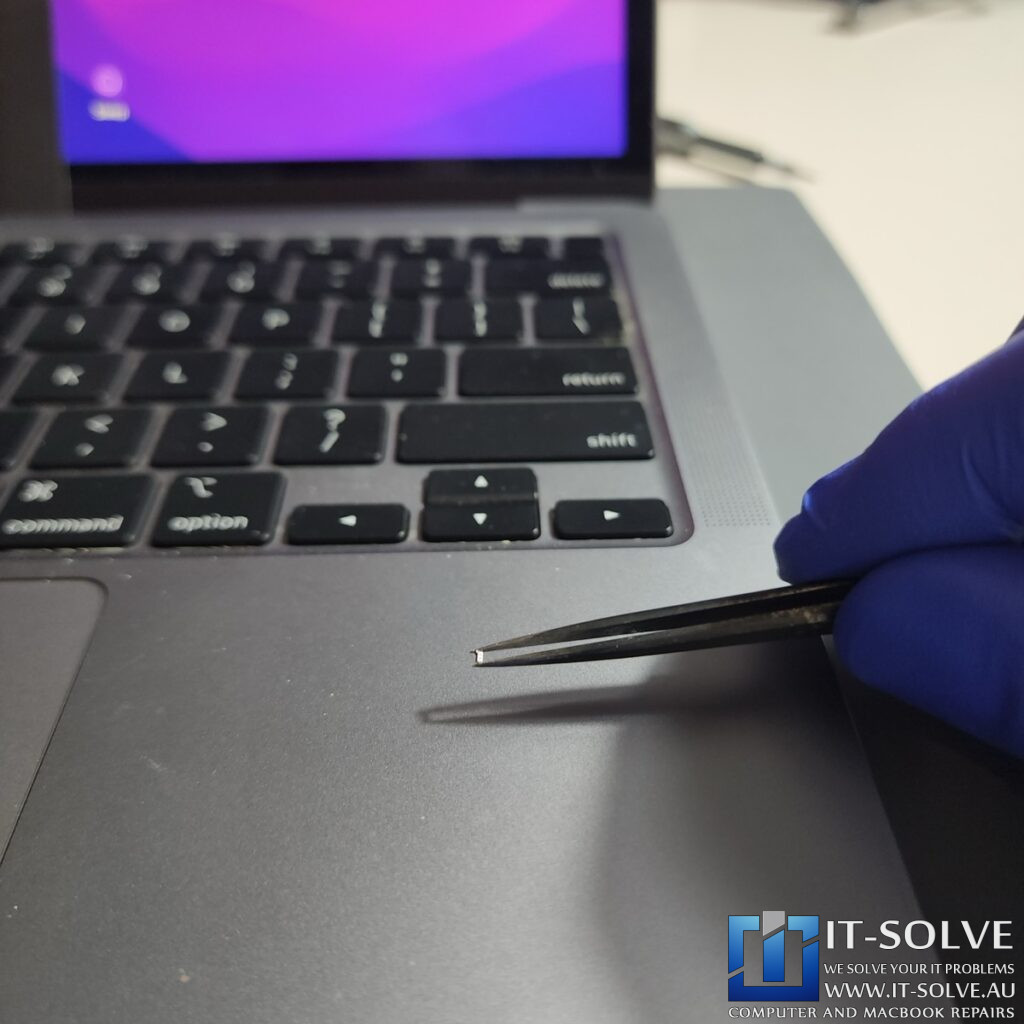
To resolve this power failure, our team performed precision logic board surgery to replace the faulty 2.2-microfarad capacitor. We successfully sourced a matching 0402 package capacitor from a donor A1466 board and transferred it under the microscope. To put the difficulty of this surgery into perspective, this component is roughly one-third the size of a grain of rice.
The failure of this capacitor stems from the fanless architecture of the MacBook Air. While Apple markets the lack of a fan as a feature to prevent dust, it often results in poor heat dissipation. Because the C5804 capacitor sits directly opposite the CPU heatsink, it endures immense, concentrated heat. Therefore, this consistent thermal stress eventually caused the capacitor to crack and short to ground. This failure is a common reason for a MacBook Air M1 not turning on.
Successful Repair of Macbook M1 Not turning on

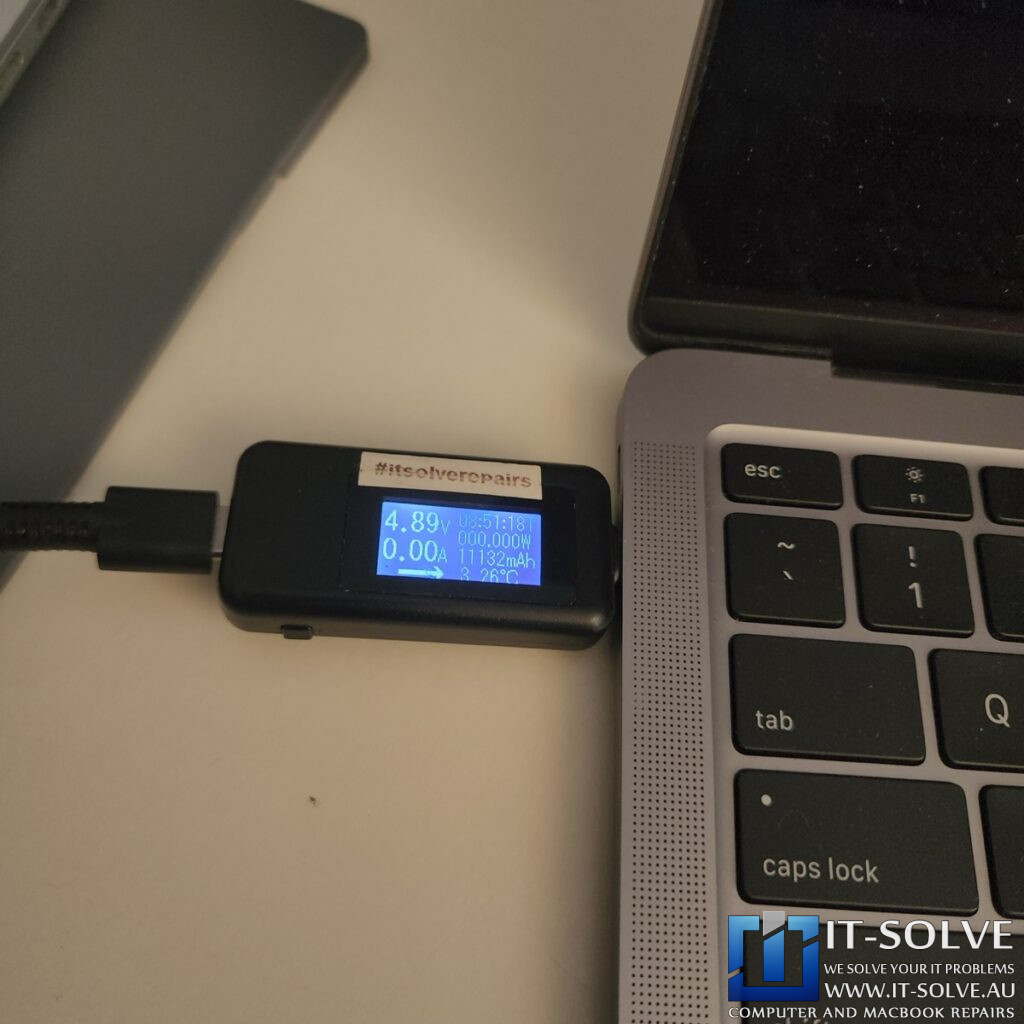
After we completed the logic board surgery, the short circuit on the PPBus line disappeared. When we connected the charger, the USB-C meter showed the system jumping to 19V and pulling 1.1A. This 1.1A draw represents the correct charging current for a battery that was previously flat due to the short circuit.
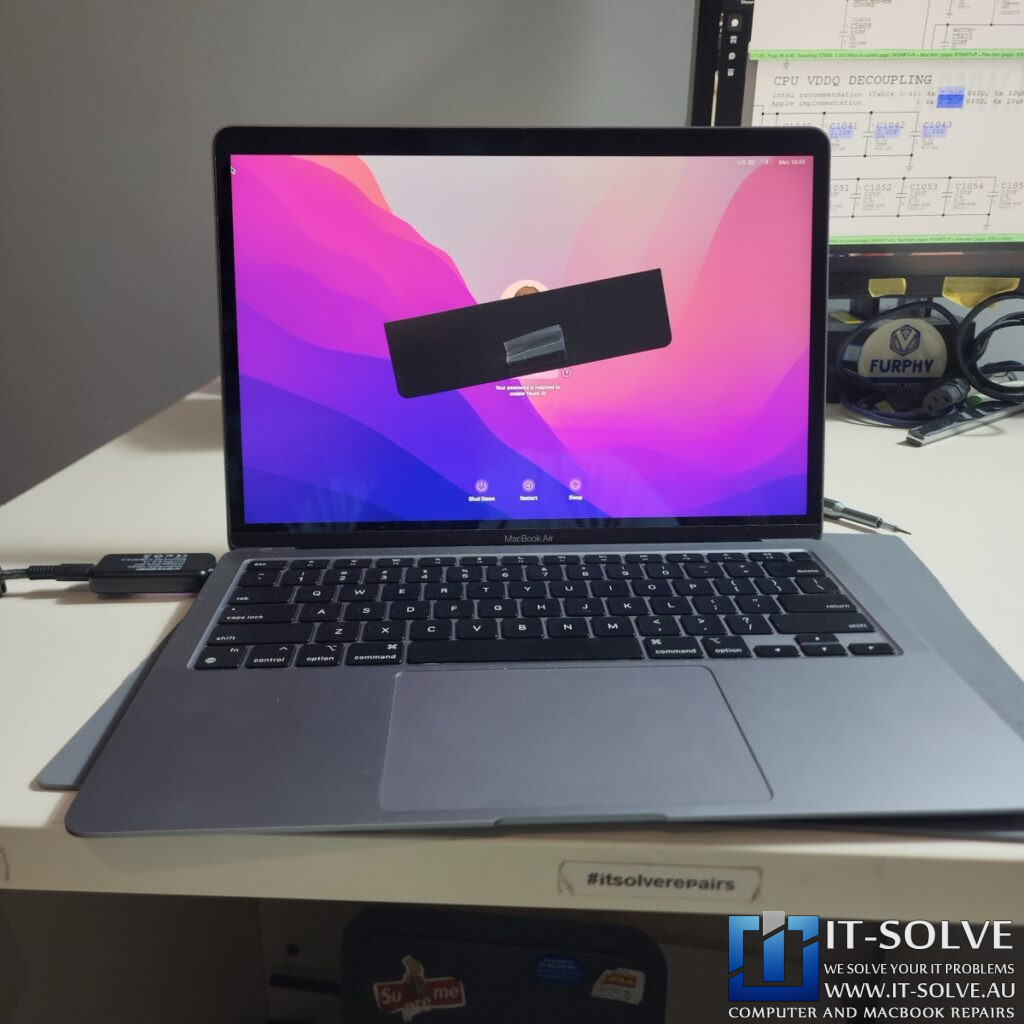
The MacBook now boots perfectly to the desktop, and we have preserved all customer data. By repairing the original logic board rather than replacing it, we saved the device from becoming e-waste. Furthermore, this approach maintained the integrity of the integrated SSD. This case clearly demonstrates that specialized component-level knowledge is required to safely navigate the sensitive power rails of modern M1 MacBooks.
#itsolverepairs
We have created a social media video of this repair on our YouTube channel! Look up #itsolverepairs and #2406 to watch the in-depth repair process. You can see the microscopic view of the cracked capacitor and the precision logic board surgery we performed. We encourage you to nudge our team on social media to watch more of our precision electronics work. For high-quality photos and updates, follow us on Instagram and Facebook.Find our social channel links here.
Adelaide’s Fastest Turnaround with Fixed Pricing
We take pride in our honest and transparent approach to MacBook repairs in Adelaide. At IT-Solve, we maintain a fixed pricing policy for all our services. Therefore, you can find our rates openly listed on our website with no hidden fees or surprises. Furthermore, we provide one of the fastest turnaround times in South Australia to get your essential tools back to you quickly.
Needing a MacBook Air M1 Not Turning On Repair in Adelaide?
Is your MacBook unresponsive, failing to power up, or suffering from a short circuit? You need a professional MacBook Air M1 Not Turning On specialist in Adelaide. Check our fixed-rate Macbook Not Turning On Repair in Adelaide and book your service today. Additionally, have a look at our Macbook Not Turning On Repair cases online regarding #2406. We provide expert electronic solutions at a reasonable price right here in Adelaide!