

Diagnosing a Non-Charging 2015 MacBook Pro
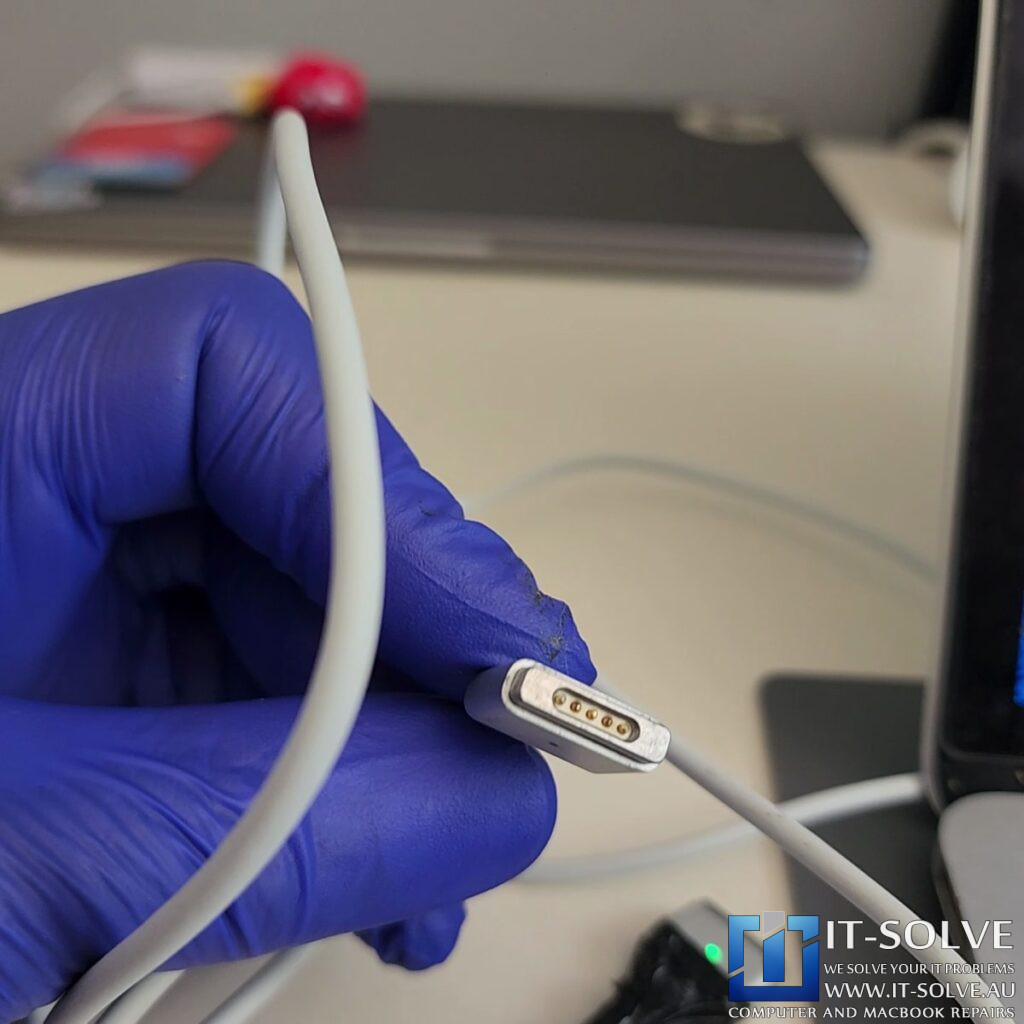
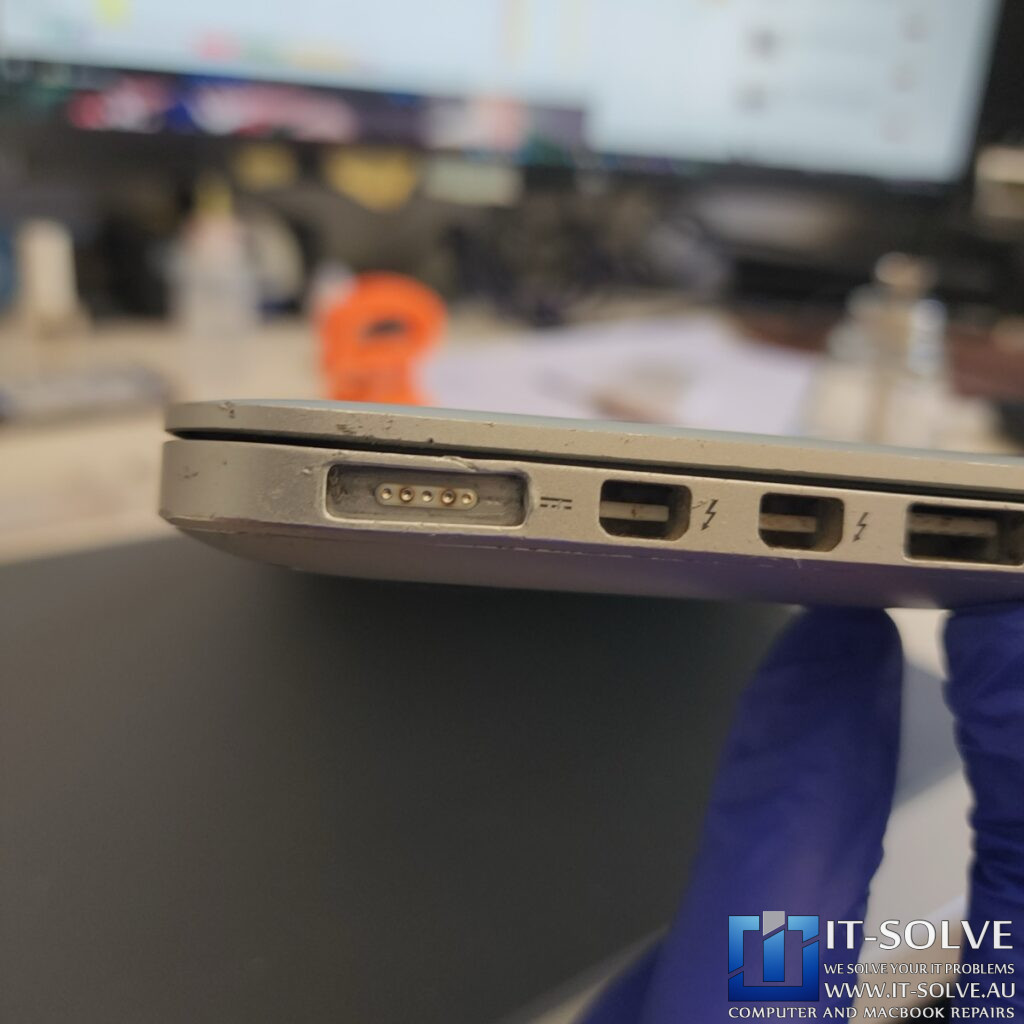
We received a 2015 MacBook Pro 13″ for repair today that was failing to charge. Upon initial inspection, we identified that the customer was using a counterfeit charger. Non-original Apple power supplies are notorious for damaging internal circuitry, and in this specific case, the pins of the charger had completely melted.
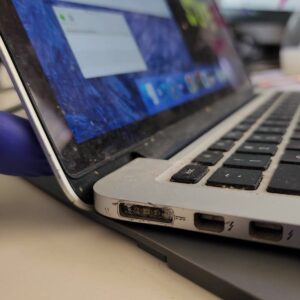
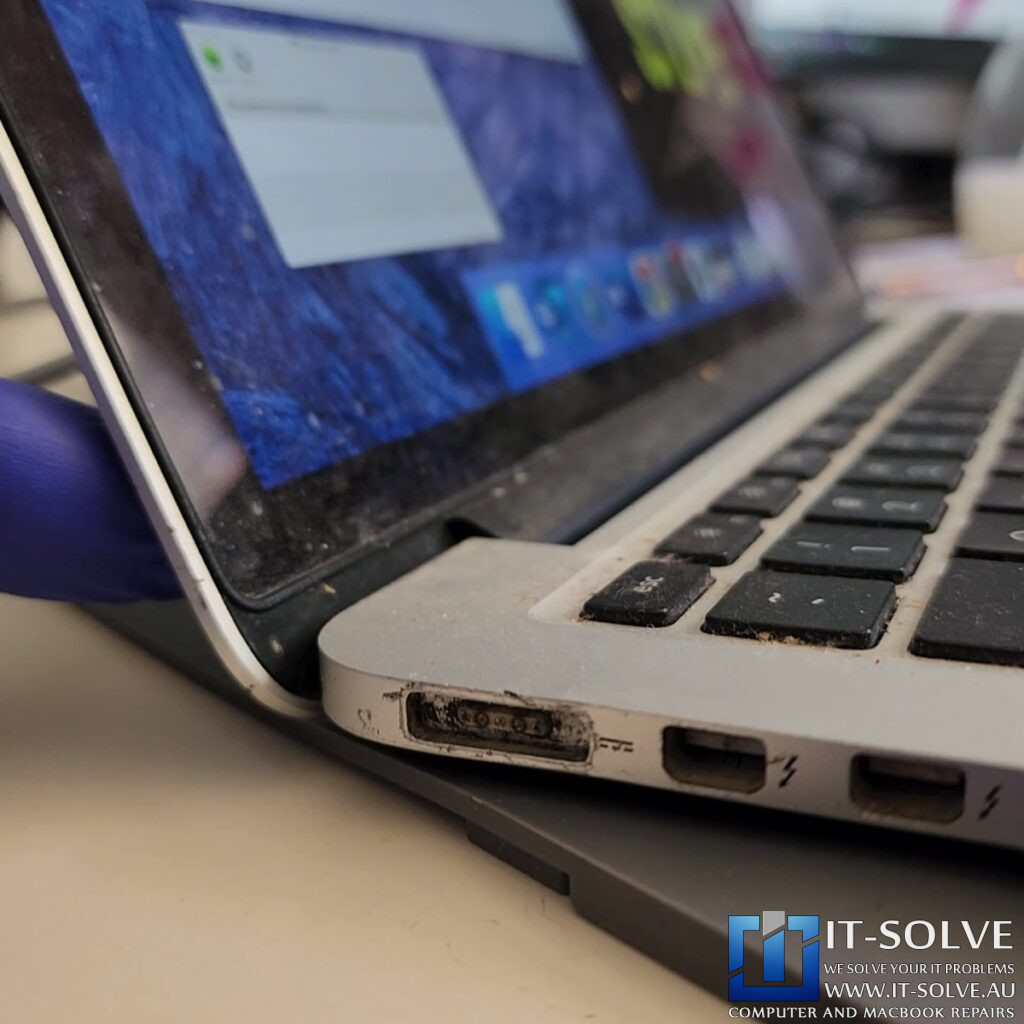
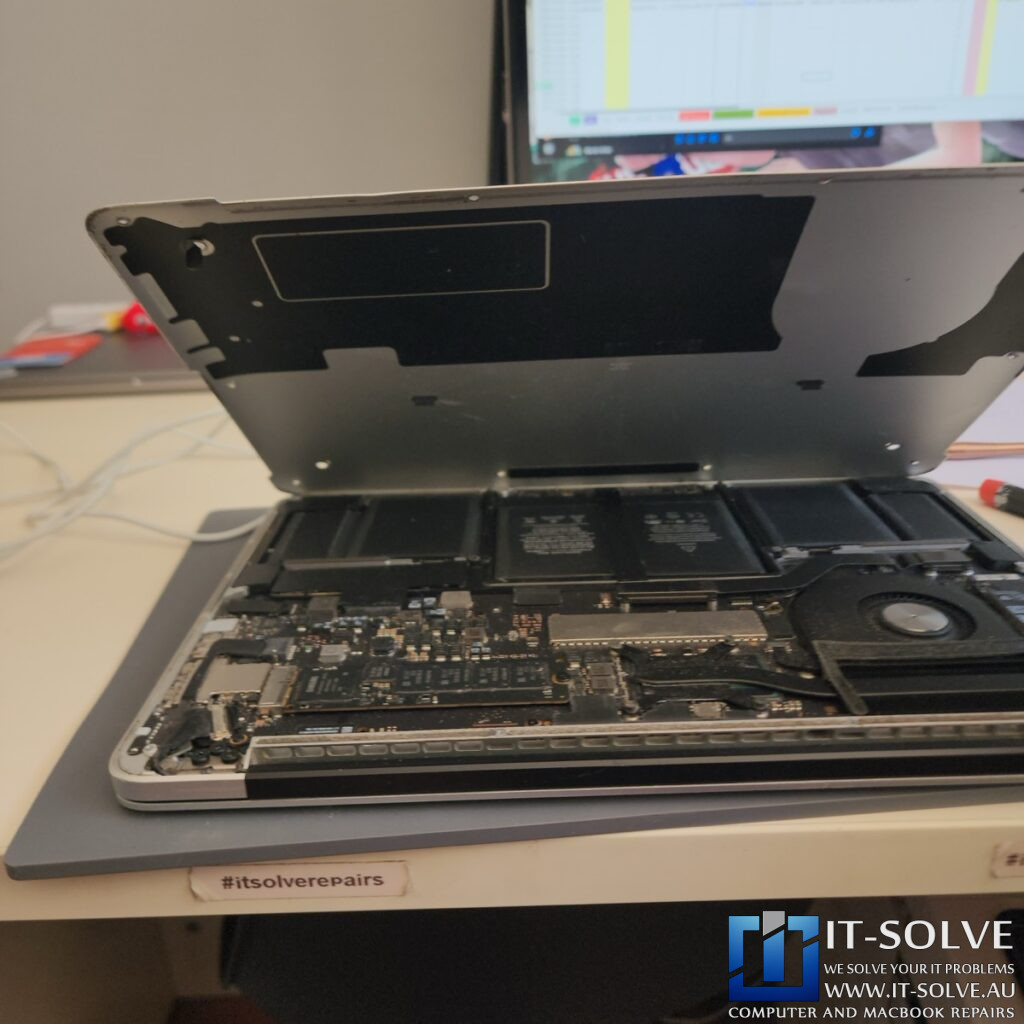
This melting didn’t just affect the cable; we could clearly see damage inside the laptop’s charging port as well. Additionally, this machine had not been opened or serviced for roughly 10 years. The internal dust buildup was significant, which often leads to overheating and further hardware degradation.
Component Service and Thermal Management
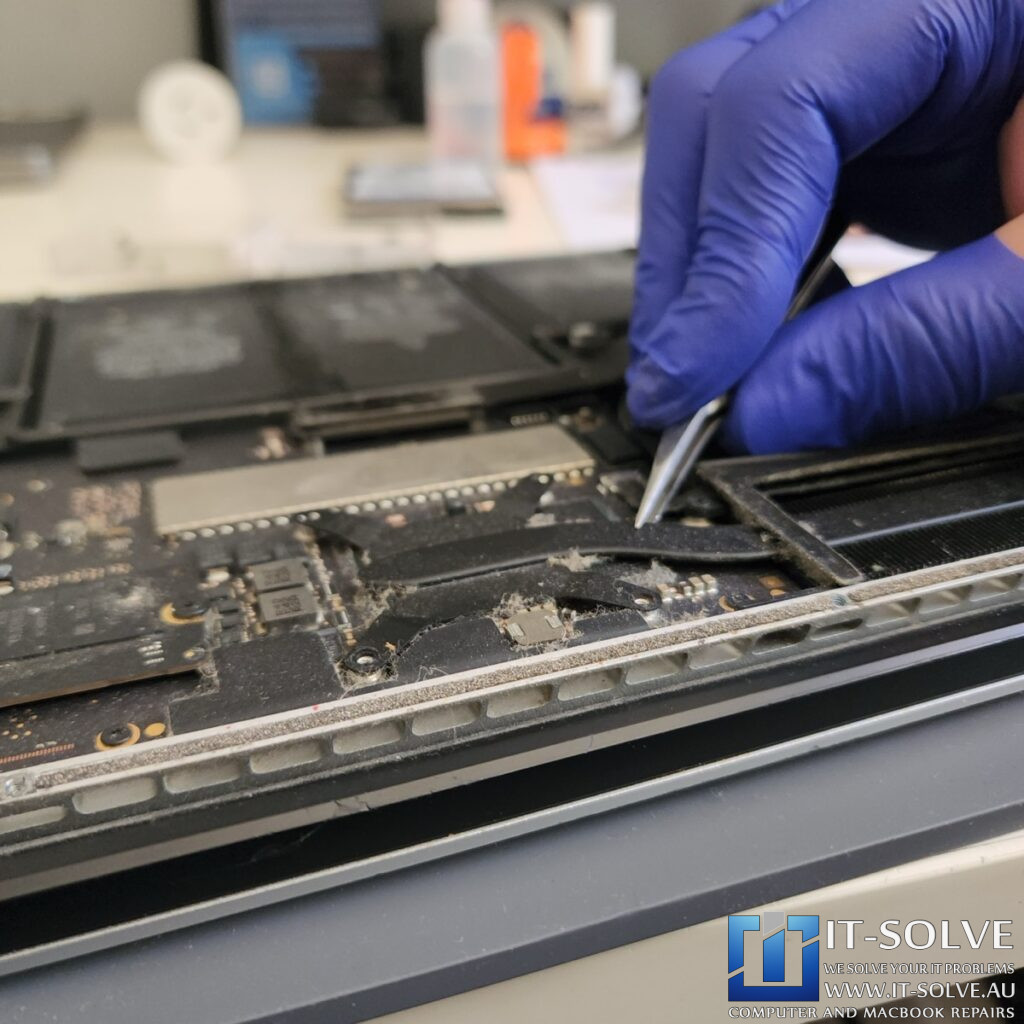
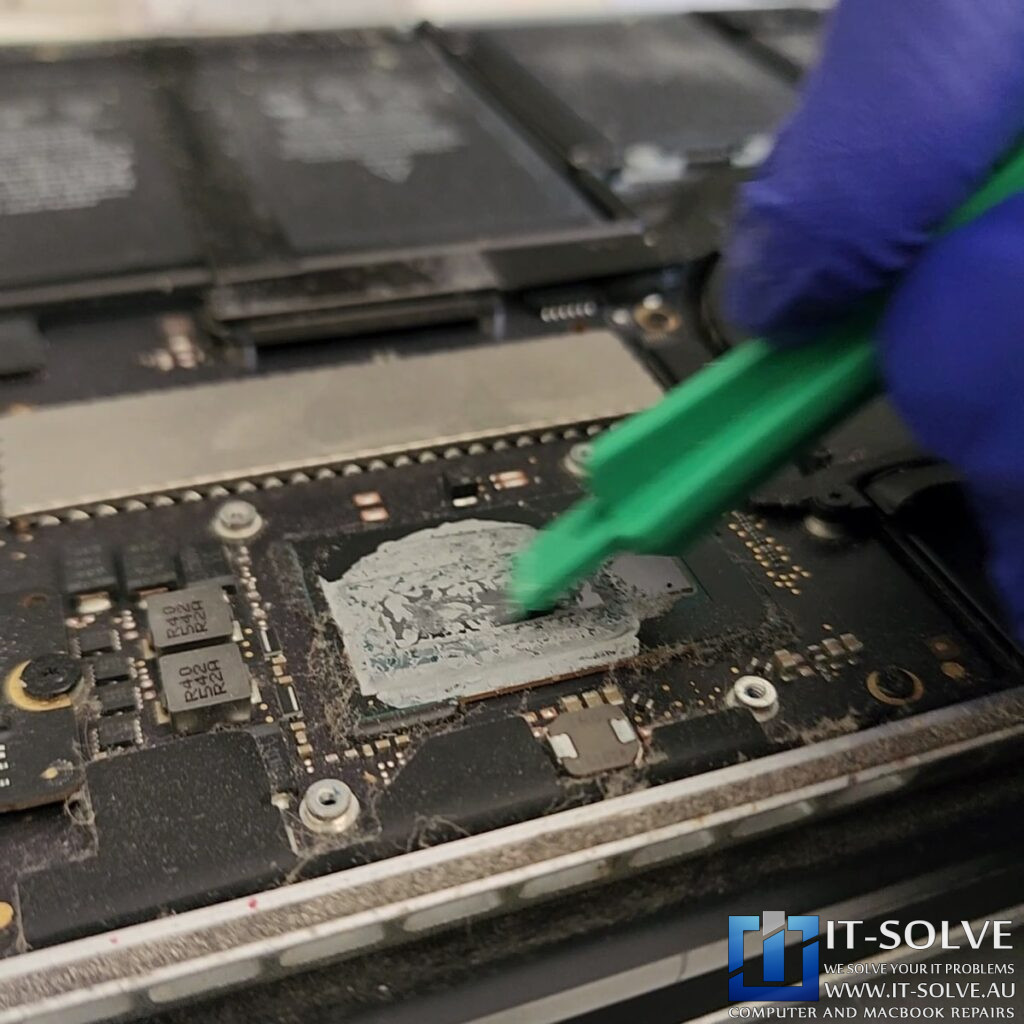
To restore the device, we first disconnected the battery to safely work on the logic board. We discovered the thermal compound was extremely dry. For a cooling system to work, this paste needs to be fresh and pliable, like toothpaste, to transfer heat from the processor to the heatsink easily. Consequently, we removed the old residue and applied a fresh layer of thermal paste.
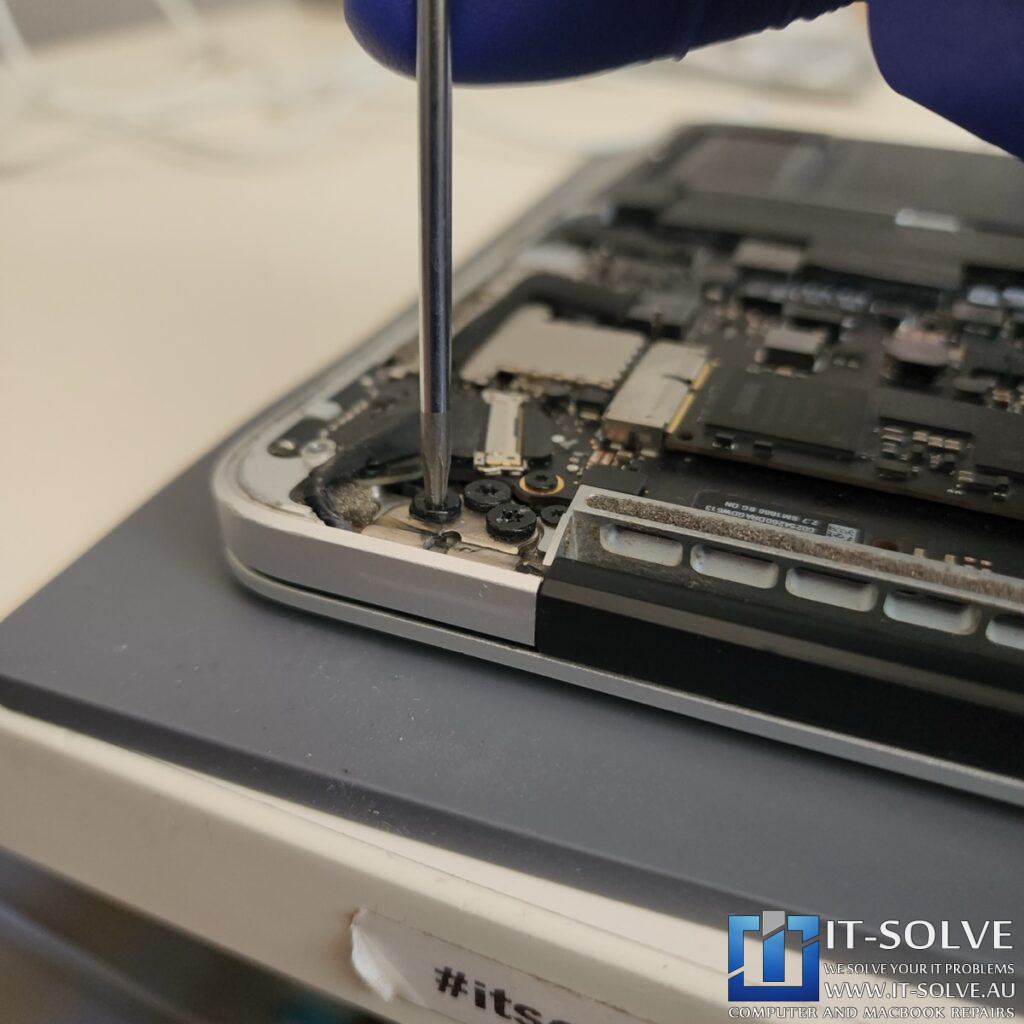
Furthermore, we performed a full internal cleaning, dusting off the fans and vents. During the service, we also noticed several internal screws were loose. This occurs due to the constant expansion and contraction of the aluminum chassis over a decade of use. As part of our comprehensive care, we tightened all internal screws and greased the hinges to ensure smooth operation.
Restoring the Charging Socket and Final Testing
Instead of immediately replacing the hardware, we attempted to save the original charging socket. We performed a deep clean of the socket to remove the carbonization and debris left by the melted counterfeit pins. This meticulous cleaning successfully restored the connection points.
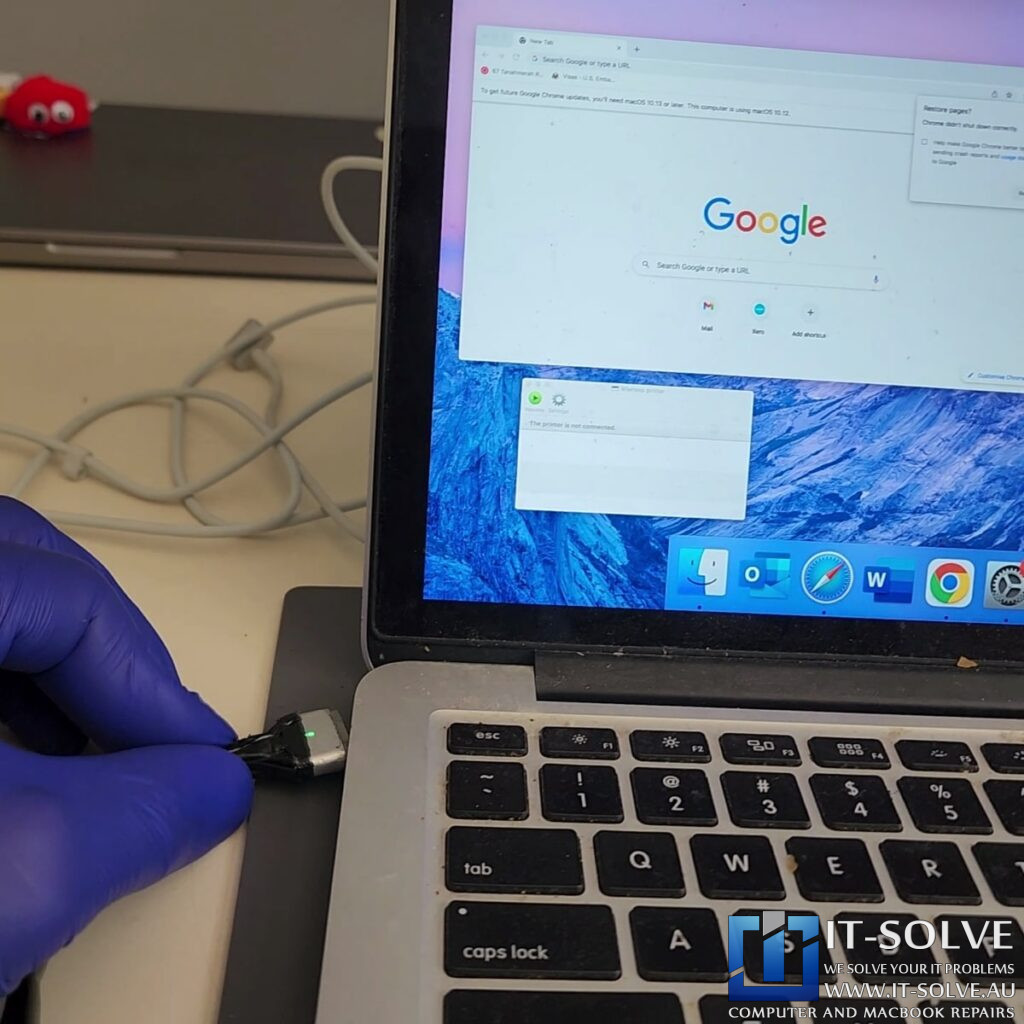
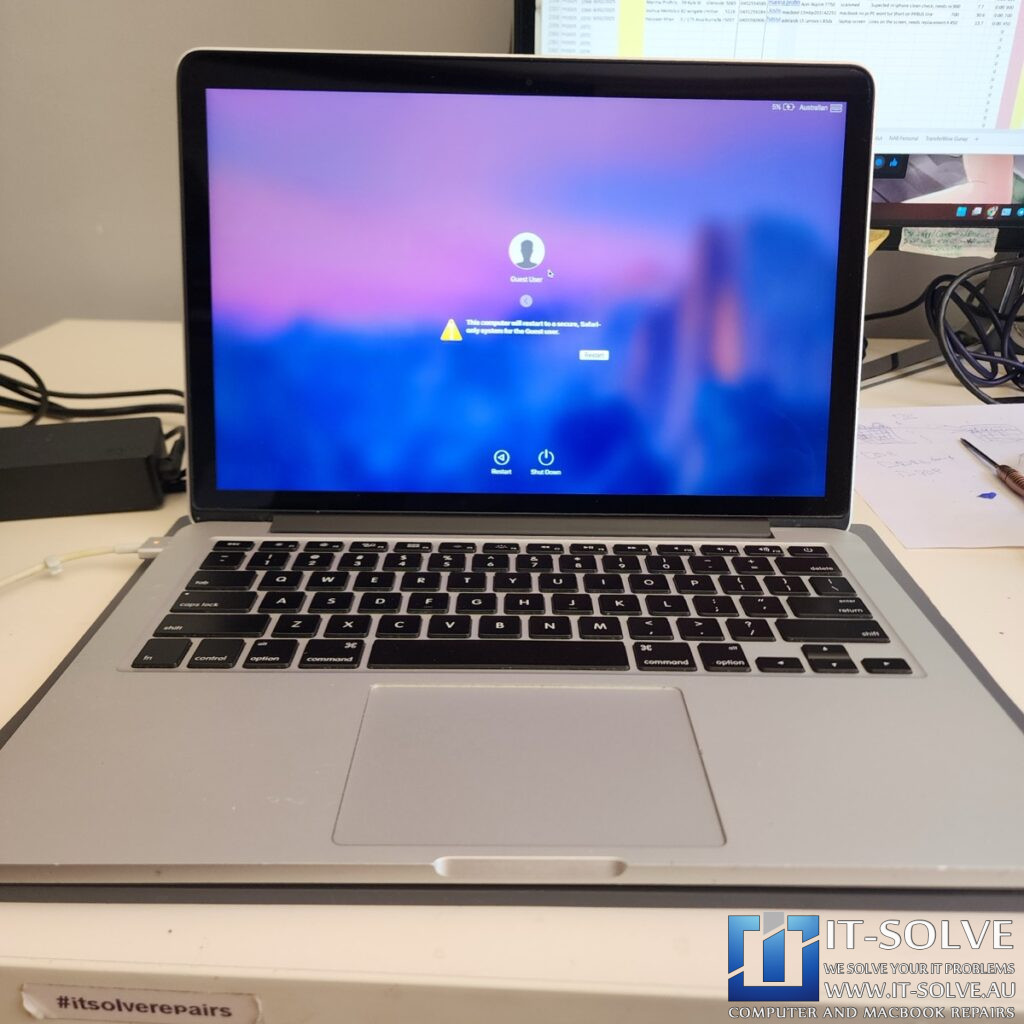
After the service, we tested the MacBook with a genuine Apple charger. The system turned on and loaded up immediately. We confirmed the repair was successful as the battery, which arrived at 0%, began charging and reached 5% shortly after. This case highlights the importance of annual servicing, especially for 10-year-old machines that are still highly capable.
#itsolverepairs
We have created a social media video of this repair on our YouTube channel! Look up #itsolverepairs to watch the discovery of the melted charger pins and the full internal restoration. You can see the difference a professional service makes on a 10-year-old machine. We encourage you to nudge our team on social media to see more precision electronics work. For high-quality photos and updates, follow us on Instagram and Facebook.Find our social channel links here.
Adelaide’s Fastest Turnaround with Fixed Pricing
We take pride in our honest and transparent approach to MacBook repairs in Adelaide. At IT-Solve, we maintain a fixed pricing policy for all our services. Therefore, you can find our rates openly listed on our website with no hidden fees or surprises. Furthermore, we provide one of the fastest turnaround times in South Australia to get your essential tools back to you quickly.
Needing a MacBook Not Charging Repair in Adelaide?
Is your MacBook not charging or running hot? You need a professional MacBook Not Charging Repair in Adelaide. Check our fixed-rate Macbook Not Charging Repair in Adelaide and book your service today. Additionally, have a look at our Macbook Not Charging Repair cases online. We provide expert electronic solutions at a reasonable price right here in Adelaide!