Holidays

We are closed for Holidays until 6 Jan. Due to been abroad we might not have a good coverage to respond to calls or texts.

Feel free to book an appointment to be seen when we are back!

Keep in mind, right before and after holidays is our busiest time. Make sure to book in advance and be on time!

MacBook Pro A1707 Backlight Repair: Fixing the Flexgate Issue

Repairing:

MacBook Pro A1707 Backlight Repair

This article is not educational material. It is instead a showcase of the services we offer.

Therefore, it should be used as general guidance on what to expect from such repairs.

In case you have a similar device and need repair, always rely on professionals. These are sensitive electronic devices, and small mistakes may cause irreversible electronic damage, requiring whole part replacement for 2 or 3 times the cost of the Repair.

Do not Risk Damaging your Device – Book this Repair with us Today!

Diagnosing the Dim Retina Display
MacBook Pro A1707 Backlight Repair

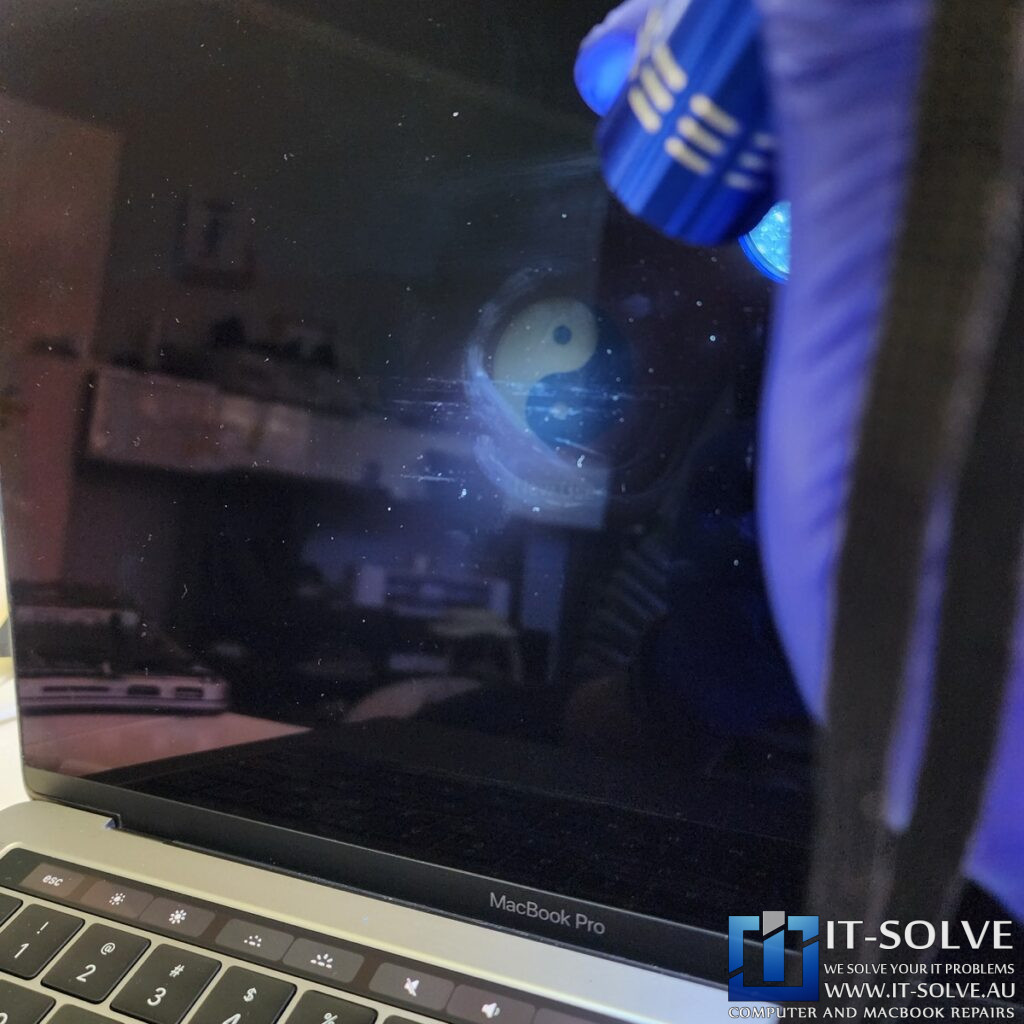
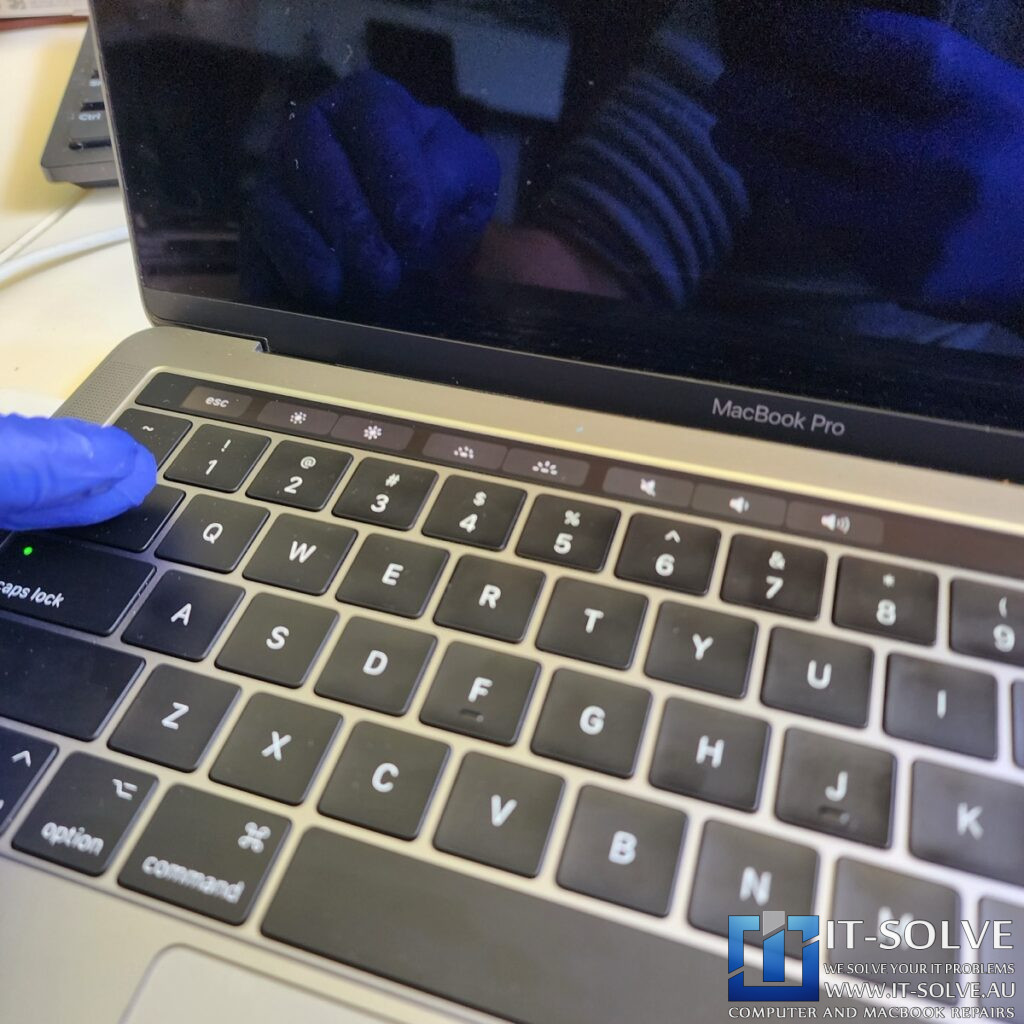
A professional MacBook Pro Backlight Repair was required for this 15″ 2017 model (A1707) which arrived with a black screen under RepairID #2187. Usually, a black screen suggests a broken LCD panel. However, we could see a faint image when shining a torch at the middle of the display. This symptom indicates that the backlight has failed while the LCD remains functional. Based on our experience with 2016-2018 models, we knew this was a classic “Flexgate” failure. Therefore, we provide specialized solutions to restore your display without replacing the expensive screen assembly.
MacBook Pro A1707 Backlight Repair

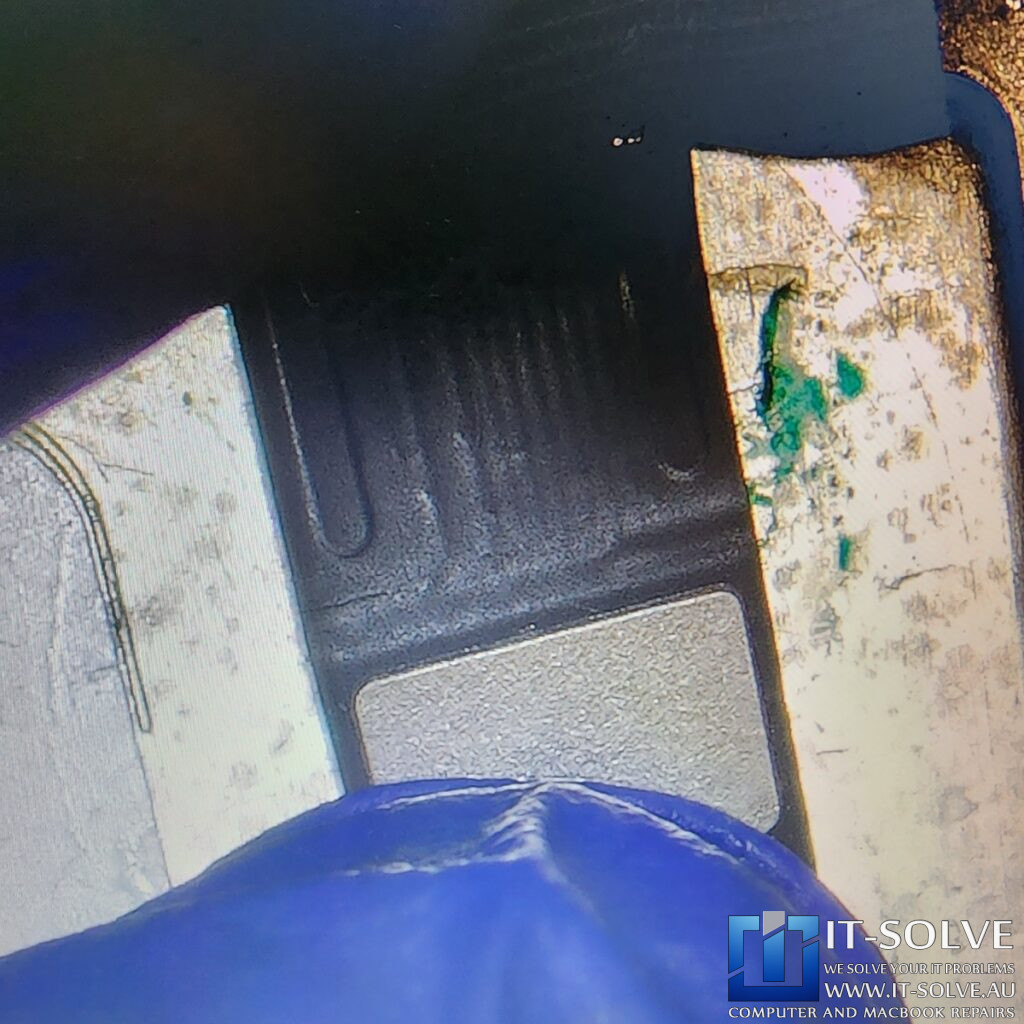
MacBook Pro Backlight Repair – Damaged Flex Cable Inspection
MacBook Pro A1707 Backlight Repair

Understanding the Flexgate Design Flaw
MacBook Pro A1707 Backlight Repair

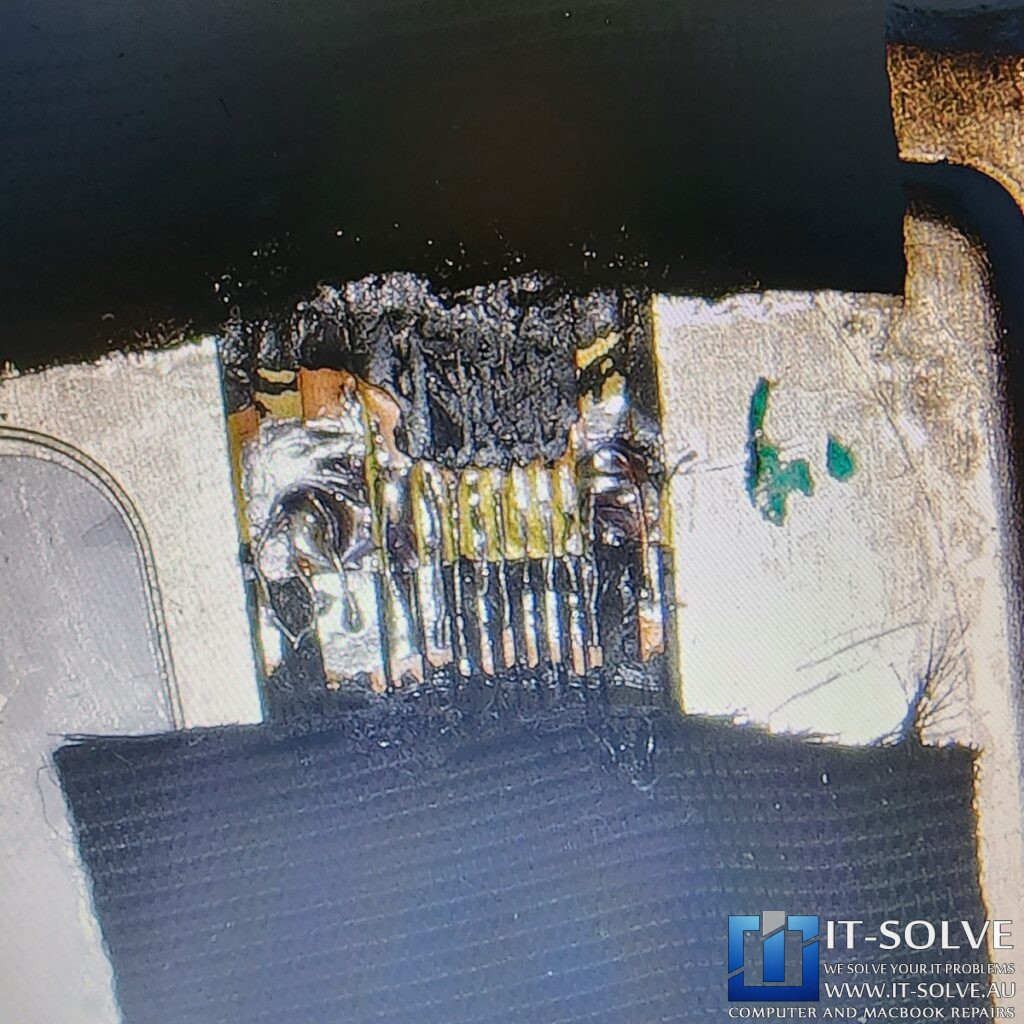
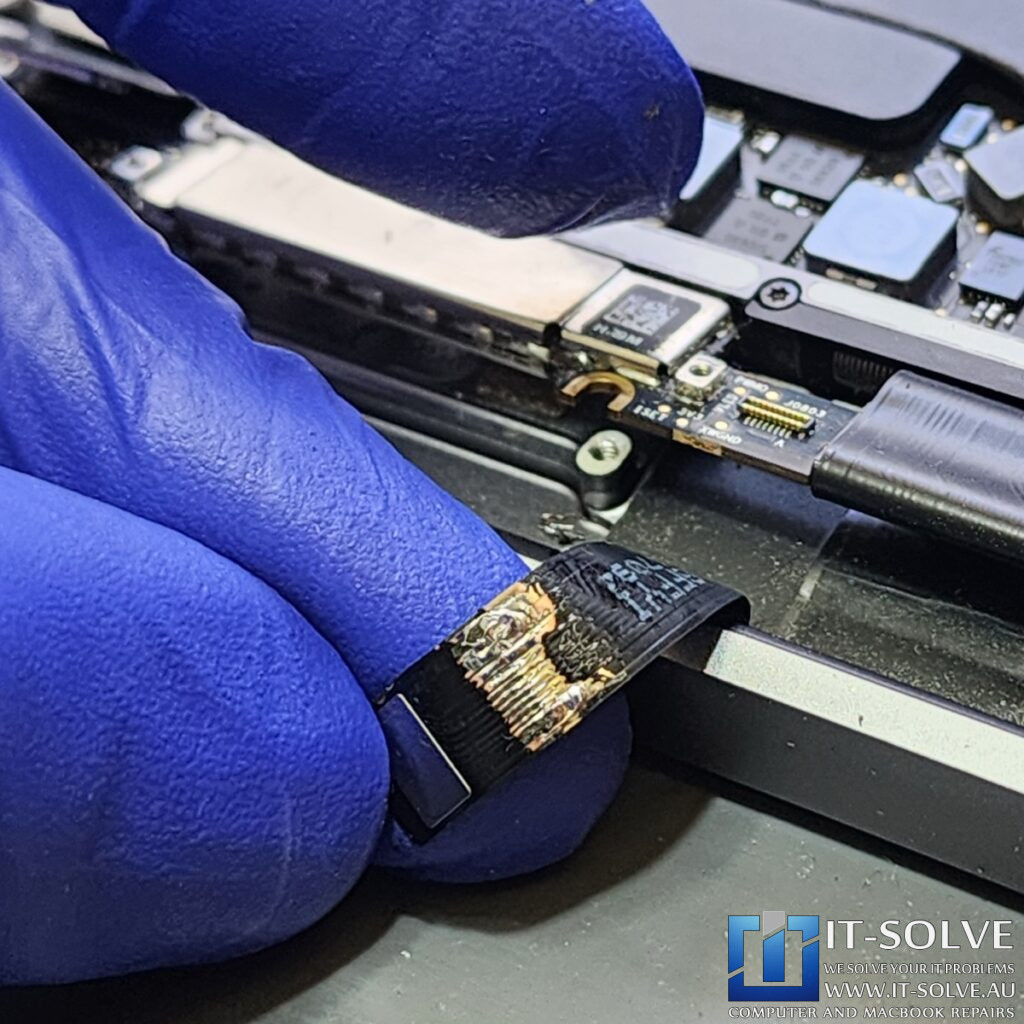
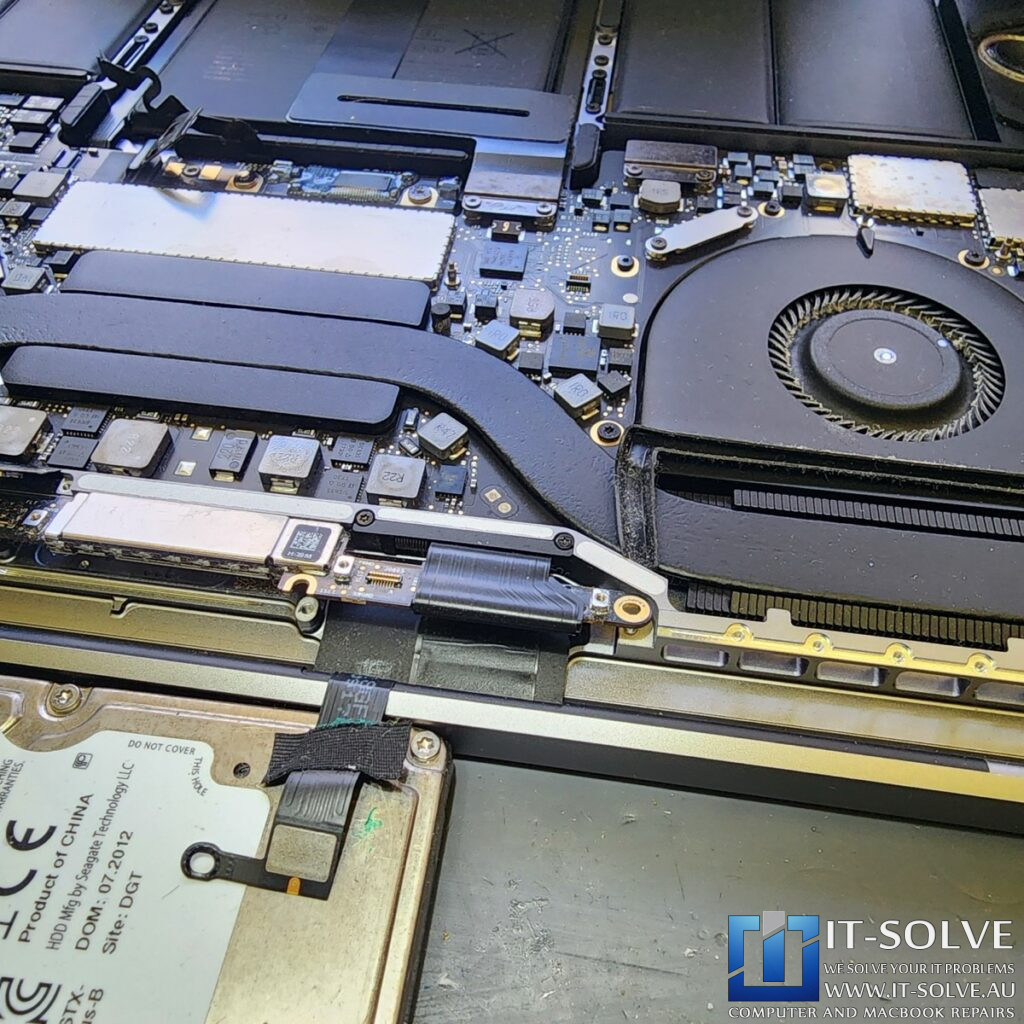
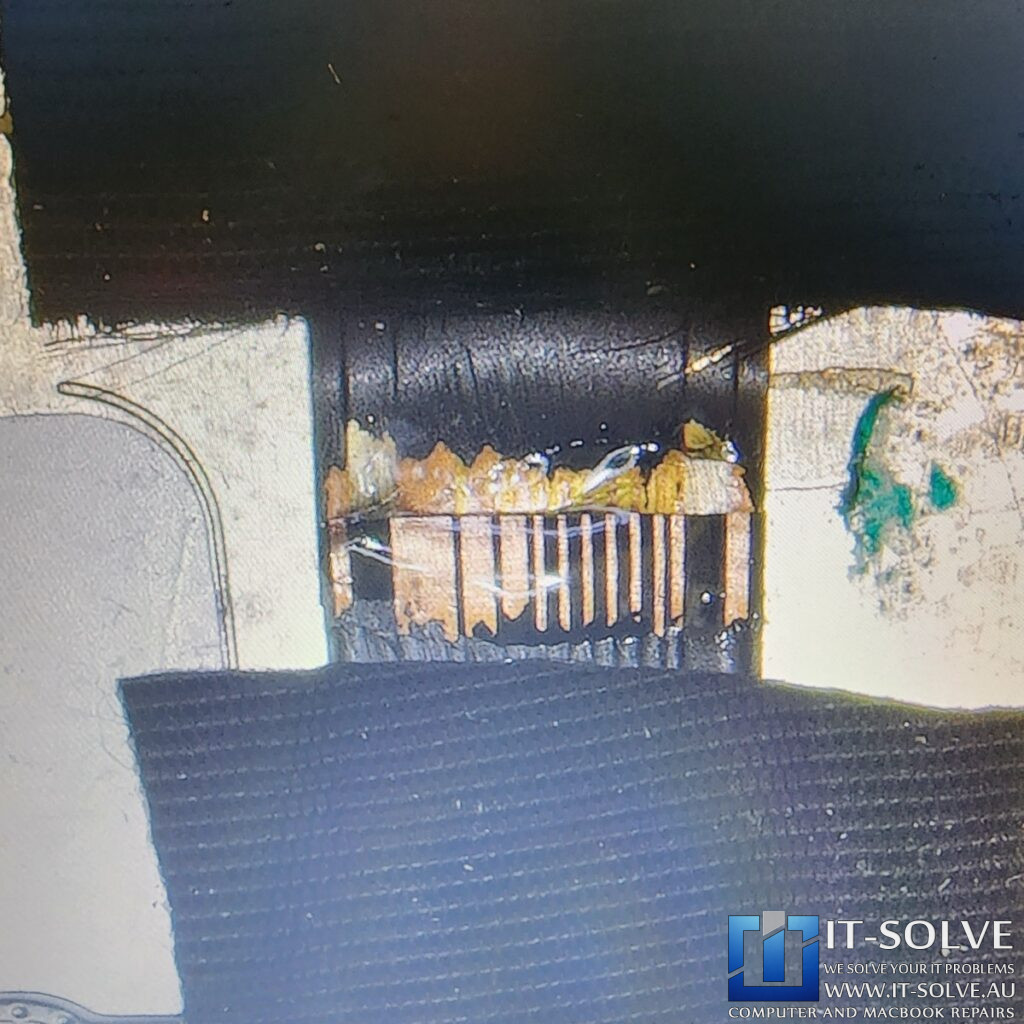
Close inspection of the backlight ribbon cable revealed damaged traces. Apple designed these cables slightly too short for this specific LCD type. Consequently, the cable crimps and cracks every time the user opens and closes the lid. We see this failure often in A1706, A1707, A1708, and some A1990 models. Our MacBook Pro Backlight Repair addresses this structural flaw. Instead of a temporary fix, we perform a surgical intervention to recreate the electrical pathways.

Precision Micro-Soldering and Cable Extension
MacBook Pro A1707 Backlight Repair

To perform this MacBook Pro Backlight Repair, we run very thin wires over the damaged traces. We carefully resolder them to restore the data and power flow. We also use a new, slightly longer backlight cable connector. This extra length prevents the cable from crimping again in the future. Once resoldered, we isolate the wires to prevent electrical leakage or short circuits. This method is much more cost-effective than a complete LCD replacement, which can cost three times more.
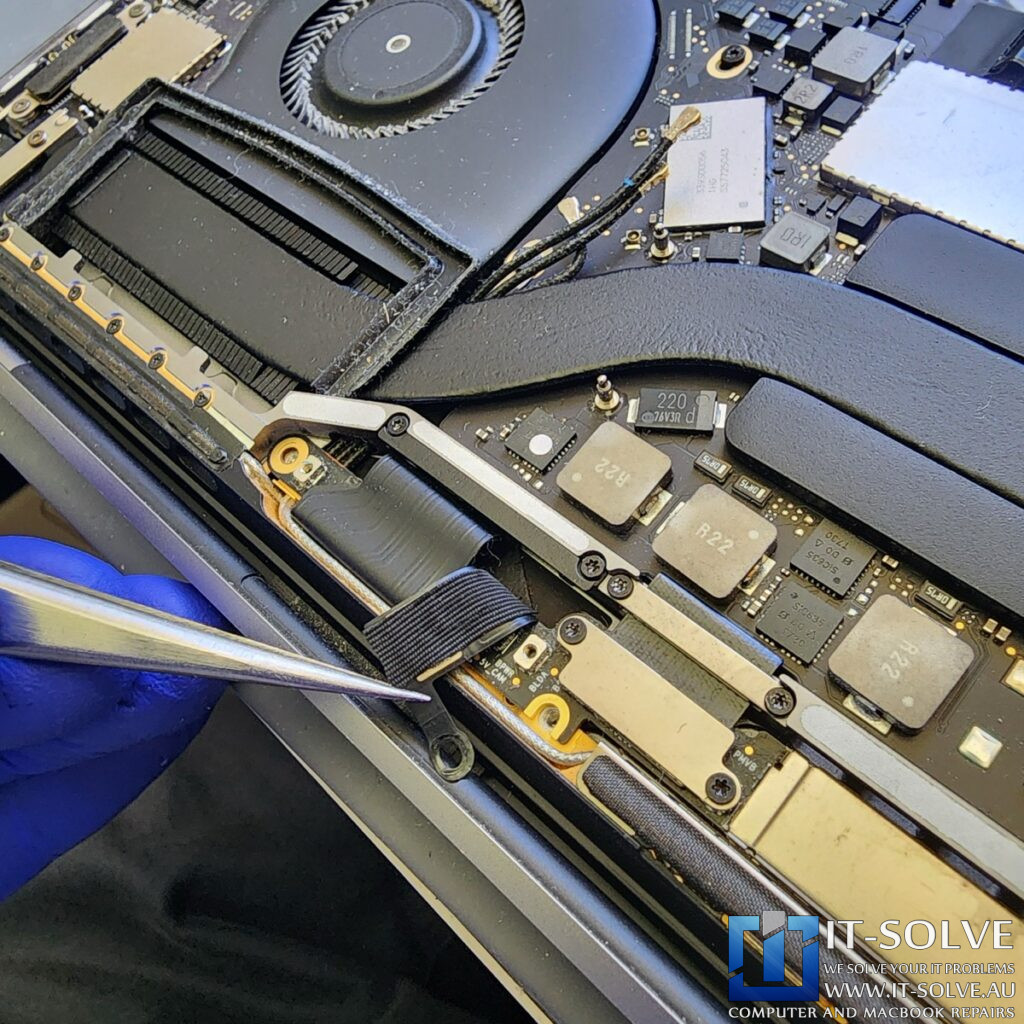
MacBook Pro A1707 Backlight Repair

#itsolverepairs

You can find this and other repairs on our socials. Look up #itsolverepairs and your #RepairID to find how we performed this repair. For in-depth videos, check our YouTube channel. For high-quality photos, hook us up on Instagram and Facebook.Find our social channel links here.

Successful Testing and Final Assembly
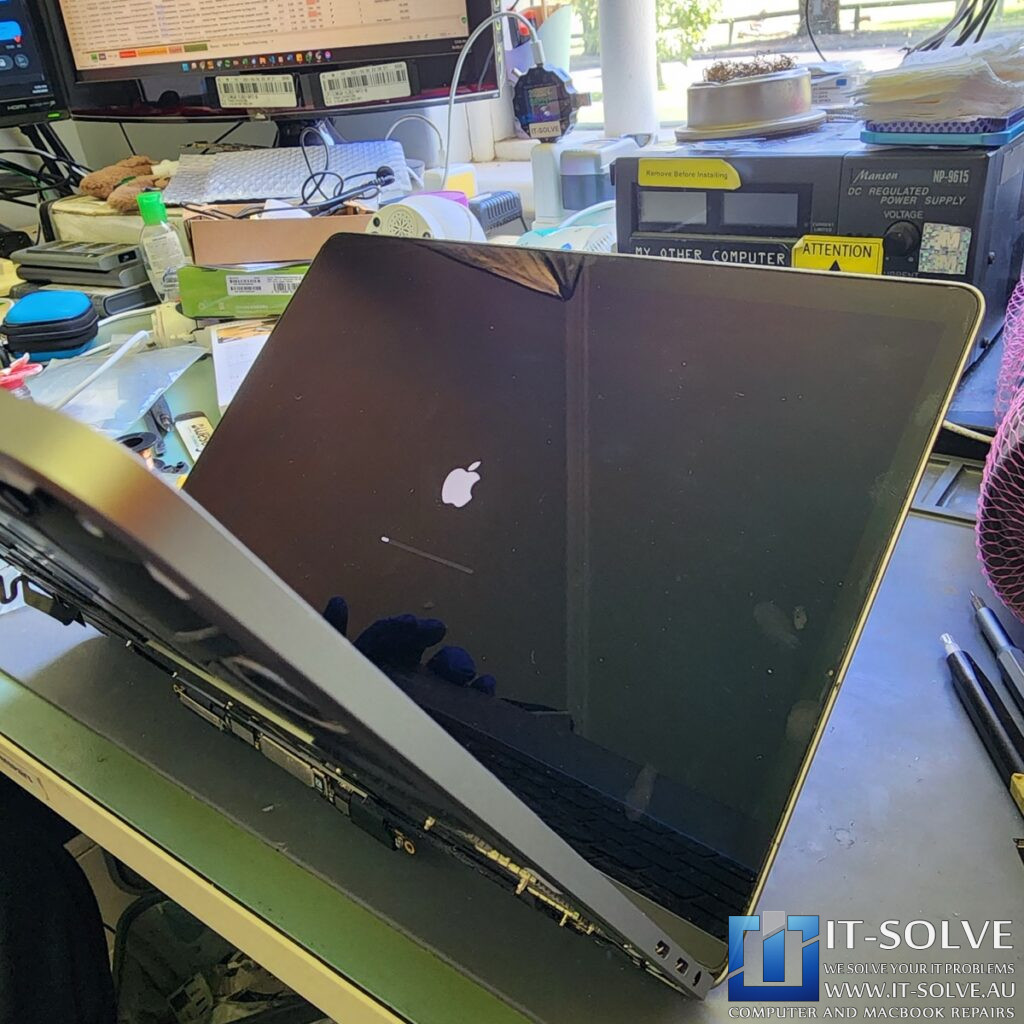
MacBook Pro A1707 Backlight Repair

After we completed the trace repairs, we fully tested the screen. The display returned to its original state with vivid colors and full brightness. This #2187 MacBook Pro Backlight Repair is not only cheaper but also faster than waiting for a replacement part. We take pride in providing a three-month warranty for this 10-year-old device. This is excellent coverage compared to the 12-month warranty found on brand-new MacBooks.

Adelaide’s Specialist for MacBook Flexgate Repairs

MacBook Pro A1707 Backlight Repair

At IT-Solve, we provide genuine advice and technical skills to save high-end Apple hardware. If your screen is dim or flickering, you need a MacBook Pro Backlight Repair. Check our services under Macbook Screen Replacement in Adelaide. Additionally, have a look at our Macbook Screen Replacement cases online. We provide expert backlight solutions at a fraction of the cost of a new device here in Adelaide!

See the repairs in action, subscribe to get tips and learn how we do repairs

Do you need this Repair in Adelaide?

If your Macbook or Laptop is causing trouble and you need a Laptop & Macbook Repair Service in Adelaide, give us a call, and we will advise on the best scenario to get your Device repaired.

We at IT-Solve, specialise in Mac, Laptops and Electronics Repairs. We will do our best to repair your Device quickly without involving high costs and long waiting times in Repair shops. Our average repair takes under a week!

Trust Australia’s Highest Rated Macbook Repair Service!

5.0/5

Repaired, not Replaced!

We are committed to reducing e-waste in Australia. We do it by educating our customers on the reparability and longevity of their devices, as well as providing affordable Laptop and Macbook Repairs here in Adelaide.
Although our best intentions and hard work, this is not an easy task. Customers must accept that cost of high-quality electronic repairs is between a third and half of the price of a new device. However, with the current trend of planned obsolescence in electronic design, we see more and more Laptops having shorter lifespans. To tackle that, while we do our repairs, we target common planned obsolescence engineering design mistakes to ensure we extend the life expectancy of the Laptops we Repair. Check some of our Repair Cases to get an idea of the process.

That said, if we buy a new one or write it off via insurance, it does not guarantee that the new one will not meet the same fate as the older one pretty soon.

Quite often, we see accidents reoccurring within less than 2-year gaps. So if we can save 2000$ or even 1000$ today by repairing our faulty Laptop or Macbook is brilliant. That’s an extra half cost of a Device, ready to be spent on another one. If the time comes or our need for performance changes.
When that time comes is up to us to buy a new one or keep pushing the one we have, but delaying it by a year or three is always a good starting point and saves another abandoned Laptop or Macbook from polluting our only Planet.