


2019 13″ MacBook Pro Power Issues
This week at our Adelaide workshop, we tackled a challenging MacBook Pro A1989 Liquid Damage Repair. The device arrived completely unresponsive, stuck on a black screen with no signs of life. Upon initial testing, it was clear that a liquid intake around the right-side charging ports had caused a critical system failure.
Identifying Liquid Corrosion and Oxidation
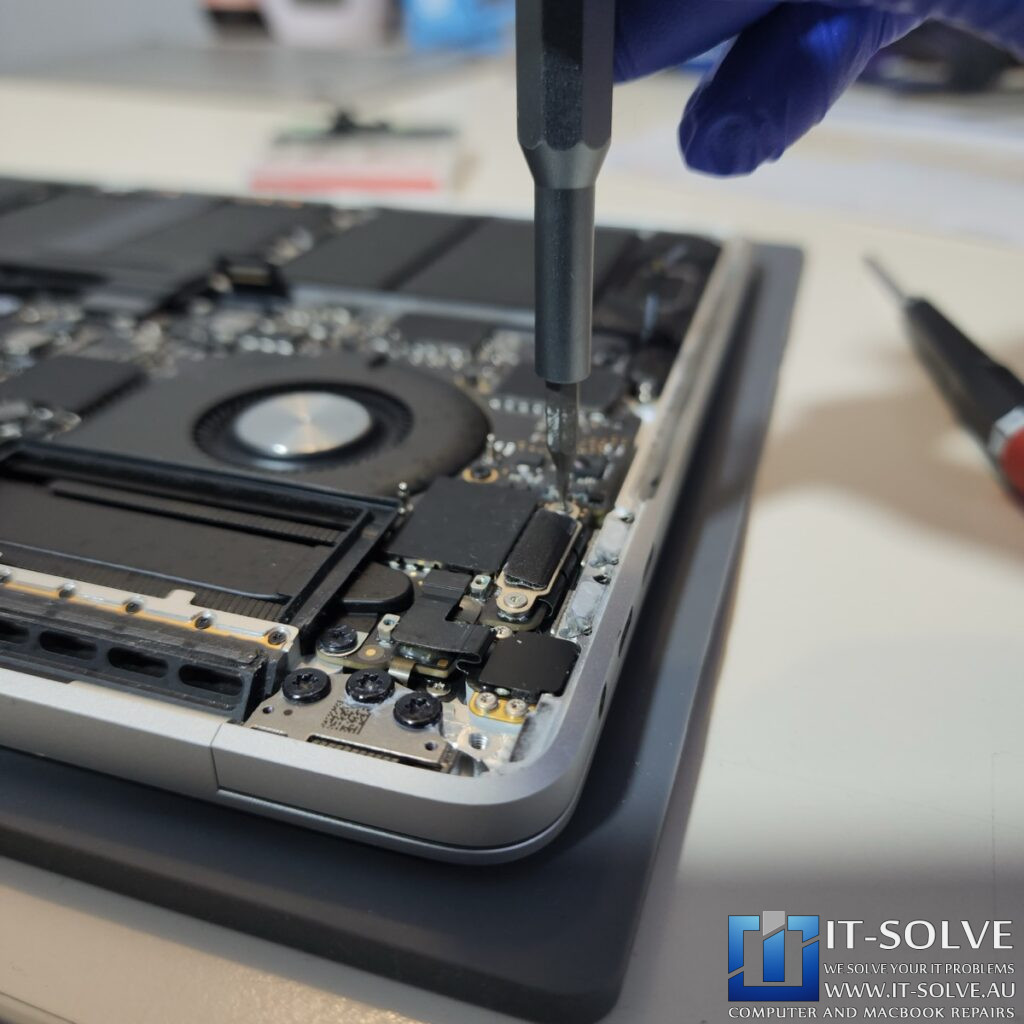
Our diagnostic process began with a thorough internal inspection of the logic board. Consequently, we located significant liquid corrosion that had oxidized several surface-mount components near the USB-C controllers. Even though the amount of liquid was small, the combination of electricity and moisture triggered a rapid chemical reaction, leading to the device not turning on.
Rebuilding Corroded Logic Board Traces
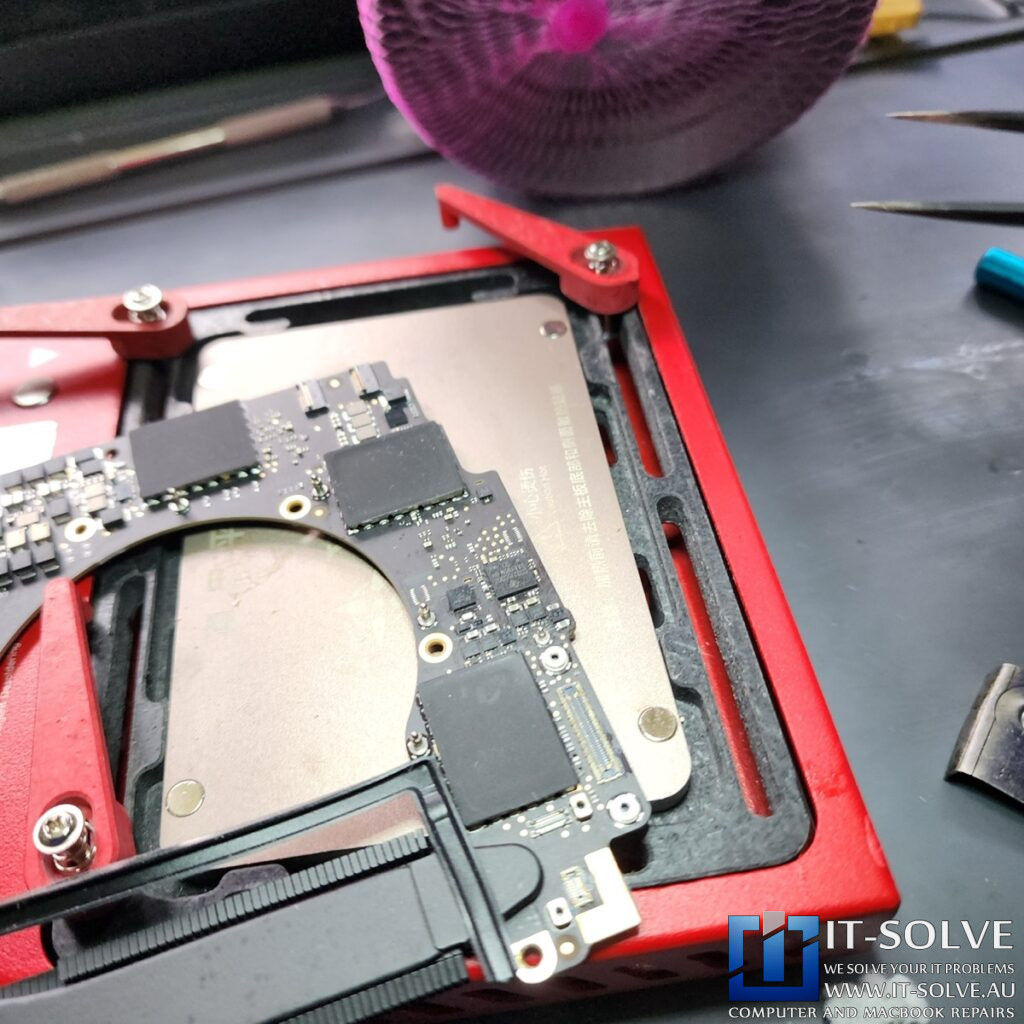
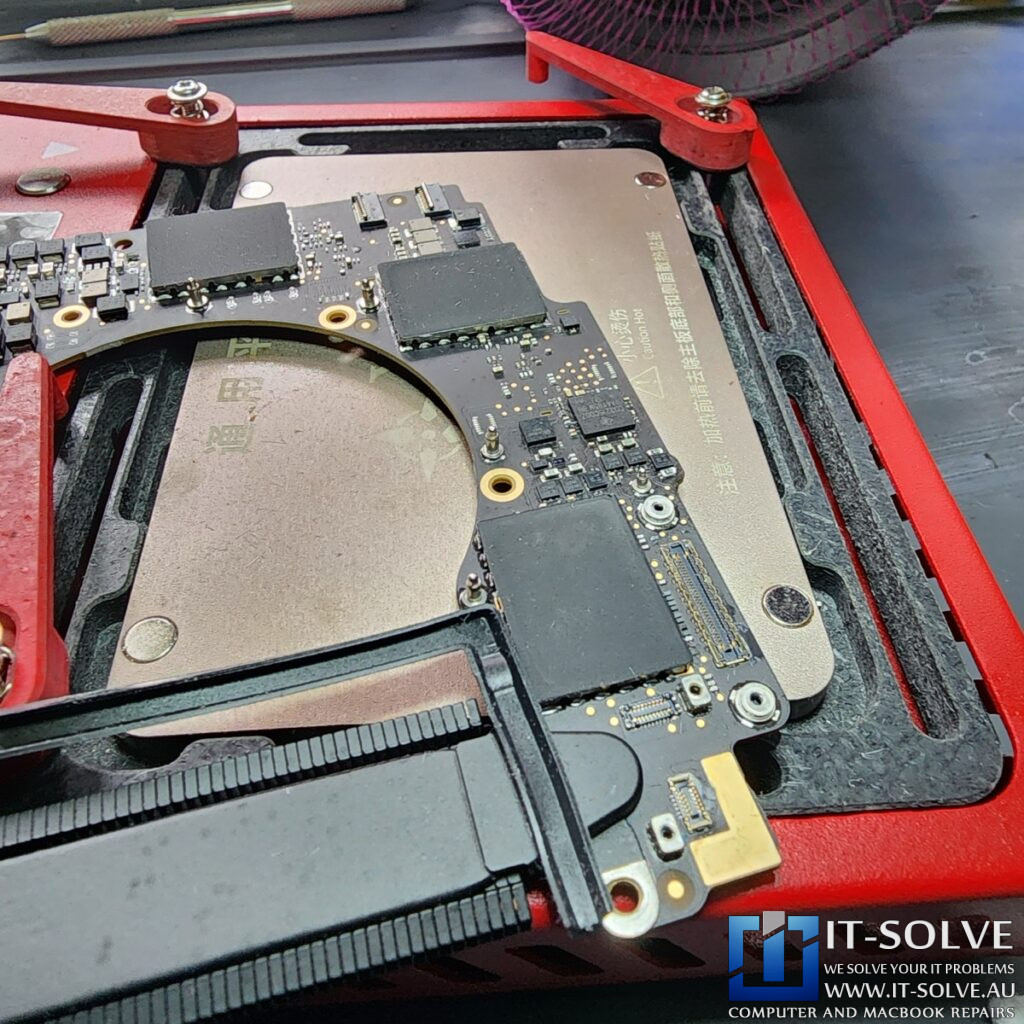
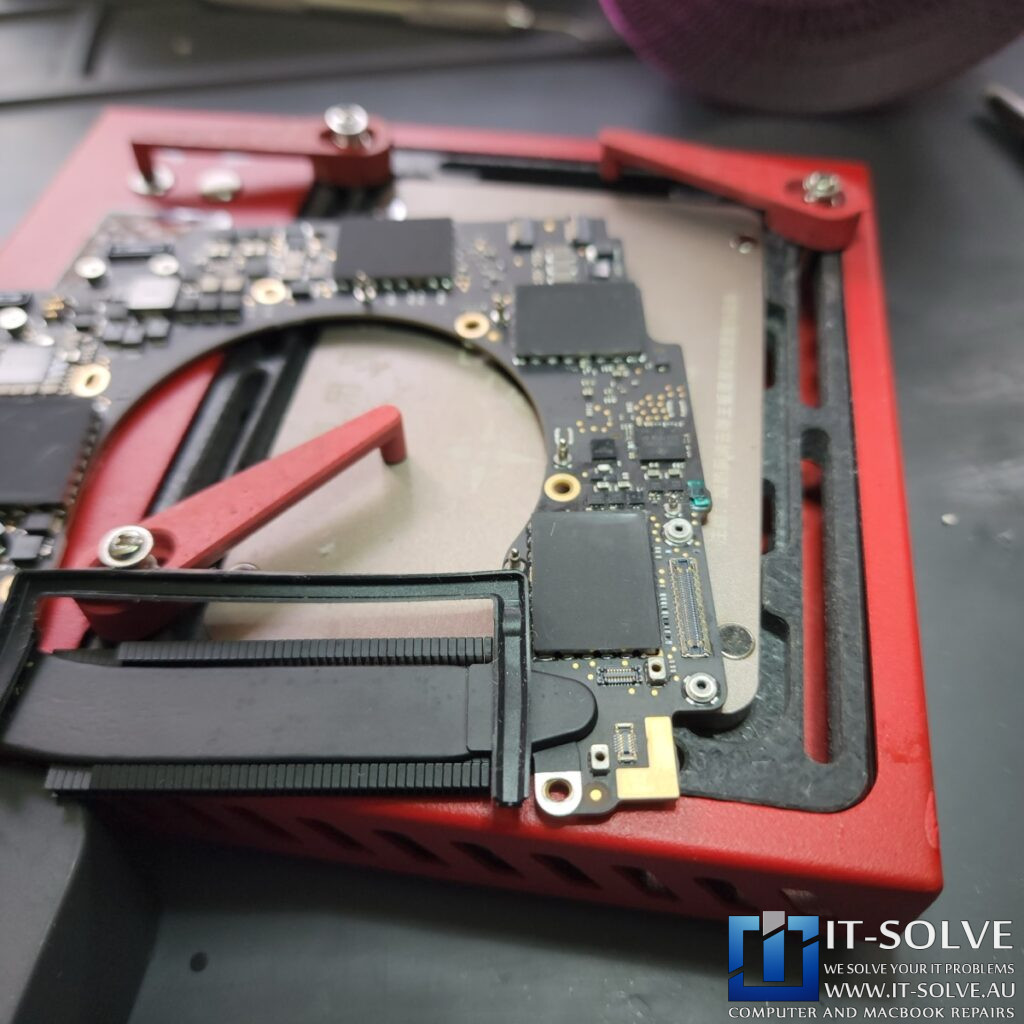
The oxidation was severe enough to eat through the copper paths on the motherboard. Therefore, our technician had to perform precision microsoldering to rebuild the broken traces. Once the electrical paths were restored, we applied a green UV solder mask to seal the copper. This protective layer ensures that further oxidation will not damage the repaired area in the future.
Professional Cleaning and Handshake Restoration
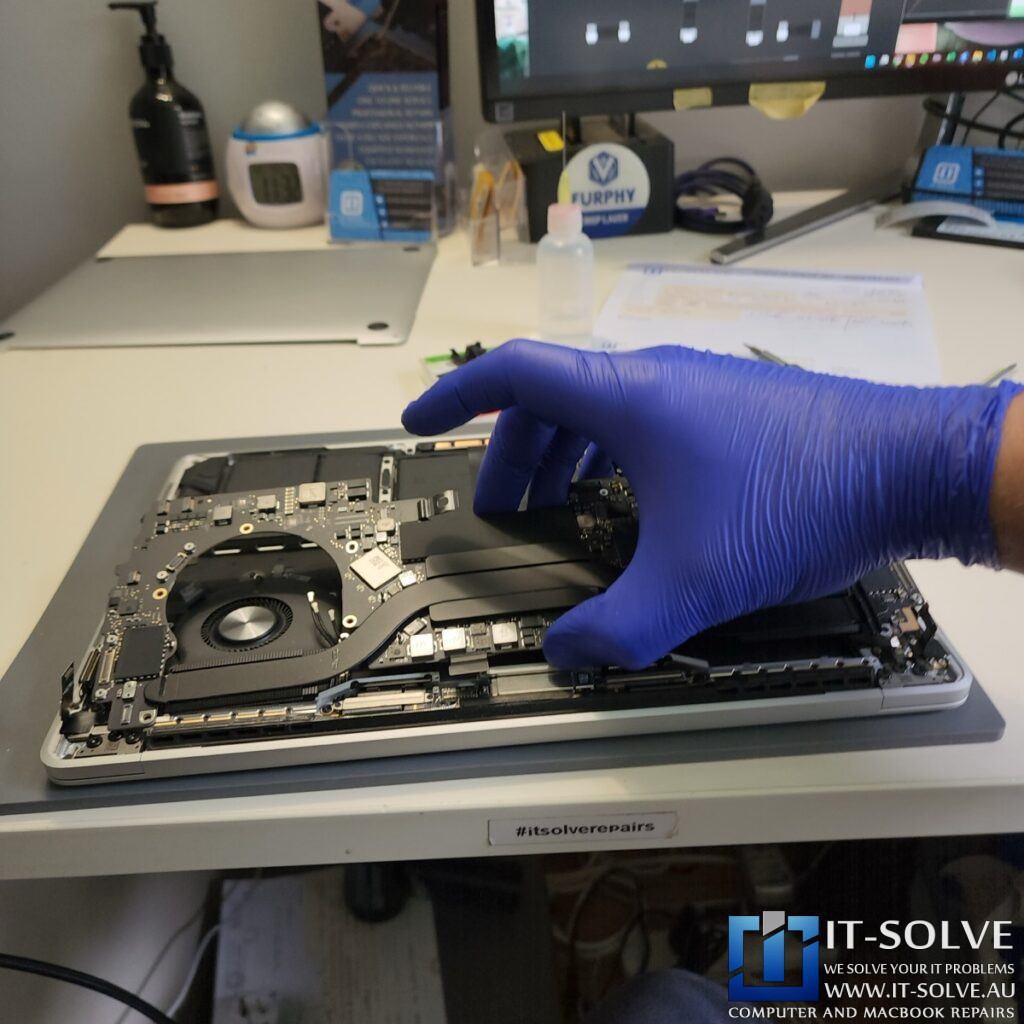
After repairing the physical damage, we performed a deep ultrasonic clean to remove any remaining residue. Consequently, the “digital handshake” between the charger and the logic board was restored. Furthermore, this meticulous cleaning process is what separates a professional MacBook Pro A1989 Liquid Damage Repair from a temporary DIY fix.
#itsolverepairs
Verifying Power and Charging Current
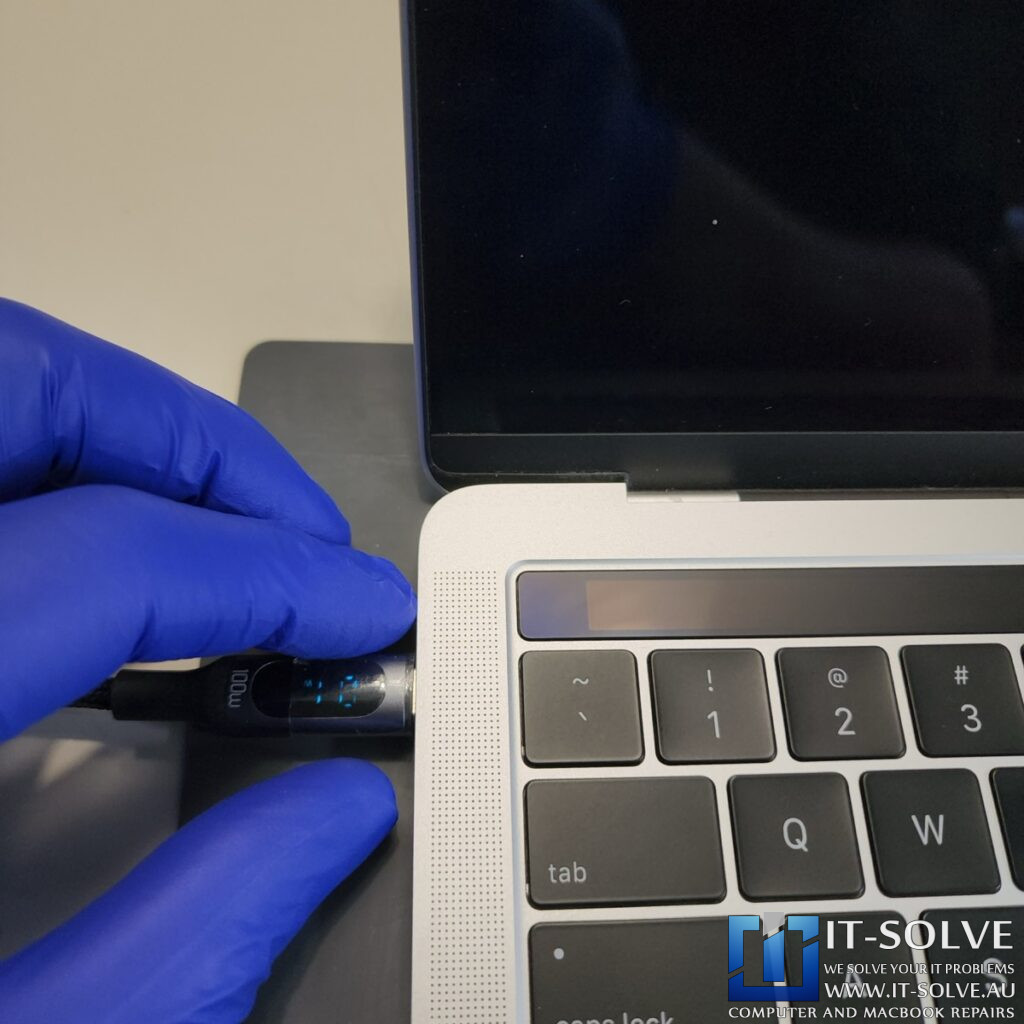
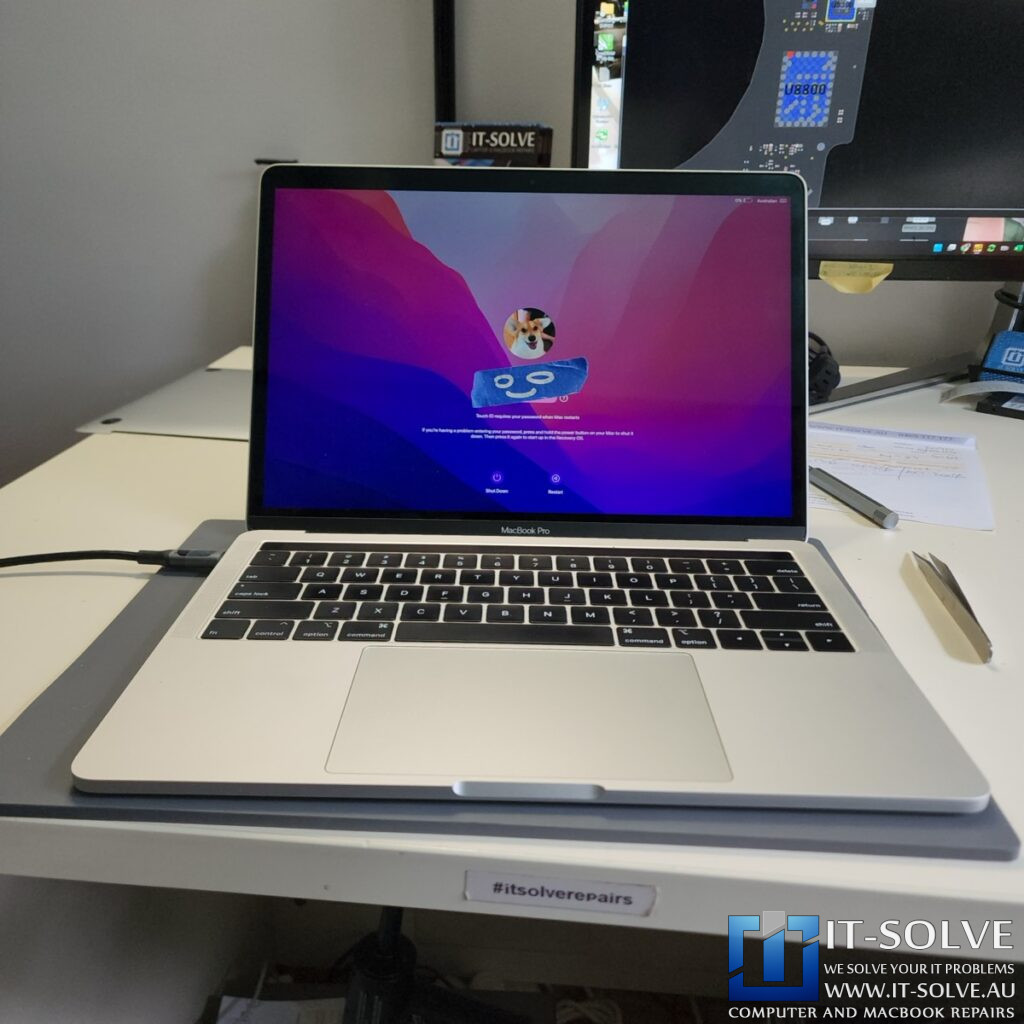
Once reassembled, we connected the MacBook to our power meter to verify the repair. We can see that the system is now pulling the correct charging current, which indicates the battery is charging well and the power rails are stable. This is a vital step to ensure the device is reliable before it returns to the customer.
The Importance of Timely Service
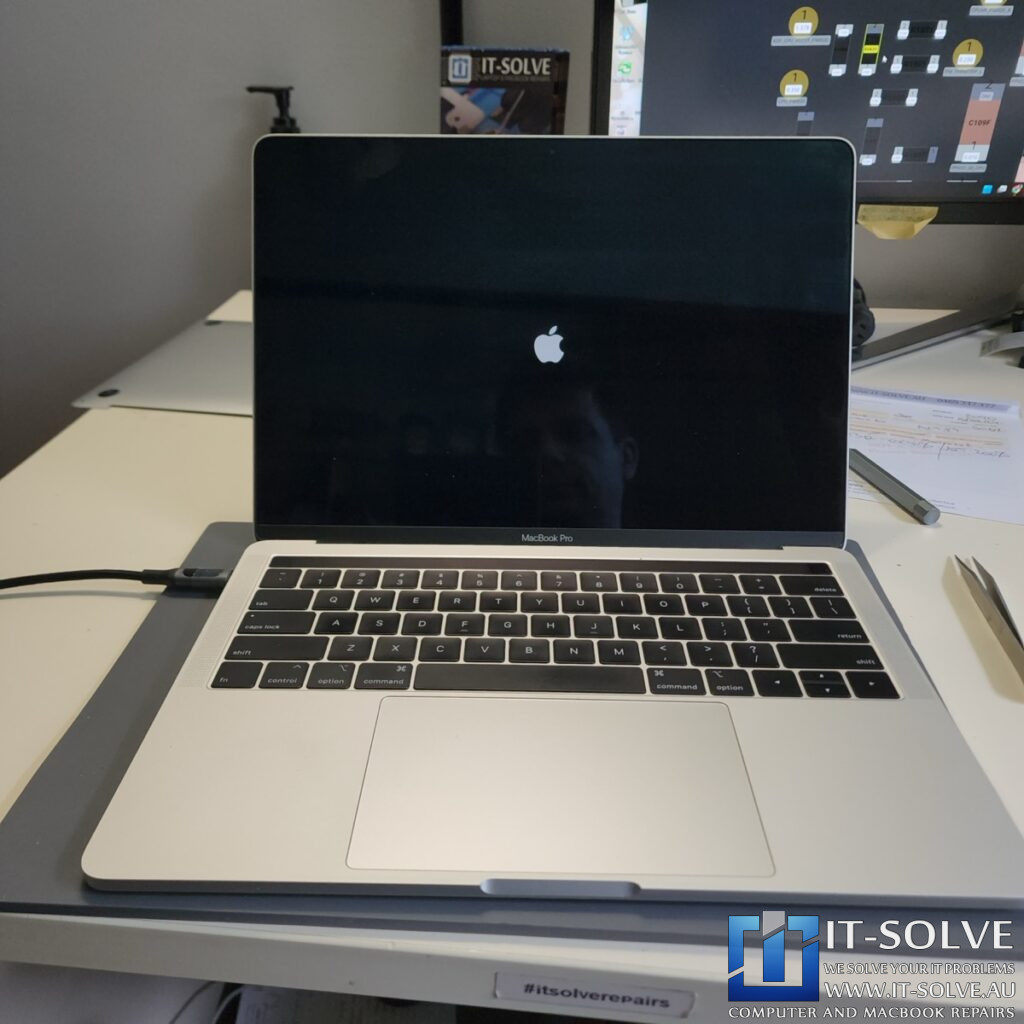
This case serves as a reminder of how easily Macbooks can fail due to liquid exposure and a lack of regular servicing. Although it was only a small amount of liquid, leaving it to sit caused the components to oxidate and eventually fail. As a result, we always recommend bringing a device in immediately after a spill, even if it seems to be working initially.
Adelaide’s Specialist for Liquid Damage Recovery
By choosing a component-level repair, we restored all functionality to this 2019 MacBook Pro without the high cost of a total logic board replacement. If your device has suffered a spill, visit our MacBook Liquid Damage Repair section for expert assistance. Another high-end MacBook saved from the landfill!