

Diagnosing a Dead 2020 MacBook Pro
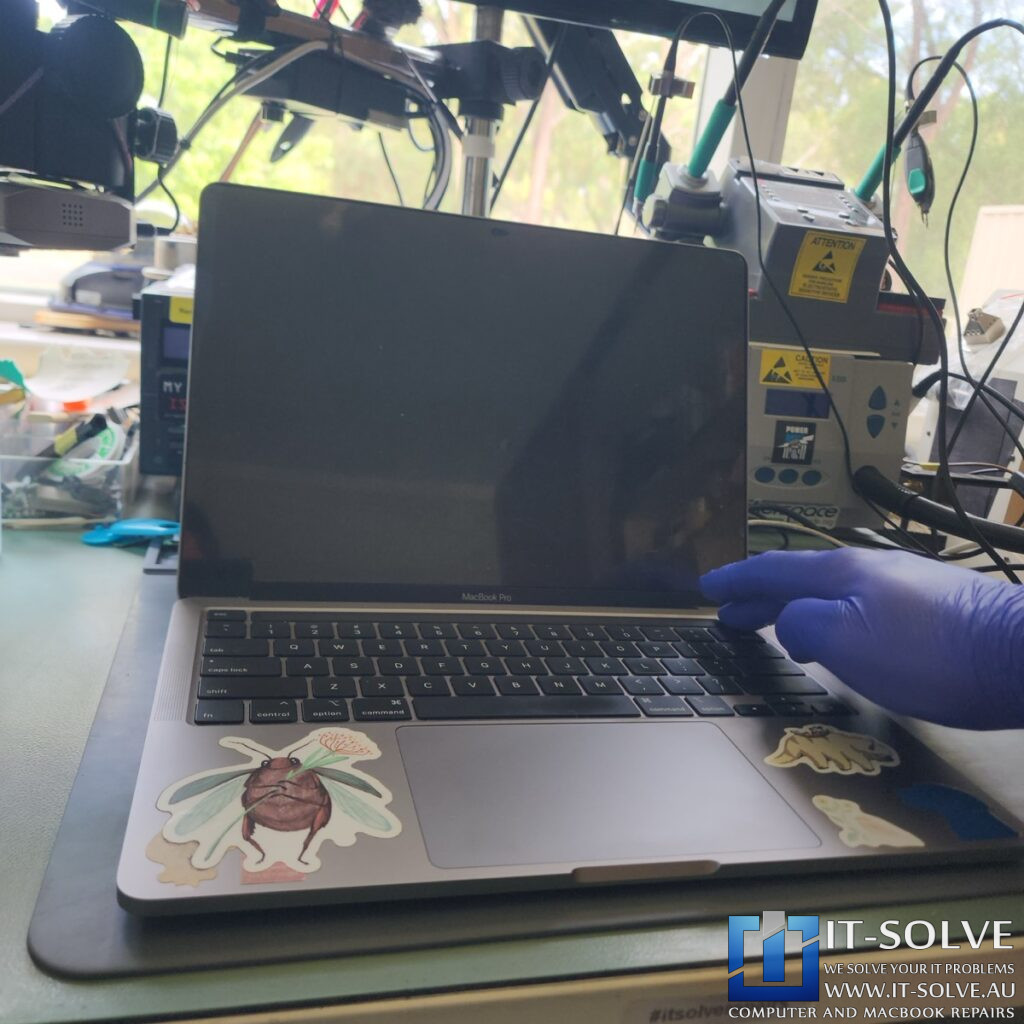
We have received a not turning on A2289 MacBook Pro under repairID #2322, which arrived at our workshop completely unresponsive. When we connected our USB-C meter, the system drew zero current, indicating a total failure in the power negotiation process. This lack of power draw typically points to a critical failure within the logic board’s security or power management systems.
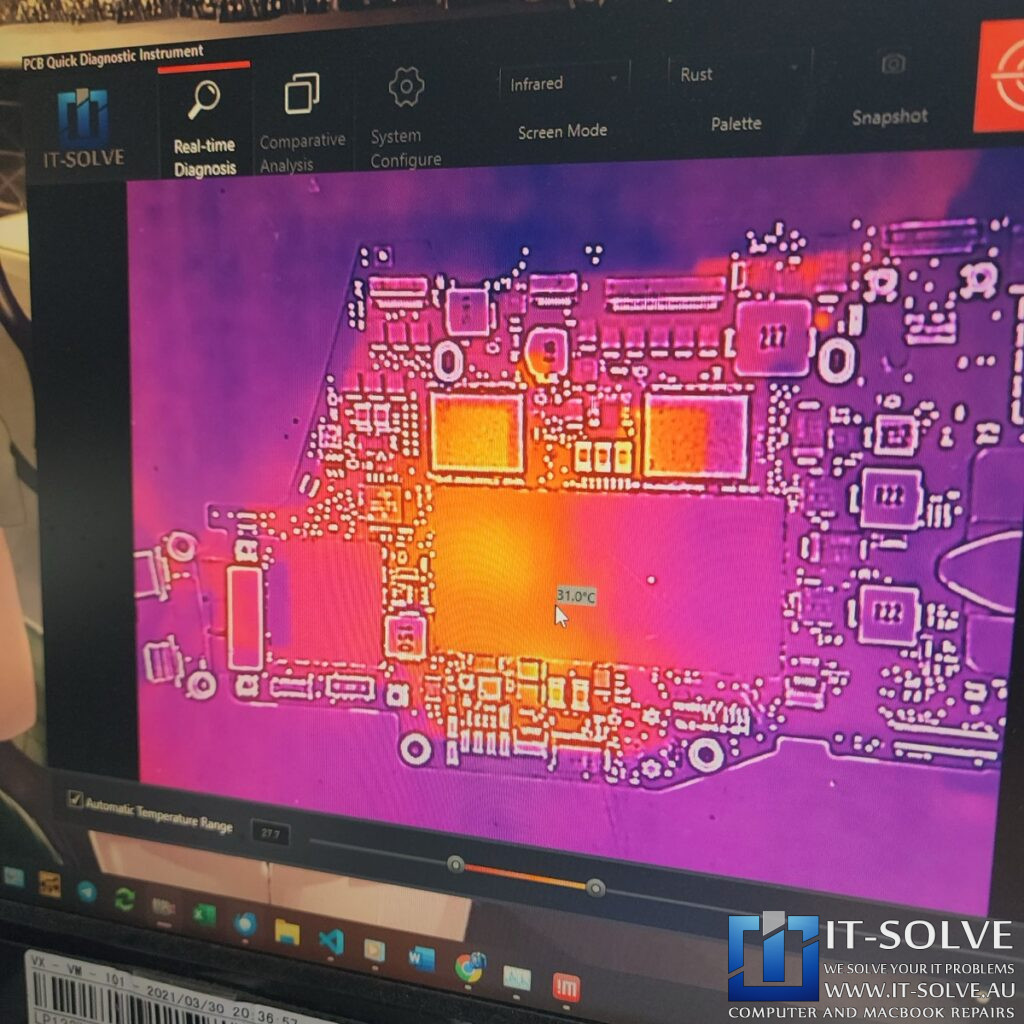
To identify the source of the failure, we used an infrared thermal camera to inspect the logic board under power. The thermal imaging immediately revealed that the T2 security chip was generating excessive heat. Consequently, this directed our focus toward a firmware or hardware issue specifically related to the security processor.
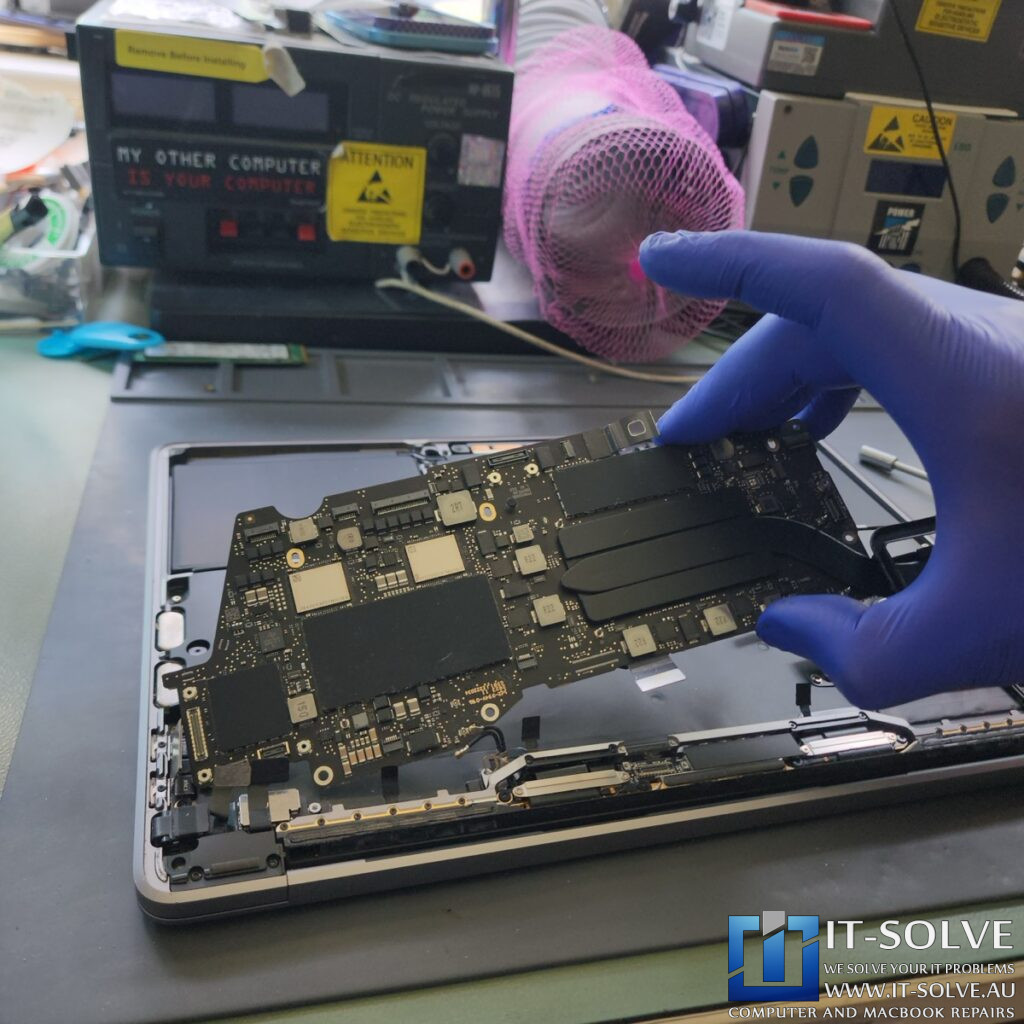
Identifying the T2 Chip Failure and Data Constraints
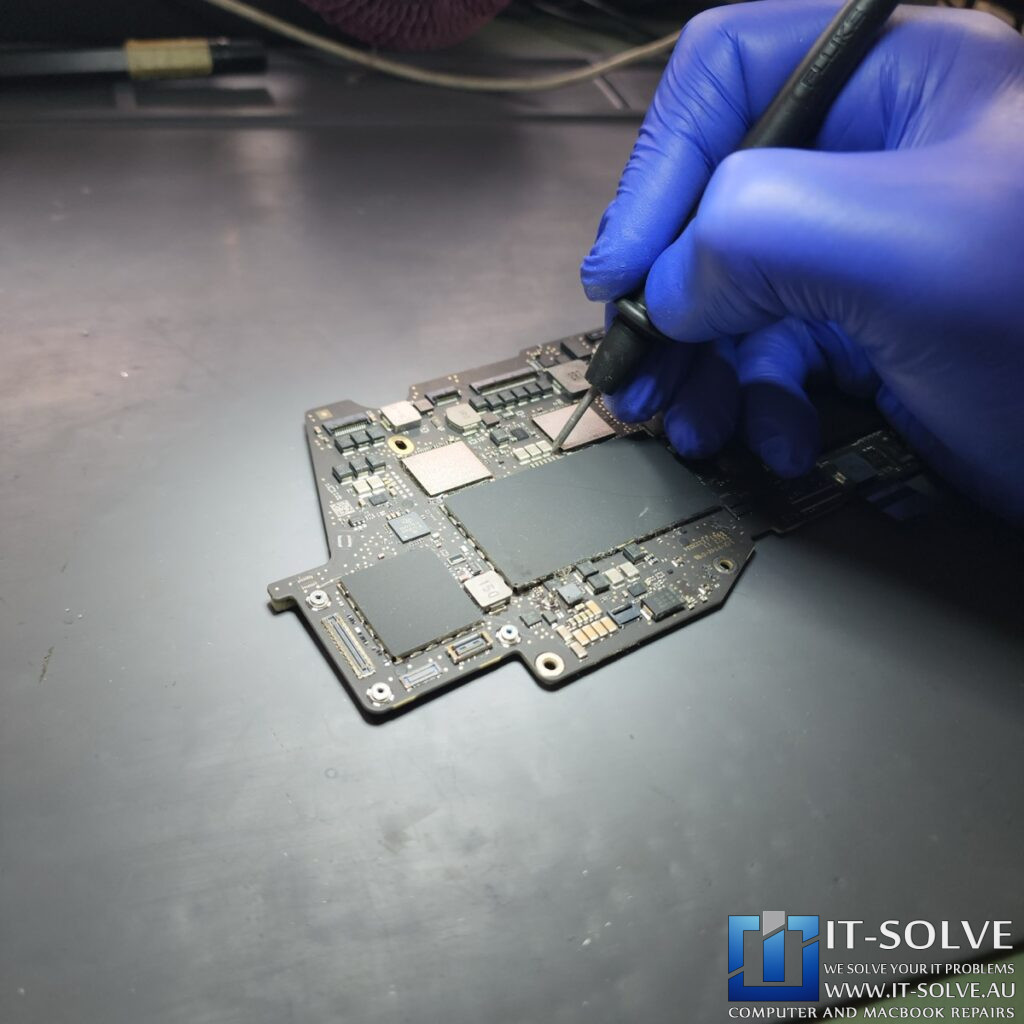
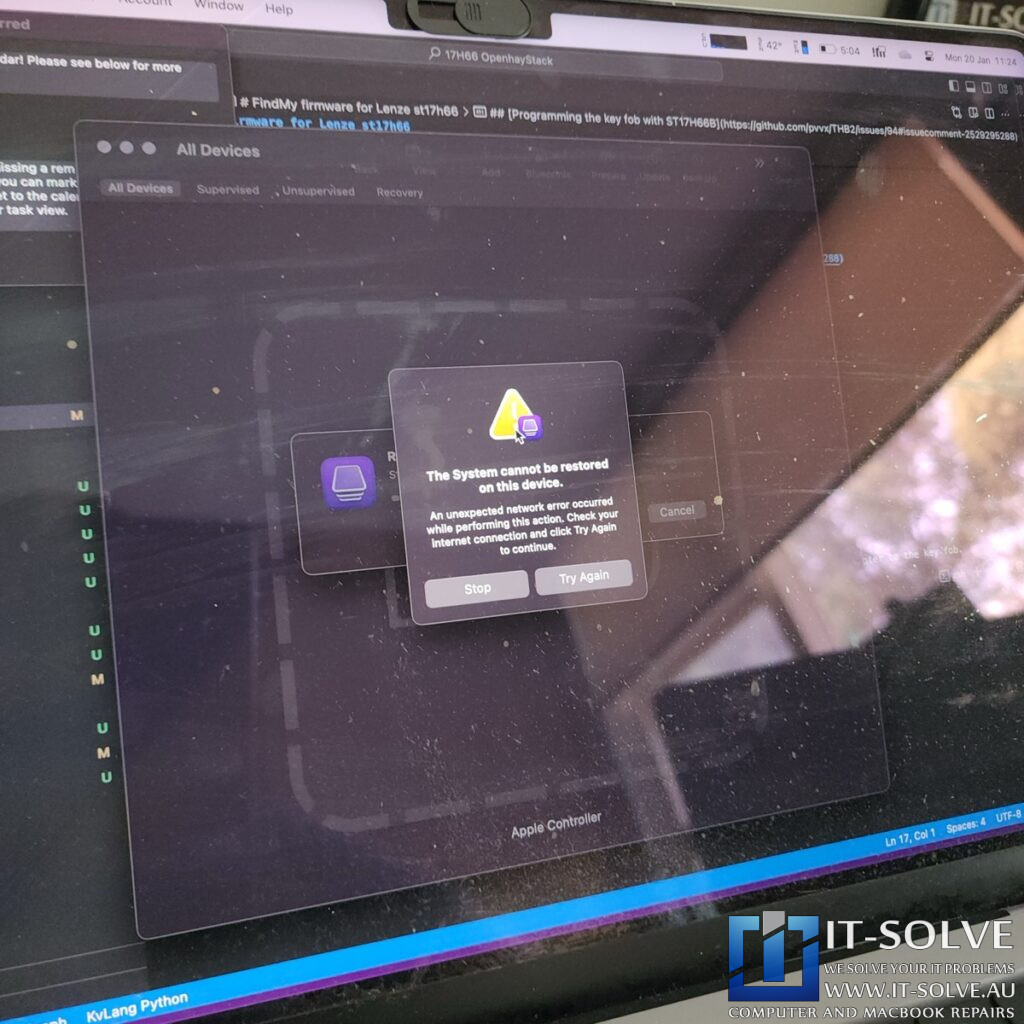
Upon further inspection, we found no signs of liquid damage, oxidation, or corrosion on the internal components. We attempted to rescue the device using DFU mode by shorting the specific DFU pins on the logic board. Although the MacBook successfully entered DFU mode, the “Revive” process—which attempts to fix the firmware without deleting files—failed to complete.
Because the revive failed, the only remaining option was a full BridgeOS restore. Unfortunately, this process wipes the internal SSDs, meaning we could not preserve the customer’s data in this specific instance. This type of corruption often occurs if a MacBook runs out of storage space during a software update or if a corrupted update file is downloaded.

Restoring System Functionality and macOS Ventura
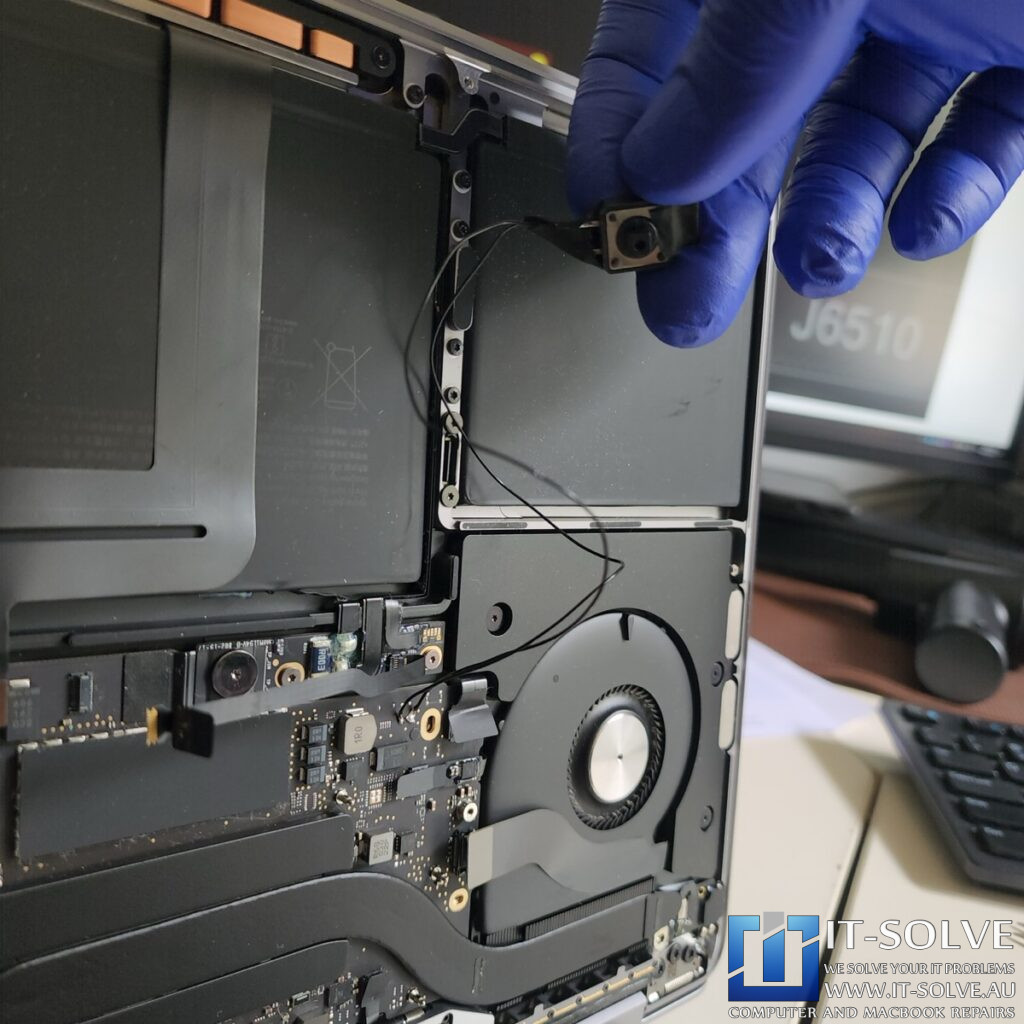
During this specialized MacBook Pro A2289 repair, we successfully restored the BridgeOS, which allowed the MacBook to finally fire up and connect to the internet. Instead of using the slow internet recovery method, we performed a clean installation of macOS Ventura directly through the DFU interface to save time. Once the source of the firmware “lock” was cleared, the hardware began functioning exactly as intended.
Furthermore, after the operating system was reinstalled, we verified that the MacBook was negotiating the correct voltage and pulling a healthy charging current. Although the device was restored to a working state, it remained on the activation lock screen. Consequently, the customer needed to enter their credentials to finalize the setup.
Successfully repaired Macbook Pro Not Turning On Repair
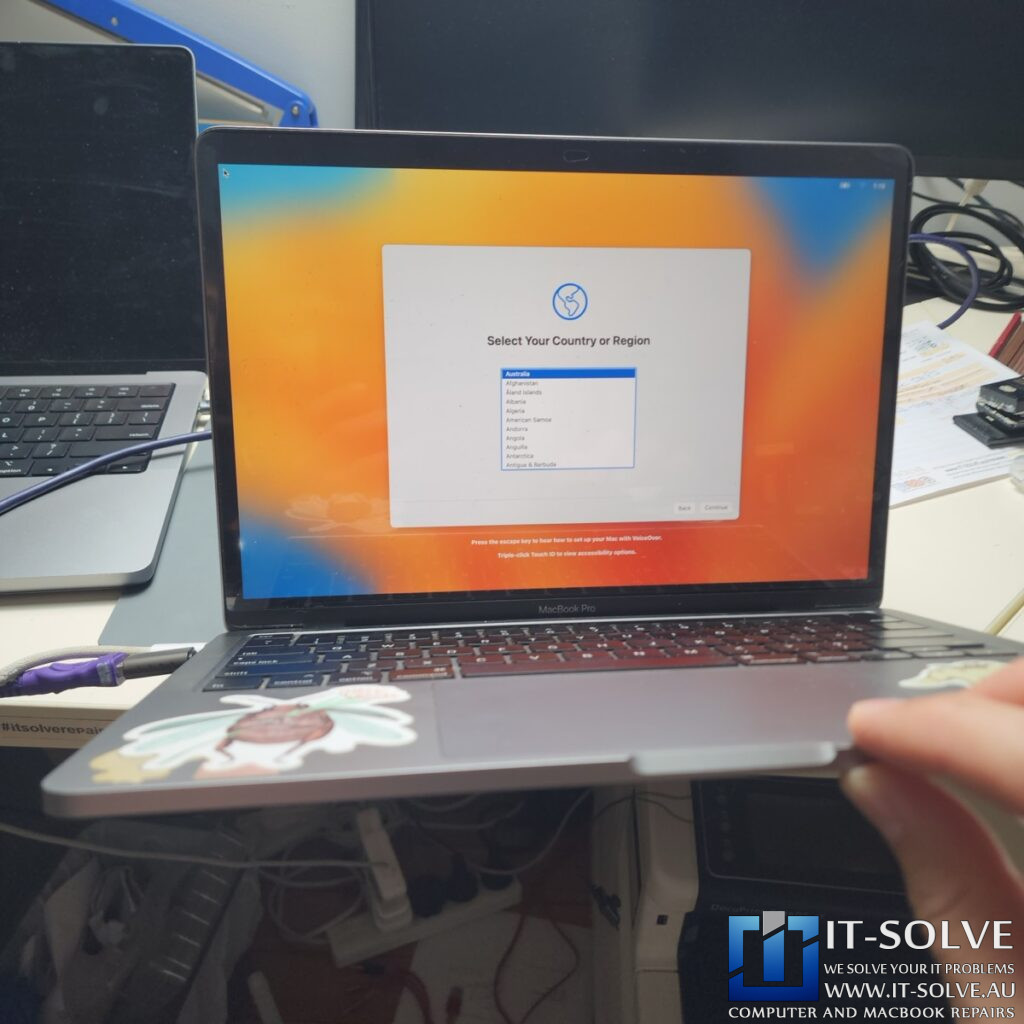
Once the firmware was restored and the OS reinstalled, the MacBook turned on and charged perfectly. We performed a comprehensive test of the system to ensure the charging ports and all secondary functions were fully operational. This successful restoration proves that even when a T2 chip appears “dead” or overheating, precision firmware intervention can bring the device back to life.
#itsolverepairs
We have created a social media video of this repair which can be found on our YouTube channel and other social medias! Look up #itsolverepairs and #2322 to watch the thermal imaging discovery of the overheating T2 chip and the firmware restoration process. We encourage you to nudge our team on social media to see more of our precision electronics work. For high-quality photos and updates, follow us on Instagram and Facebook.Find our social channel links here.
Adelaide’s Fastest Turnaround with Fixed Pricing

We take pride in our honest and transparent approach to MacBook repairs in Adelaide. At IT-Solve, we maintain a fixed pricing policy for all our services. Therefore, you can find our rates openly listed on our website with no hidden fees or surprises. We also offer one of the fastest turnaround times in South Australia to get your essential tools back to you as quickly as possible.
Needing a MacBook Pro A2289 Not Turning On Repair in Adelaide?
Is your MacBook stuck at 5V and refusing to turn on? You need a professional 2020 MacBook Pro A2289 not turning on repair. Check our fixed-rate Macbook Not Turning On Repair in Adelaide and book your service today. Additionally, have a look at our Macbook Not Turning On Repair cases online, also lookup #2322 to watch this case. We provide expert Macbook Repair solutions at a reasonable price right here in Adelaide!