

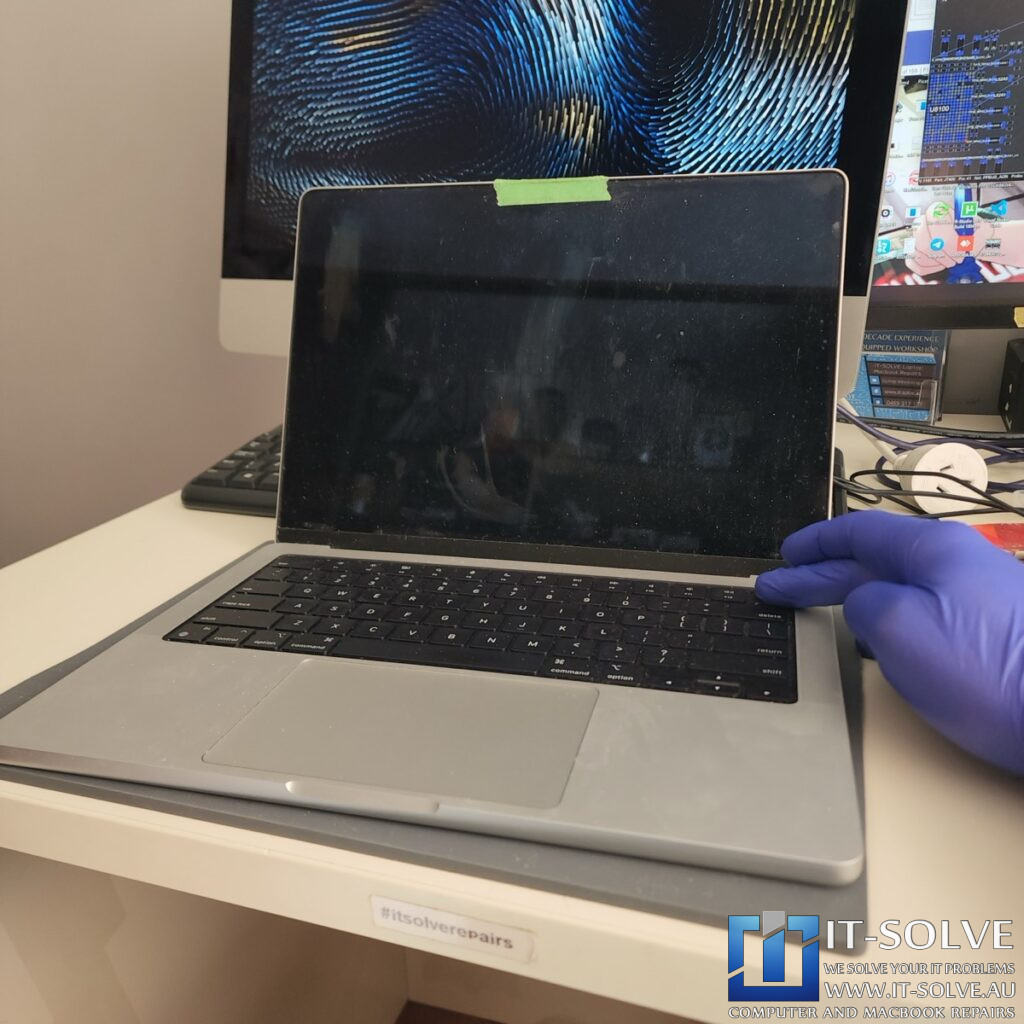
We are looking at a 2023 14-inch MacBook Pro, model A2779. The customer brought it in because the trackpad was not working, preventing them from logging in or using the machine.
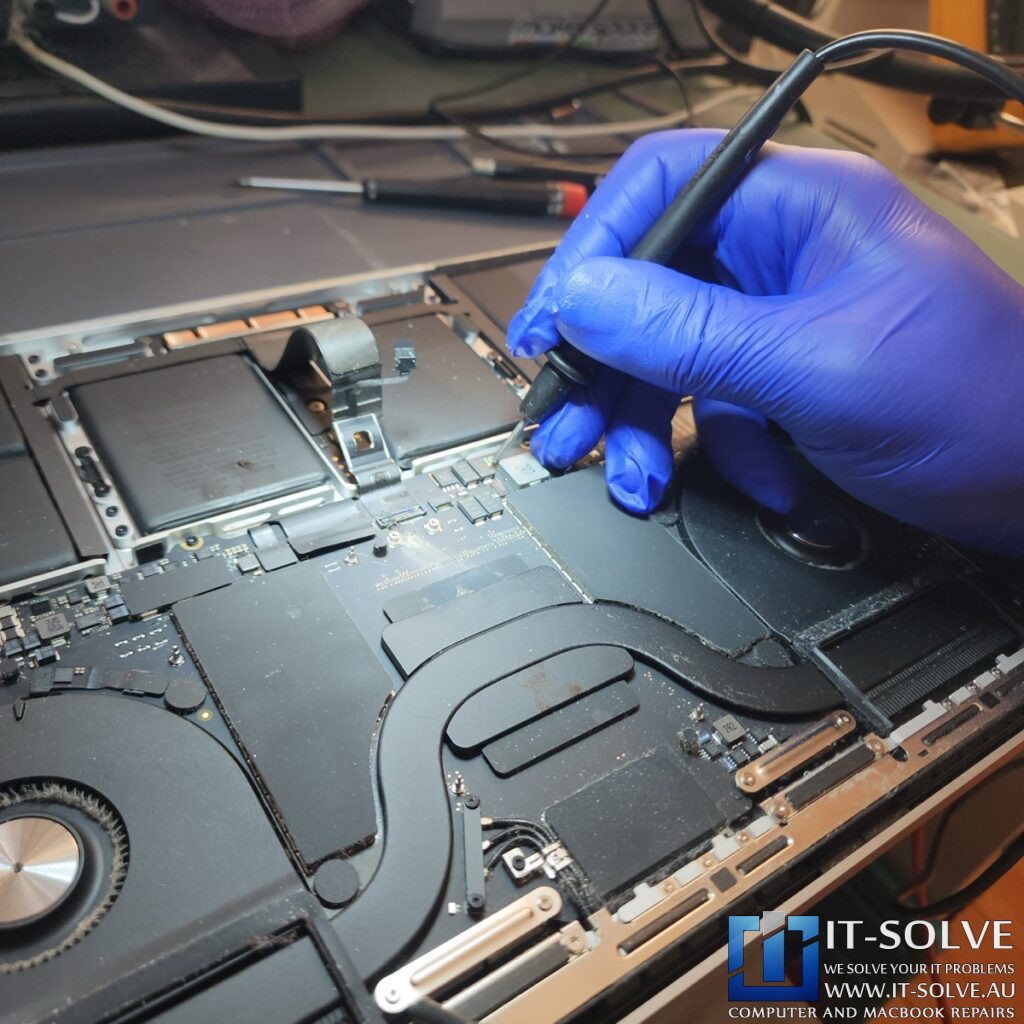
This was a liquid damage case, and as we warned the customer, these devices can fail at any moment. After we disconnected the trackpad, the machine stopped turning on. We found that the trackpad connector was completely melted and shorted, causing the PPBUS_G3H “Always On” rail to short to ground.
Logic Board Surgery
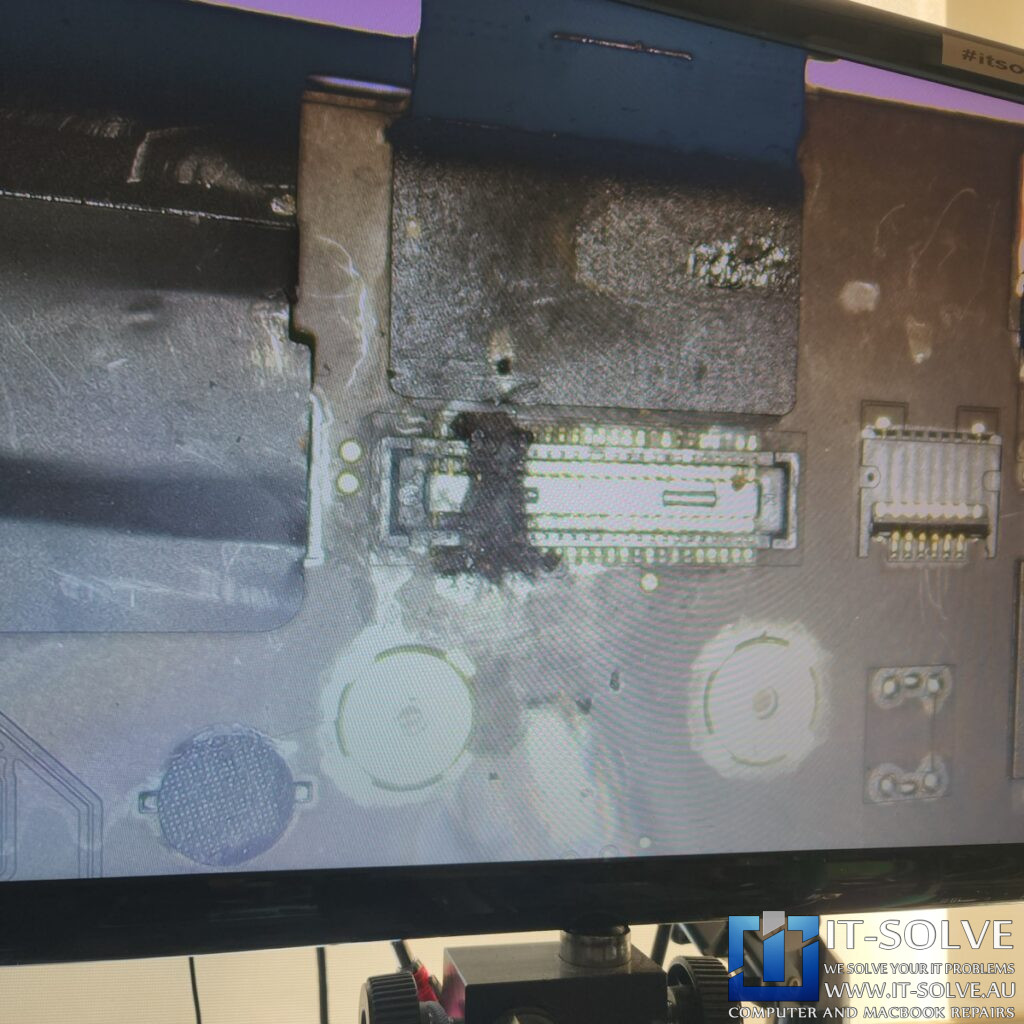
We had to perform intensive logic board surgery because the short circuit was so severe it burnt through the internal layers of the PCB. Even after removing the connector, the short remained because the carbonized PCB material—essentially charcoal—became conductive. We used voltage injection to locate the heat source inside the board layers. This required us to literally “dig a hole” and excavate the burnt material to separate the power planes.
Identifying and mitigating the Spark
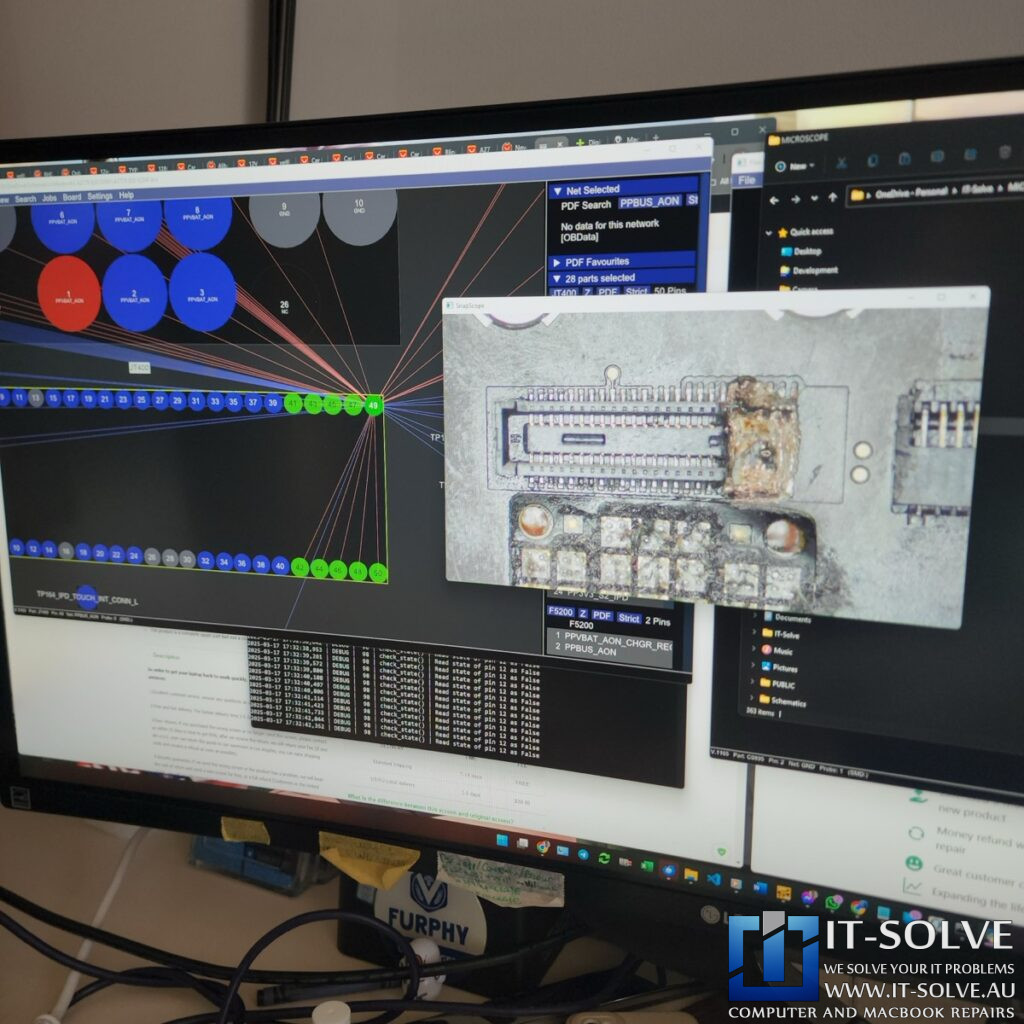
Under the microscope, we could see a small spark occurring within the board. This indicated a serious ongoing short circuit inside the MacBook’s structure. We had to continue digging into the substrate until we identified the exact area causing the failure.
Clearing the Short and Initial Power
The melted insulation layers between the power lines became much clearer during the excavation. One side of the traces appeared orange and clear, while the failed side was entirely black. By removing this “black bit,” we successfully cleared the short circuit, bringing power consumption down to a stable 0.2 amps. Although the machine initially refused to boot without a battery and the battery tracks were damaged, we eventually established a connection and successfully powered on the device.

Data Recovery in Recovery Mode
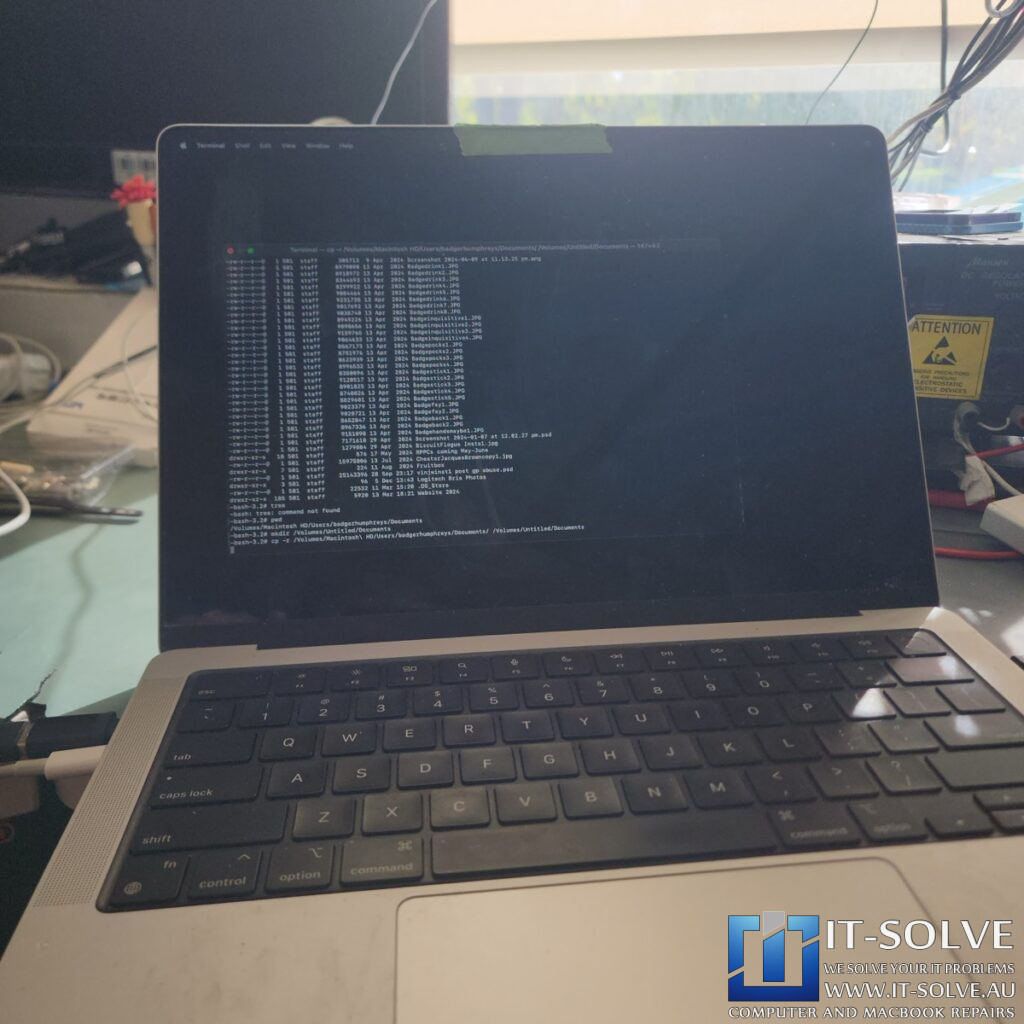
We successfully booted the machine into recovery mode. The fans ran at full speed because the disconnected trackpad triggered a sensor error, but we bypassed the failed input devices using a USB mouse and keyboard. We were able to see the “Macintosh HD” volume and located the customer’s critical “Website 2024” folder. We then initiated a data transfer to an external flash drive.
Final Verification of Components
Once the data transfer was complete, we saved the most important files for the customer. We then inspected the rest of the board to determine if it was viable for a full restoration or just data recovery. The “crater” we excavated remained stable, and the voltages held steady. While the board is physically compromised, it functioned reliably enough to secure the customer’s information.
Conclusion and Lessons
Repair case #2440 is a perfect example of why liquid damage requires immediate professional attention. What began as a trackpad issue escalated into a catastrophic board-level short that nearly killed the machine. Through aggressive board repair, we saved the data. Although Macbook was not repairable, we managed to recover the data after such a dissasterous liquid damage. If you experience a spill, do not wait for the Macbook to stop working.
#itsolverepairs We have created a social media video of this repair! Look up #itsolverepairs and #2440 to watch the discovery of the failed components and the full internal restoration. You can see the difference a professional service makes on a modern machine. We encourage you to nudge our team on social media to see more precision electronics work. For high-quality photos and updates of this and other cases, follow us on Instagram and Facebook. Check our Social Media channels
Needing a MacBook Data Recovery in Adelaide?
Are you facing a similar issue with your device? You need a professional specialist for MacBook Data Recovery in Adelaide. Check our fixed-rate Macbook Data Recovery in Adelaide and book your service today. Additionally, have a look at our Macbook Data Recovery cases regarding our recent success stories. We provide expert electronic solutions and data preservation at a reasonable price right here in Adelaide!