

Diagnosing a Slow iMac with Forbidden Sign
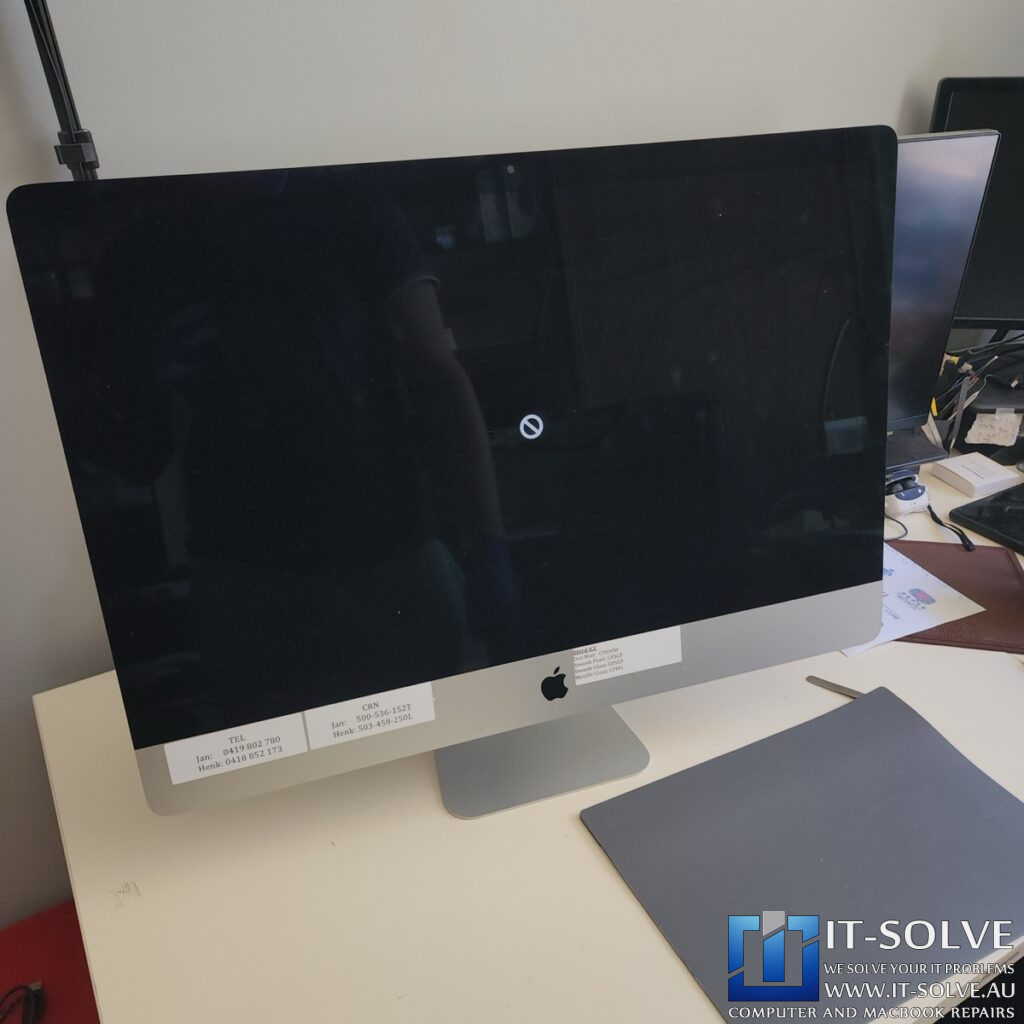
A professional 27″ iMac forbidden sign on boot repair was necessary for this 2019 5K model which arrived stuck on a black screen after taking ages to load (RepairID #2261). When a Mac shows the forbidden symbol, it indicates that the system has found a bootable operating system but cannot use it due to a critical communication error or a failing drive. At IT-Solve in Adelaide, we often see these symptoms in machines used for heavy workloads, where the internal storage has reached its physical limit.
27″ iMac Forbidden Sign on Boot Repair – Fusion Drive Failure
High-Pressure Video Production and Drive Wear
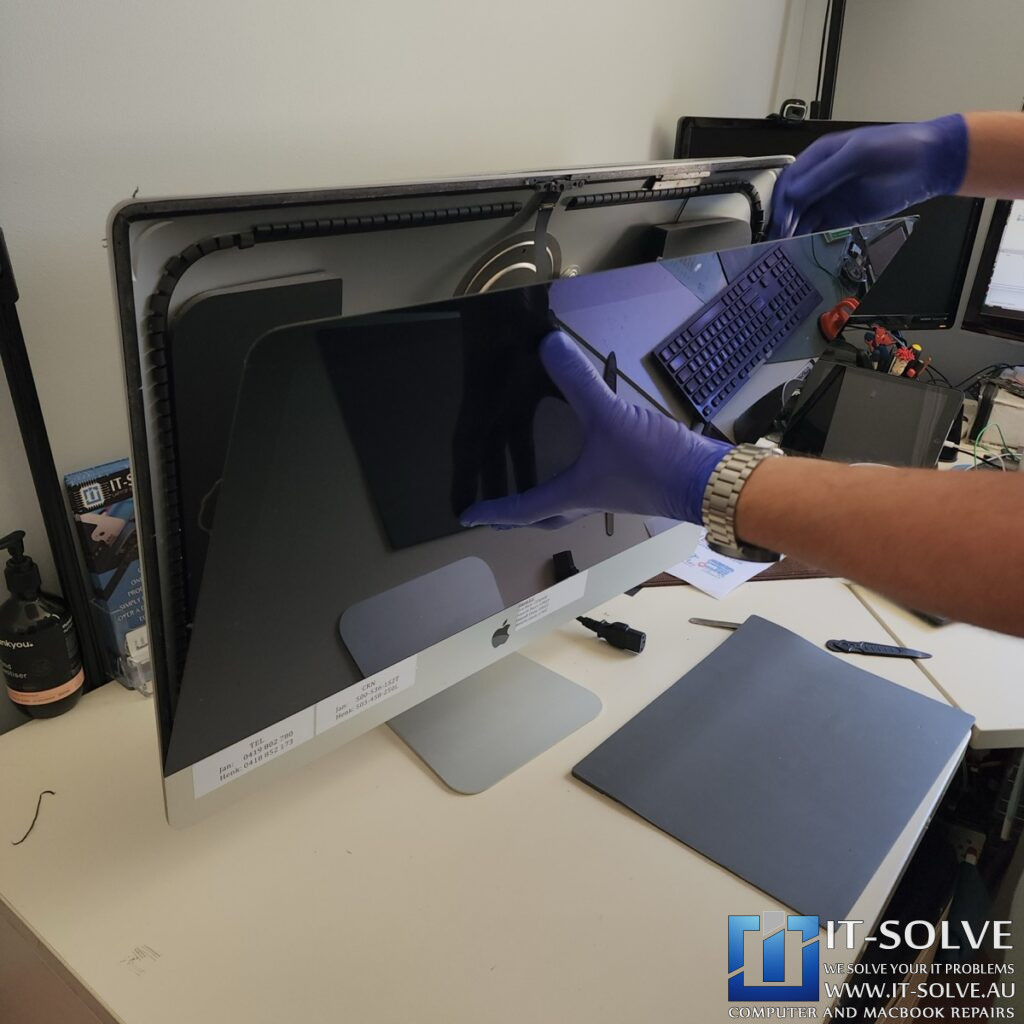
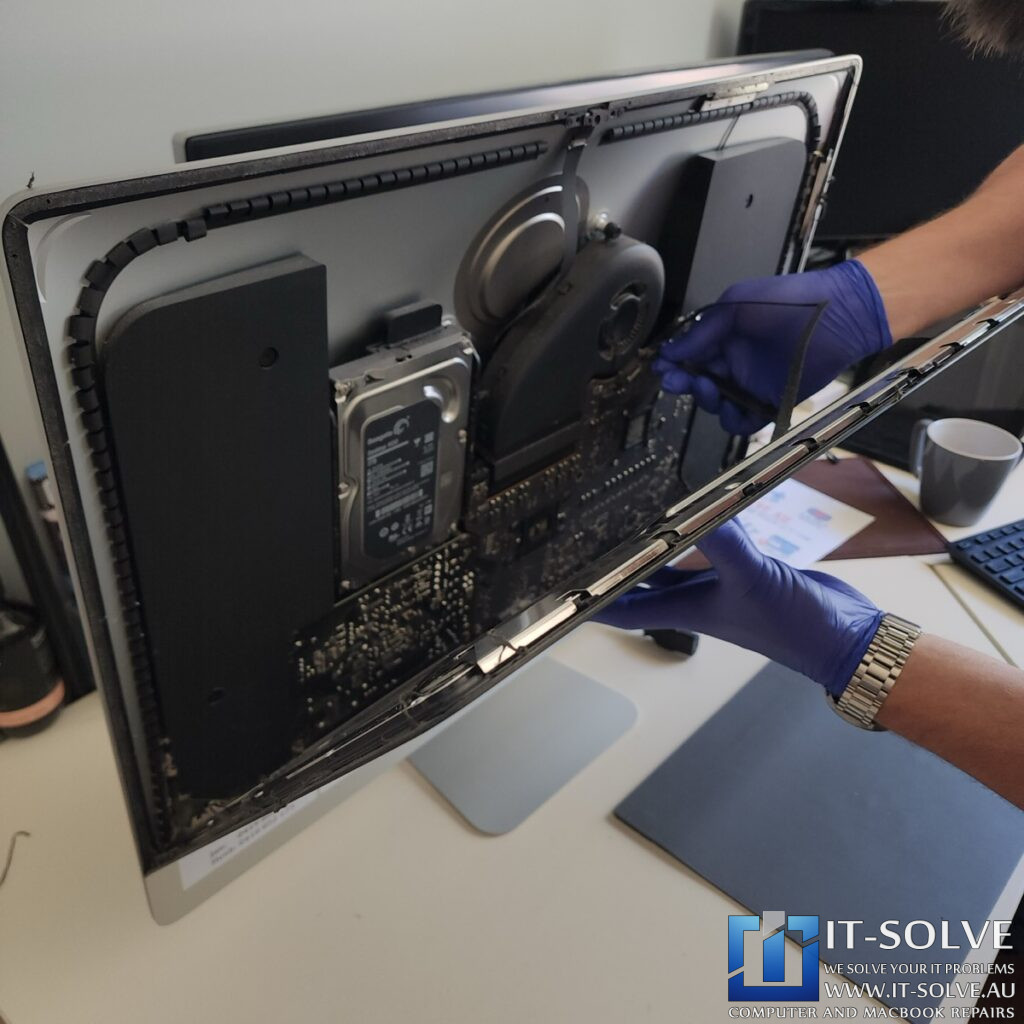
Once we carefully separated the glued-in screen from the iMac base, we revealed the internal Fusion Drive. As the customer was using this iMac for high-end video production, it was constantly processing massive amounts of photos and videos.
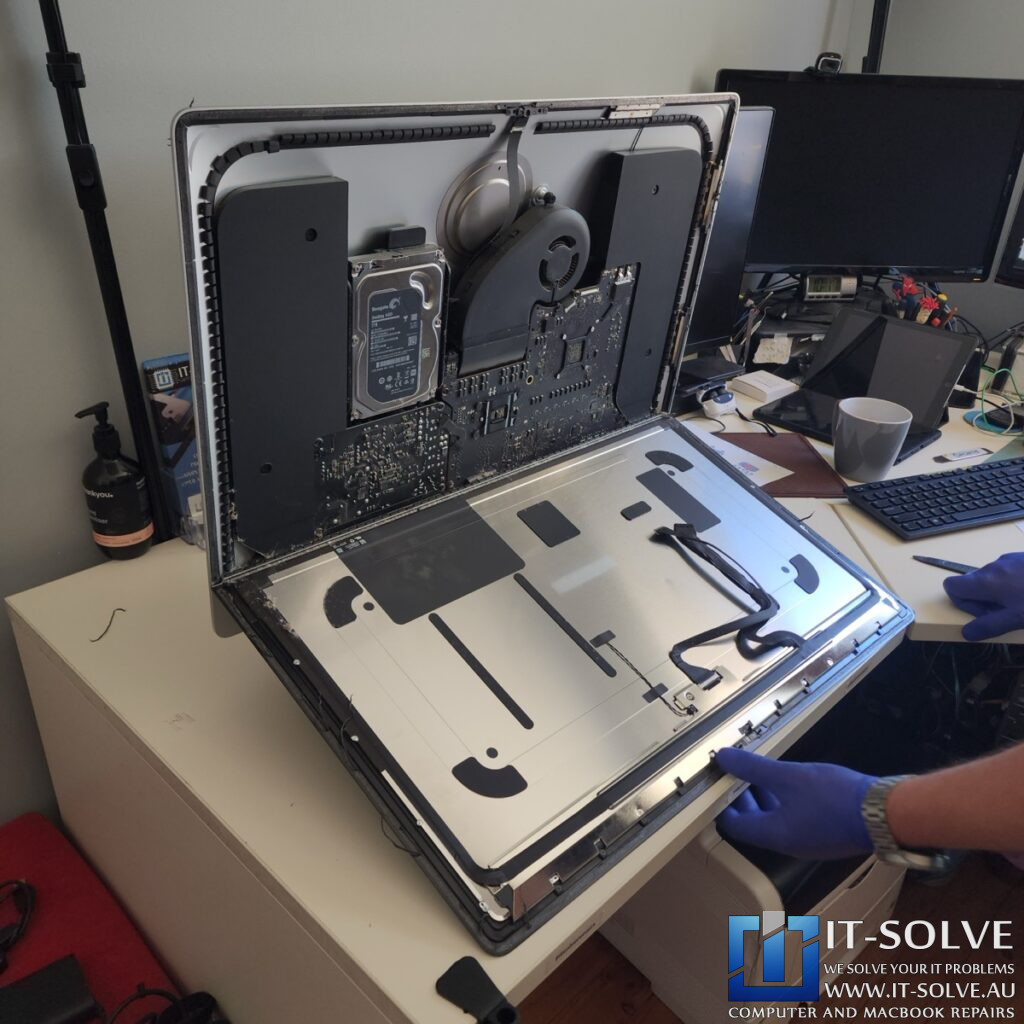
This workflow applies enormous pressure to a hybrid drive, wearing it out significantly faster than standard use. To resolve this 27″ iMac forbidden sign on boot repair, we offered to upgrade the storage to a much larger capacity than the stock 1TB drive.
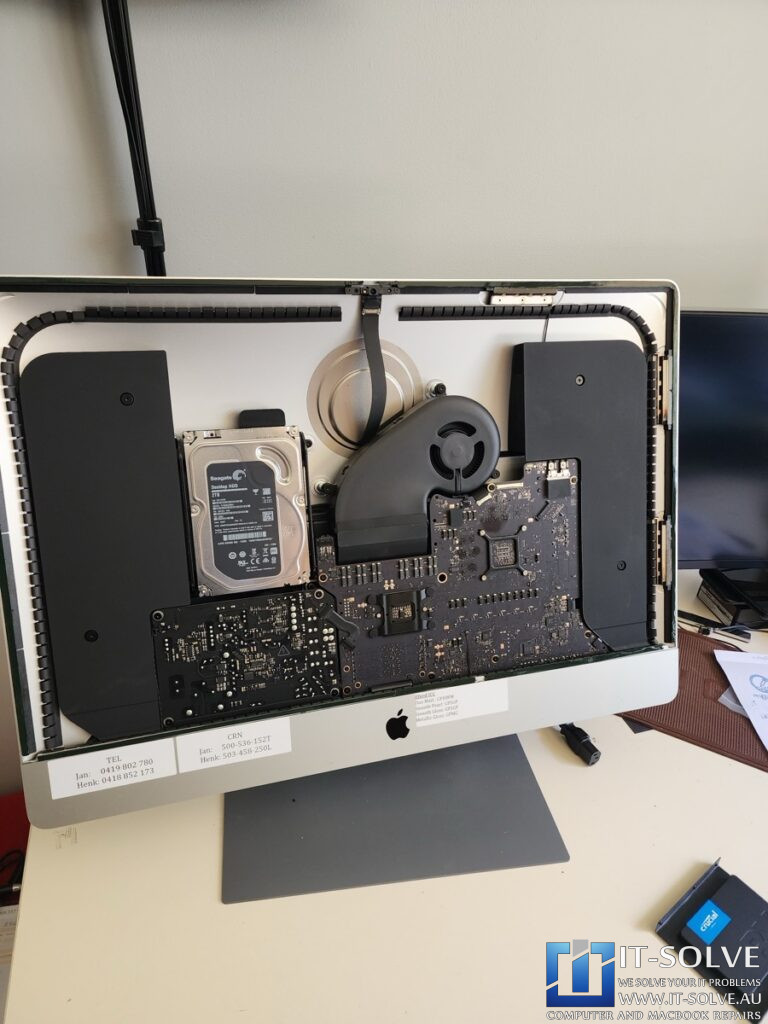
The beauty of these older generation iMacs is their modular design; we can remove the aging mechanical components and replace them with a generic SATA-based drive.
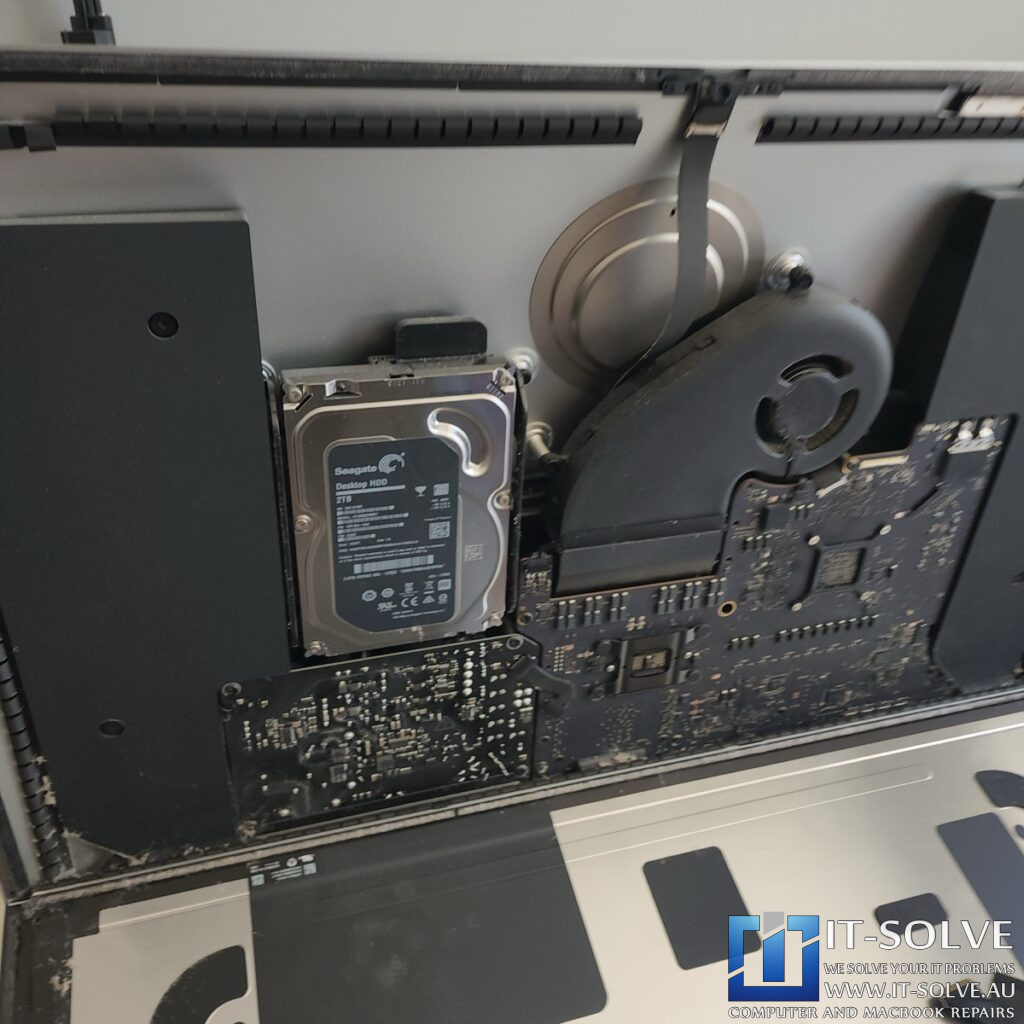
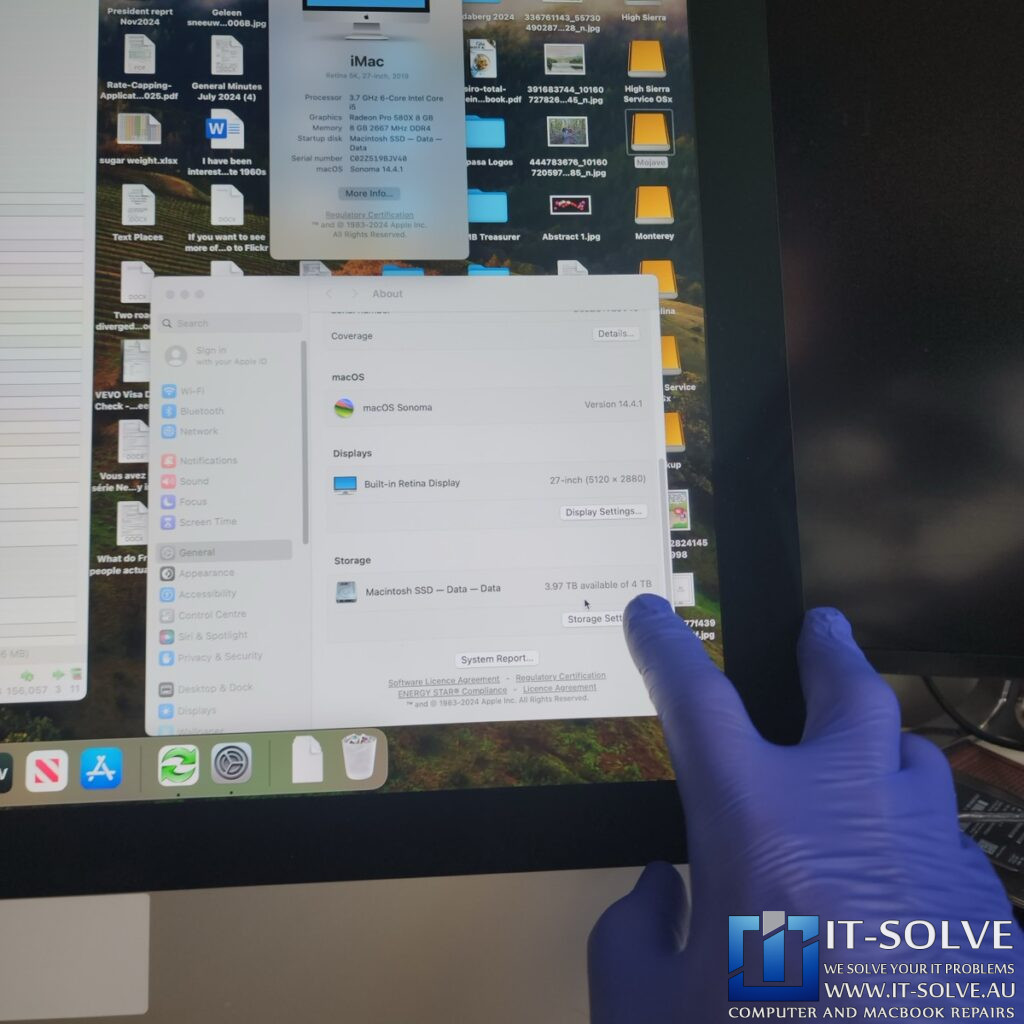
To ensure maximum speed and reliability, we replaced the failing Fusion drive with a high-performance 4TB Micron SSD. These drives are top-of-the-series, capable of running newer operating systems like macOS Monterey much smoother while providing vast storage for professional creative work.
Premium Technical Skills vs. Apple’s Planned Obsolescence
This repair highlights the “IT-Solve advantage” in Adelaide. Apple has moved away from this modular philosophy, shrinking screens and soldering components to force users into a cycle of constant replacement. A new machine with this level of storage would cost approximately $5,000, and Apple no longer even offers the beloved 27″ 5K Retina display. By performing this 27″ iMac forbidden sign on boot repair, we saved a premium workstation from the scrap heap. This helps the regular Aussie professional who needs a reliable tool without the multi-billion dollar price tag of a forced upgrade.
27″ iMac Forbidden Sign on Boot Repair Successfully Completed
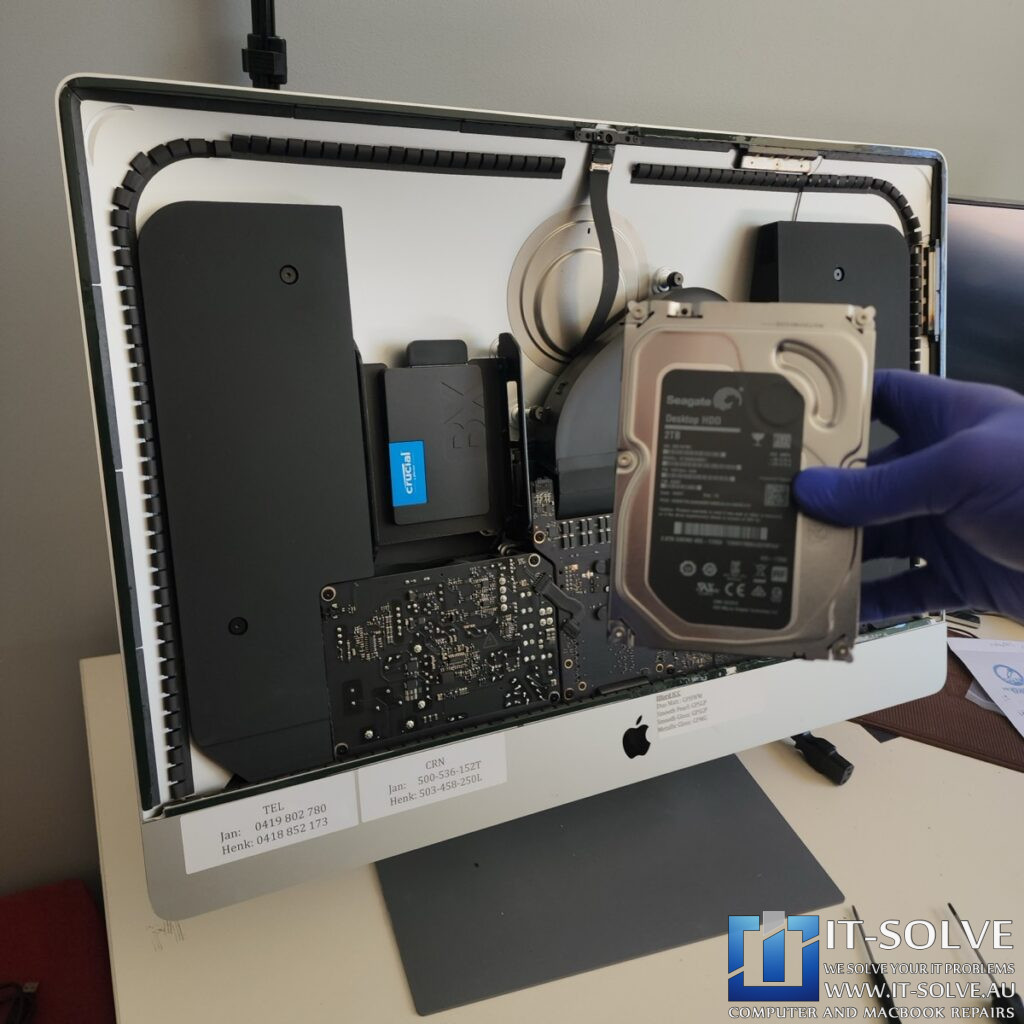
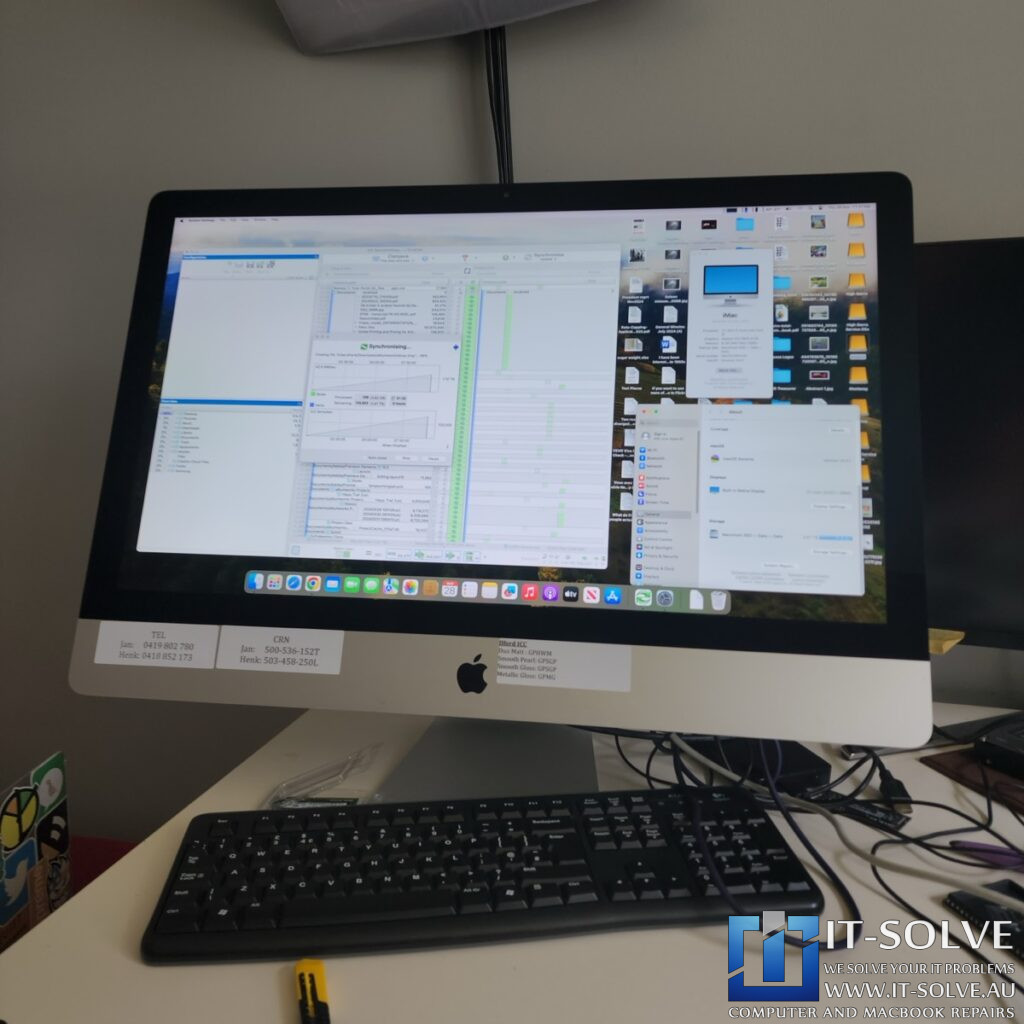
Luckily, the original drive was just responsive enough for us to access the data. Because the customer didn’t keep pushing the weak drive by repeatedly turning it on and off, we were able to successfully recover and transfer all files to the new 4TB SSD. After installing macOS Sonoma and reassembling the unit, the iMac returned to full health—faster and more capable than the day it was first unboxed.
#itsolverepairs
We have added photos of this specific storage overhaul to our socials! Look up #itsolverepairs and #2261 to see the internal Fusion drive replacement and the upgrade to a massive 4TB Micron SSD. We encourage you to nudge our team on social media to see how we keep these 27″ 5K legends running. For in-depth videos, check our YouTube channel. For high-quality photos, hook us up on Instagram and Facebook.Find our social channel links here.
Adelaide’s Fastest Turnaround with Fixed Pricing
We take pride in being the best at these iMac repairs in Adelaide. At IT-Solve, we maintain a fixed pricing policy, meaning all our prices are openly listed on our website with no surprises during the repair process. We also offer one of the fastest turnaround times in South Australia, ensuring your production studio is back up and running as quickly as possible.
Professional 27″ iMac Forbidden Sign on Boot Repair in Adelaide
If your iMac is running slow, showing a forbidden sign, or running out of space, you need a professional 27″ iMac forbidden sign on boot repair. Check our fixed-rate iMac Repair in Adelaide and book your service today. Additionally, have a look at our iMac Repair cases online regarding #2261. We provide high-quality storage solutions at a reasonable price here in Adelaide!